GE Voluson E10 Training Manual
© 2017 Conquest Imaging
If Send sequ. is checked and the Scan Assistant is activated:
The sequentially “send order” of the images (first, second …) is
derived from the check item order as configured in the setup
page (first item, second item …).
If more than one image is available on a check item the send
order is defined by the store date (first stored, second stored
and so on…).
If more than one checklist is available: order as configured in
the setup page.
If more than one checklist group is available: order as
configured in the setup page.
Images stored without check item: send order: date, after the
checklist items.
If the Scan Assistant is deactivated it causes all data to be sent
to this server sequentially. This means that only one transfer is
active to this server at a time. If one transfer fails, all
subsequent transfers are stopped until the failed transfer
succeeds or is removed from the queue.
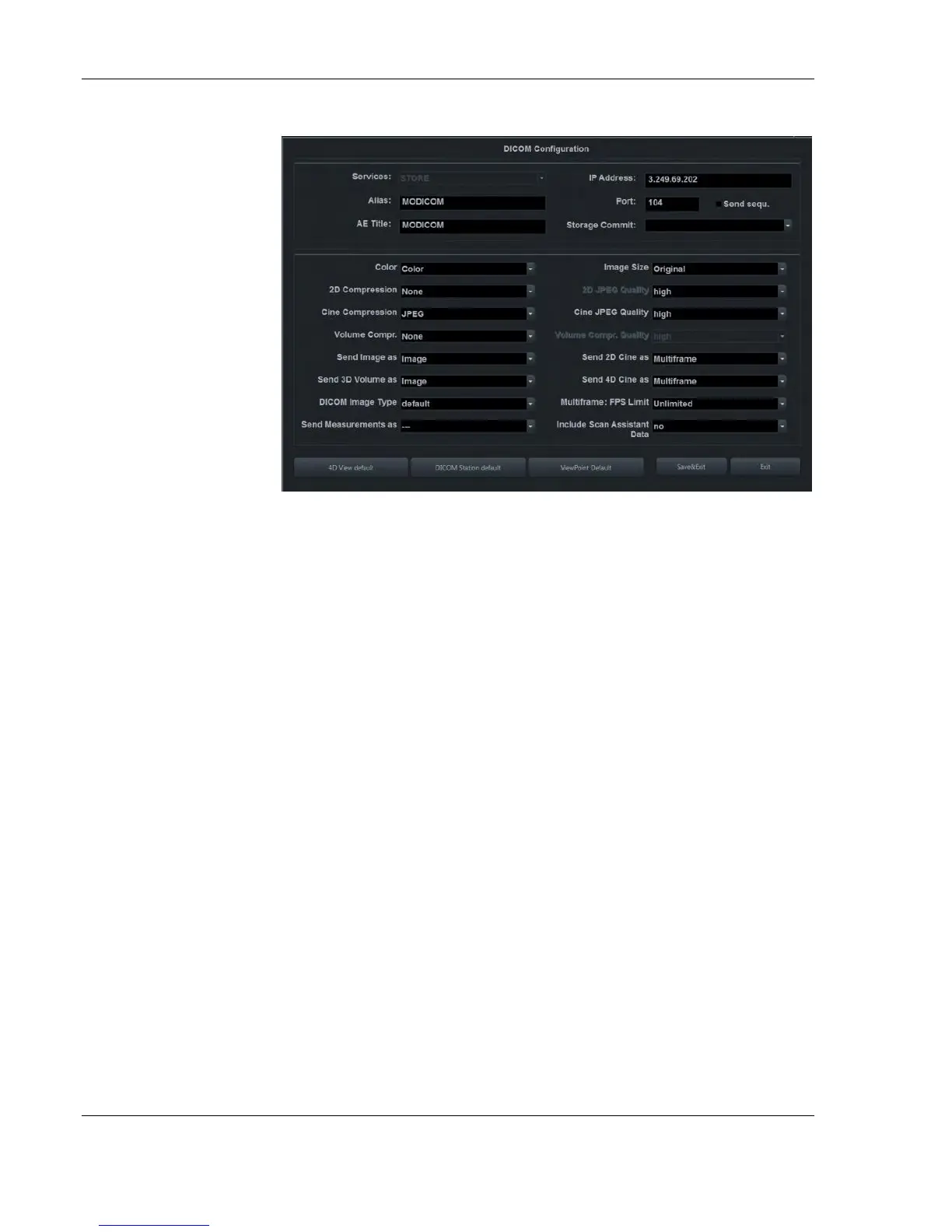
STORE / STORE3D
Screen
Note:
2D JPEG Quality is only
active when 2D
Compression is set to
JPEG.
Cine JPEG Quality is only
active when Cine
Compression is set to
JPEG.
Volume Compr. Quality is
only active when Volume
Compr. is set to lossy.
Use for servers that
cannot handle multiple
associations, or do not
sort the images by Image
Number.



 To Next Page