GE Voluson E10 Training Manual
© 2017 Conquest Imaging
3. Back End processor is turned ON and starts to load the software.
4. The start screen is displayed on the monitor.
5. Start-up progress bars indicating software loading procedures, are
displayed on the monitor.
6. The software initiates and sets up the FrontEnd electronics and the
rest of the system (incl. clicking sound of relays on RTF board).
7. The keyboard backlight is lit.
8. As soon as the software has been loaded, the 2D screen is
displayed on the monitor.
Normal Power Off / Shutdown
To shutdown the system:
1. If not already in read mode, freeze the image.
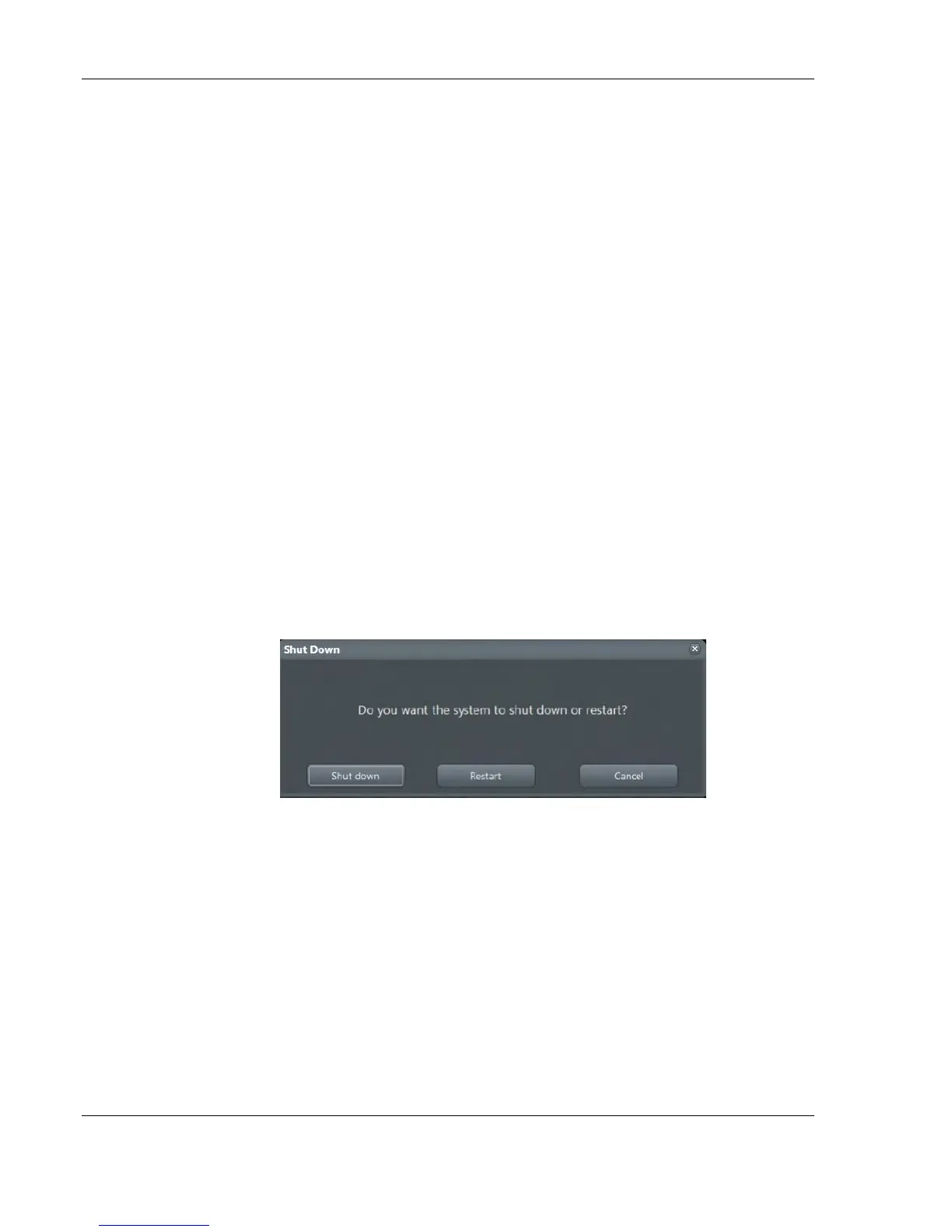
2. Press the ON/OFF Standby button on the control console. Following
dialog appears:
3. Select Shutdown. The system performs an automatic full shutdown
sequence.
4. Switch OFF the circuit breaker at the rear of the system.
Temperature Control
BTU Info
The main air inlet is through a single filter at the rear of the Voluson
E-Series system:
Note After turning off a
system, wait at least 10
seconds before turning it
on again. The system may
not be able to boot if
power is recycled too
quickly.
A full shutdown is also
performed when pressing
the ON/OFF standby
button on the control
console twice.



 To Next Page