GE Voluson E10 Training Manual
© 2017 Conquest Imaging
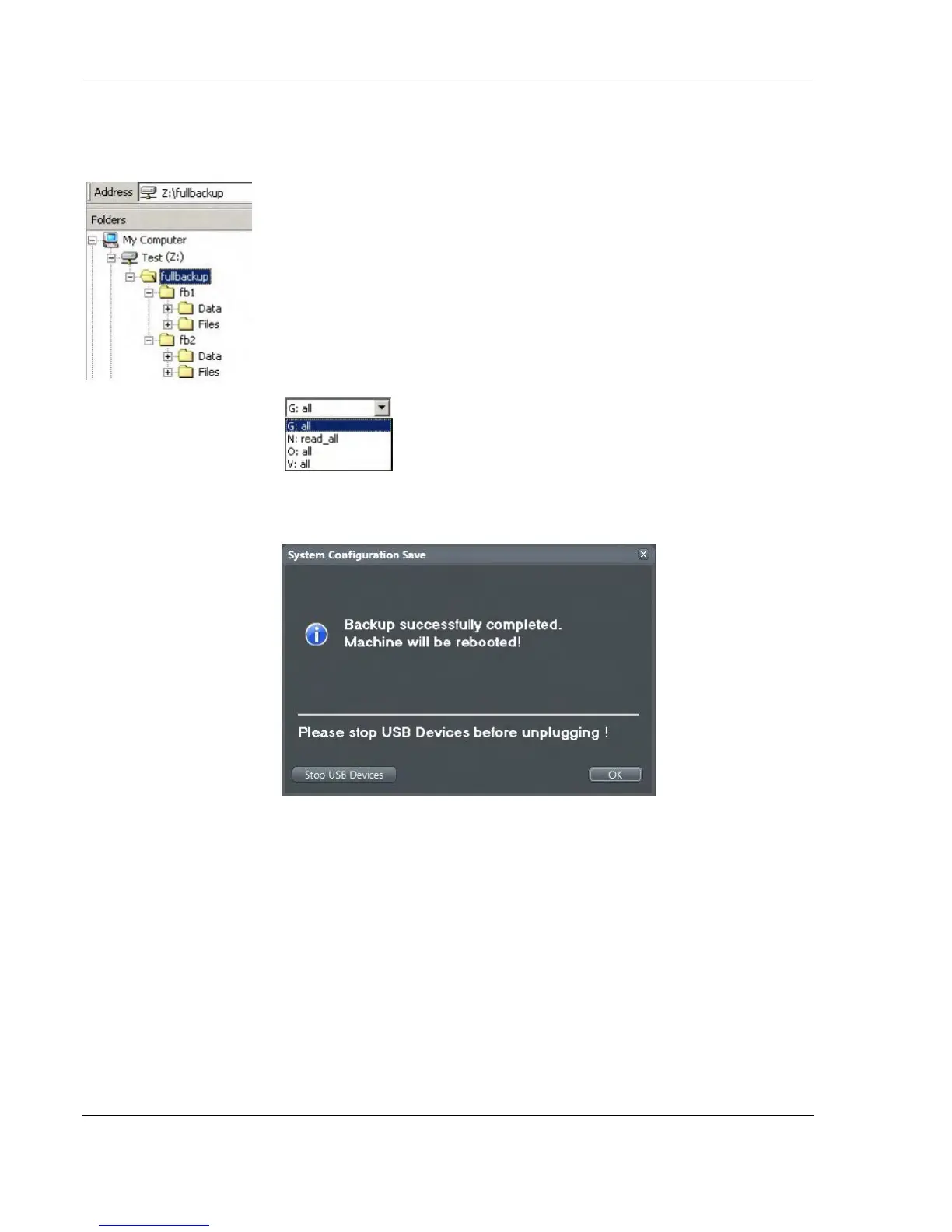
The directory structure of the full backup data is as follows:
The sub folders have the names fbX where X is a number (e.g.,
Z:\fullbackup\fb1).
The data resides within a directory structure within these sub folders.
It is possible to move the fbX sub folders, even leaving gaps in the
numeration sequence.
However, NO change MUST be made to the contents of the fbX
folders itself, otherwise the backup data cannot be restored!
If the destination “Other drive“ is selected, the
available drives (e.g., external USB-memory stick)
can be chosen from the pull-down menu.
When the backup is saved to an external USB-device, the system has
to be informed about the removal of the hardware.
This is why every "Full Backup Save" and "Full Backup Delete" dialog
has a Stop USB Devices button.
External USB-Devices
USB sticks should not have any auto install software on it. Always
erase any software from the device first by formatting it on a desktop
PC prior to using it unless you are absolutely certain that the device is
completely blank.



 To Next Page