GE Voluson E10 Training Manual
© 2017 Conquest Imaging
Module 5 Preventive Maintenance
Preventive maintenance procedures are very important in a clinical
setting. Be sure to follow the health care facilities documentation
procedures.
System Backup
System backup is very important. Backup the system anytime you are
in front of it! Your backup is not complete without printouts!
The Backup/Restore function enables the user to:
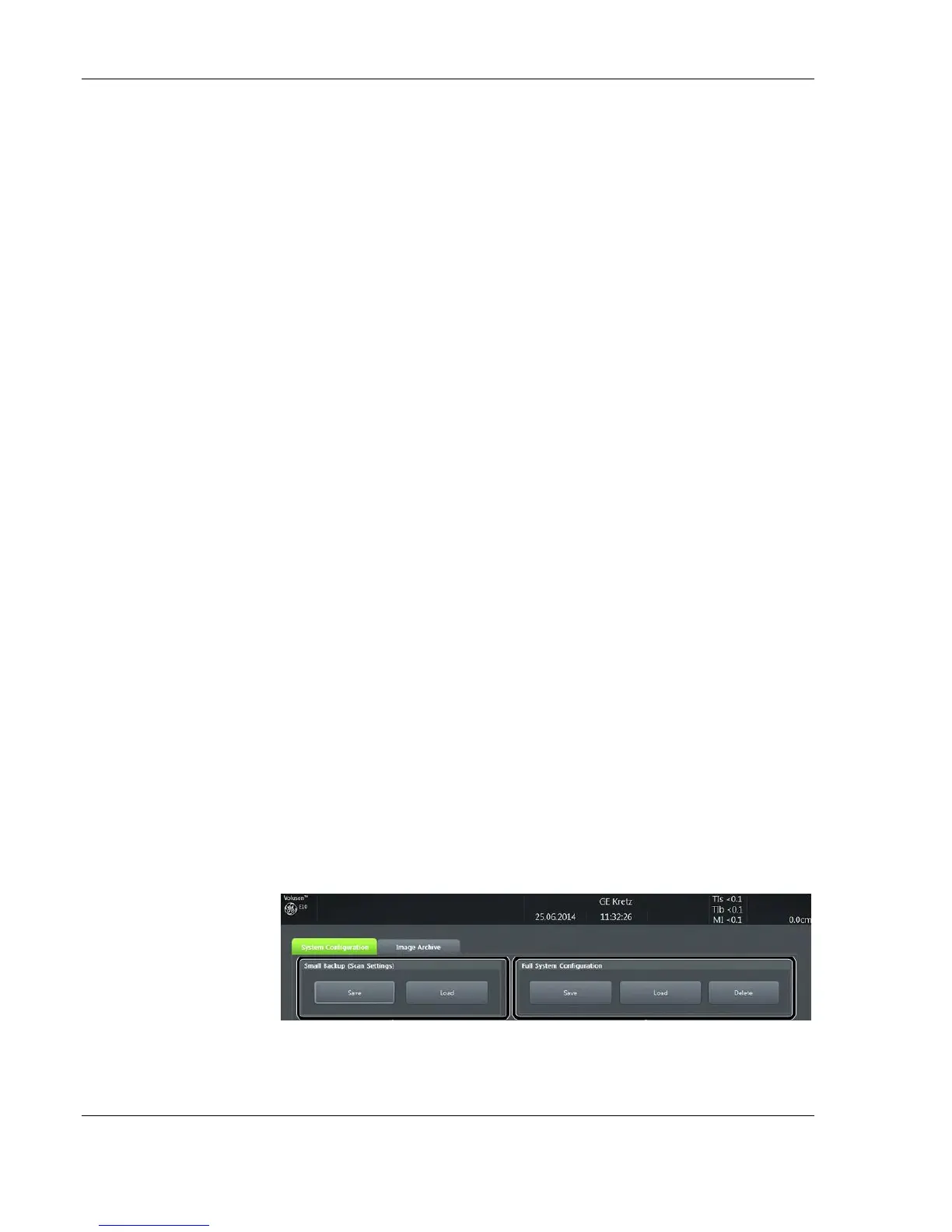
Copy/Restore the system configuration. System Configuration
has two options:
1. Small Backup (Scan Settings)
2. Full System Configuration
Copy/Restore the patient archive.
Backup/Restore Database, Presets and Images
To access backup/restore:
1. Press the Utilities key on the control console.
2. In the “Utilities” menu touch the Setup button to invoke the setup
desktop on the screen.
3. On the right side of the screen select Backup and then click the
System Configuration tab.
Settings and/or Full System Configuration can be saved to the
following destinations:
To minimize accidental
loss of data, perform
backup of the patient
archive stored on the local
hard drive at least once a
week.
Note It is highly
recommended to Backup
the Full System
Configuration and the
Image Archive at least
once a week.
Backup - SYSTEM
CONFIGURATION



 To Next Page