GE Voluson E10 Training Manual
© 2017 Conquest Imaging
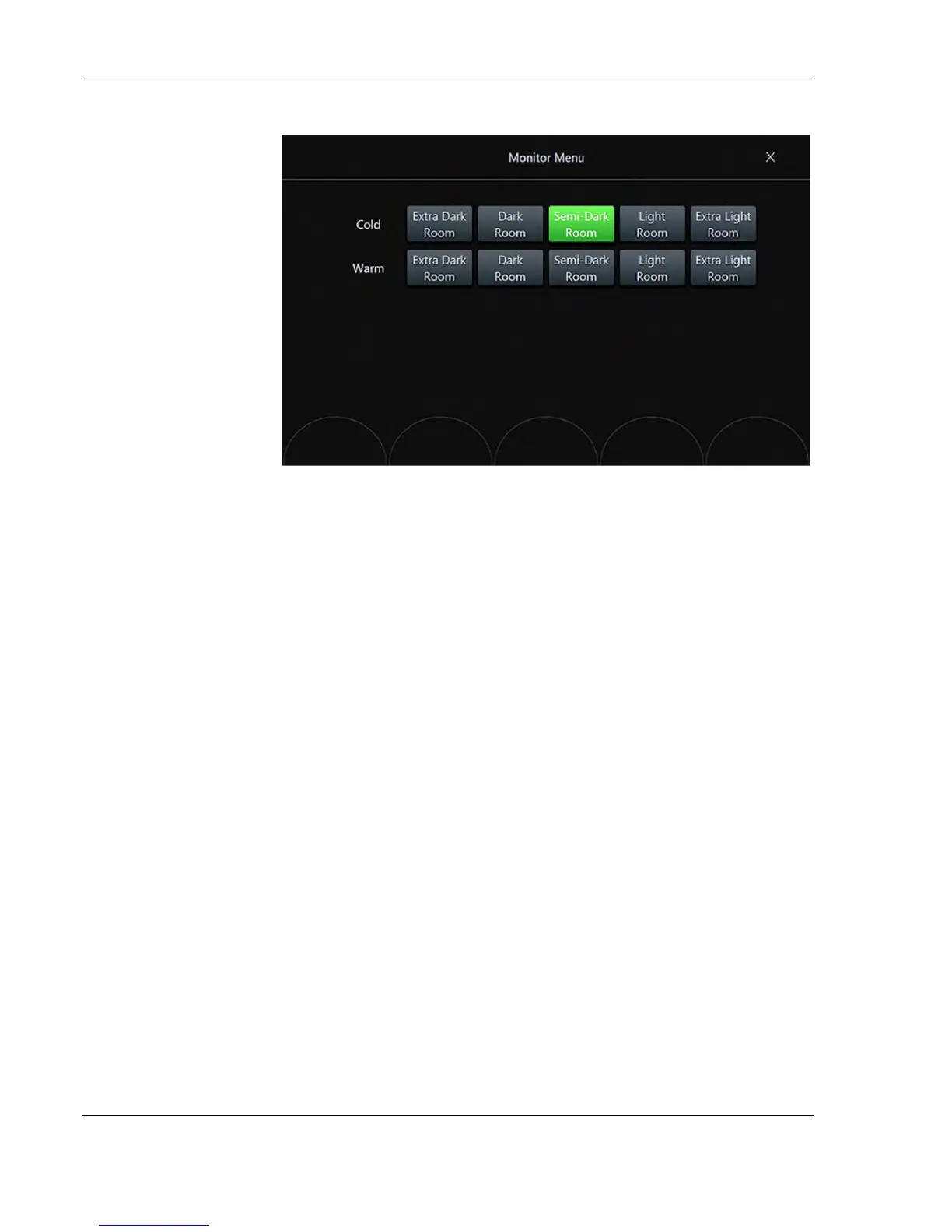
3. Touch the Semi-Dark Room button to load default monitor settings
for your system.
Monitor Test
1. Press the Utilities key on the control console.
2. In the “Utilities” menu touch the Setup button to invoke the setup
desktop on the screen.
3. On the right side of the screen select Administration and then click
the Service tab.
4. Enter the password <SHE> and click the Accept button to display
the Service Tools page.
5. Select the Monitor Test button in the “Service Tools” menu.
6. The screen becomes white.
WHITE should be displayed without any tint (discolor) or colored
pixels.
7. Press the right/left trackball key repeatedly to step through RED,
GREEN, BLUE, BLACK and GRAYSCALE.
Each color should be displayed correctly (without any tint or
discolored pixels).



 To Next Page