GE Voluson E10 Training Manual
© 2017 Conquest Imaging
5. Hold down the ON/OFF standby button (see: Figure 3-3 below) on
the control console for ~3 seconds. The system automatically
performs an initialization sequence which takes about two minutes
and includes the following:
Loading the operating system.
Running a quick diagnostic check of the system.
Detecting connected probes.
When the ON/OFF standby button on the control console is pressed,
the system starts and the operating system is loaded which then
leads to activate the application software.
As soon as the software has been loaded, the system enters 2D-Mode
with the probe and application that was used before the system
shutdown.
Normal Boot-up Process
1. Power is distributed to peripherals, control console, monitor,
FrontEnd and BackEnd processor.
2. The BackEnd processor and rest of the system starts with the
sequence listed in following steps:
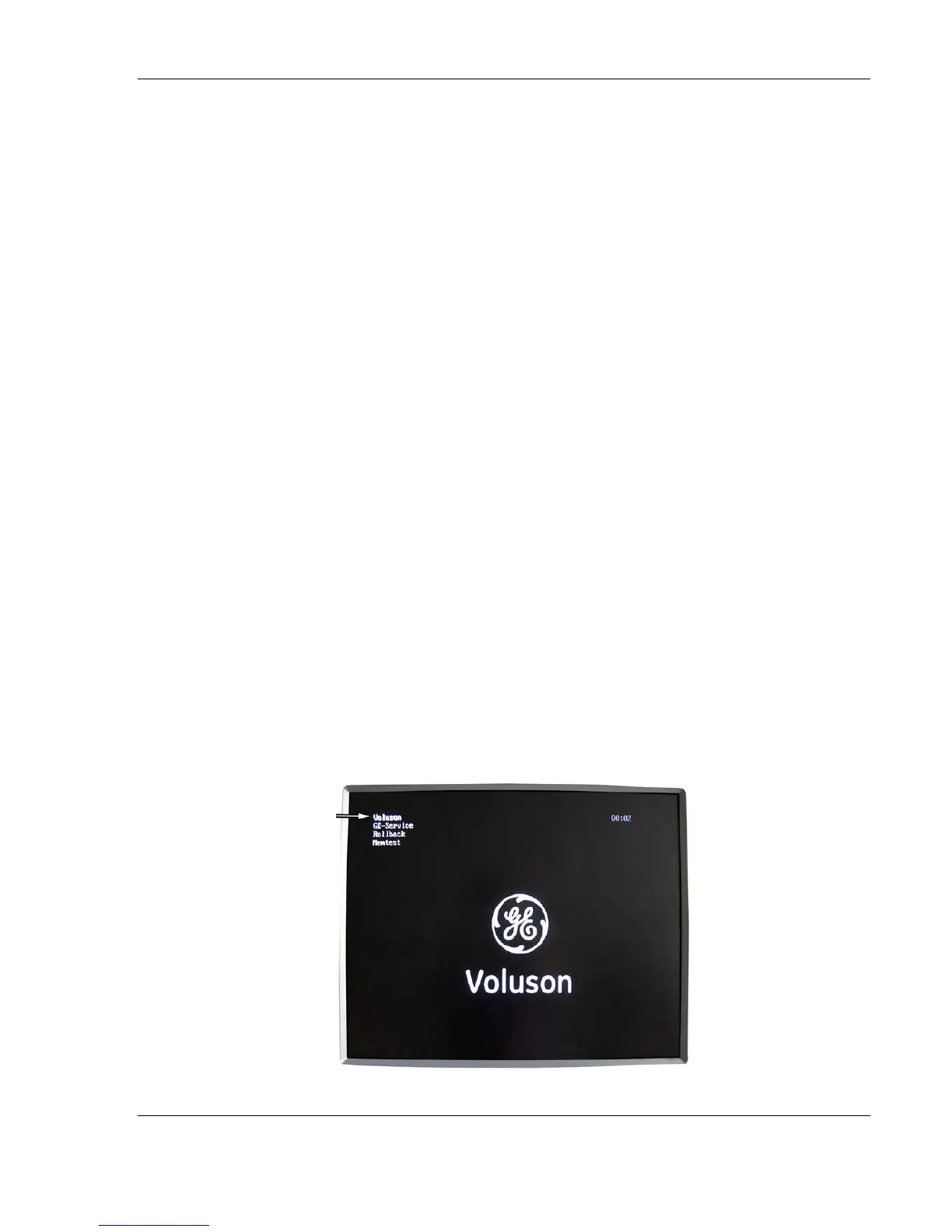
First the BIOS version is shown on the monitor.
Afterward the “Boot Screen” is displayed. (Voluson is
highlighted).
Note The mains outlet for
the system peripheral
auxiliary equipment are
commonly switched with
the ON/OFF standby
button. The power switch
of any attached printer(s)
must be in ON position
before starting the
system. Some auxiliary
equipment may switch
itself to standby mode and
must therefore be
switched on separately.



 To Next Page