GE Voluson E10 Training Manual
© 2017 Conquest Imaging
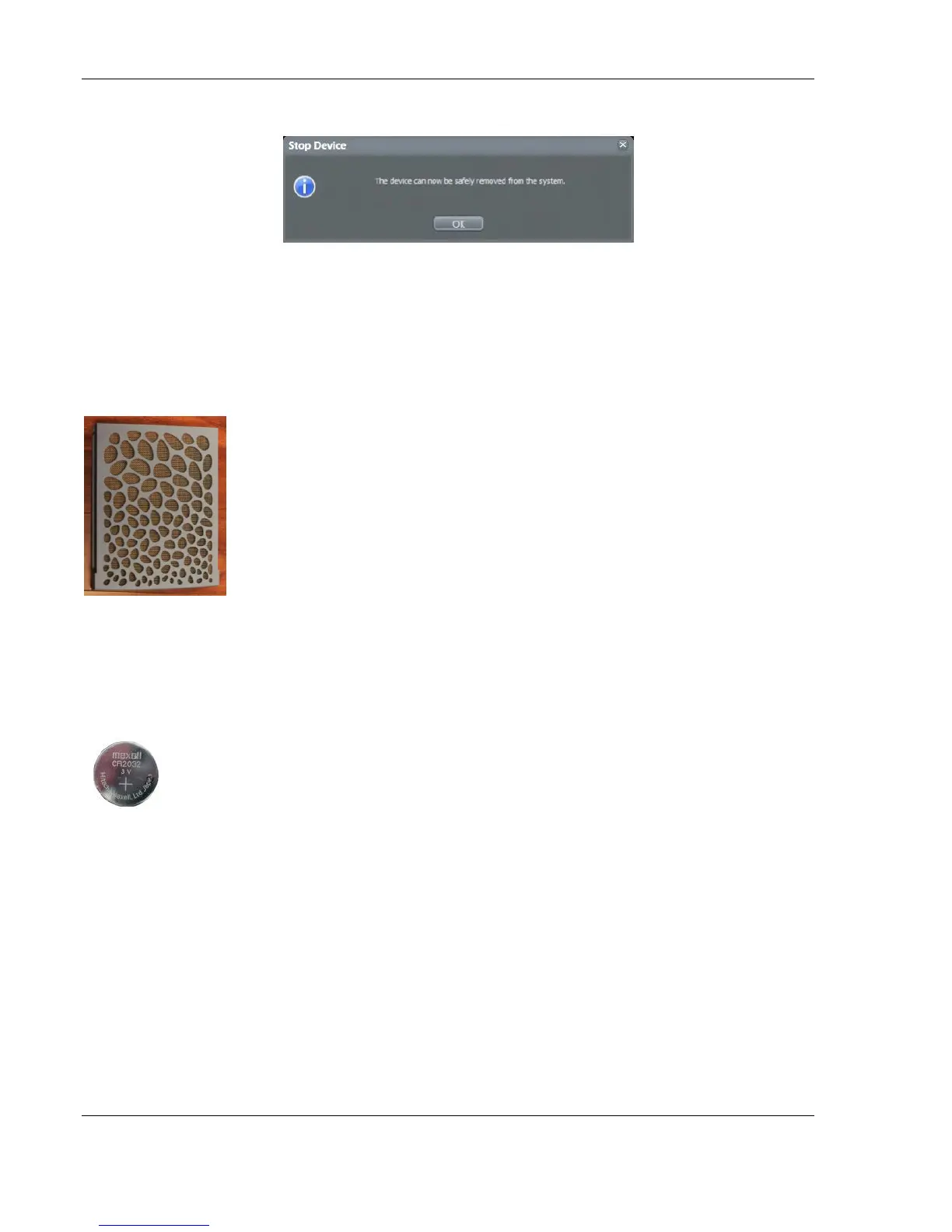
Confirm the "‘Stop Device" dialog with OK and Close the "Connect
USB and Network Drives" window. The device can now be safely
removed.
Cleaning the Air Filters
Clean the system's air filter to ensure that a clogged filter does not
cause the system to overheat and reduce system performance and
reliability. GE recommends the filters be cleaned quarterly.
To remove the air filter reach behind the back handle and lift the filter
upwards. To clean it use a vacumn and replace.
Cleaning the Trackball
The optical trackball of the more
Motherboard Battery
The motherboard battery should be tested as a part of normal
maintenance. A CR2032 lithium coin battery (3V) is recommended by
GE for replacement.



 To Next Page