GE Voluson E10 Training Manual
© 2017 Conquest Imaging
group:
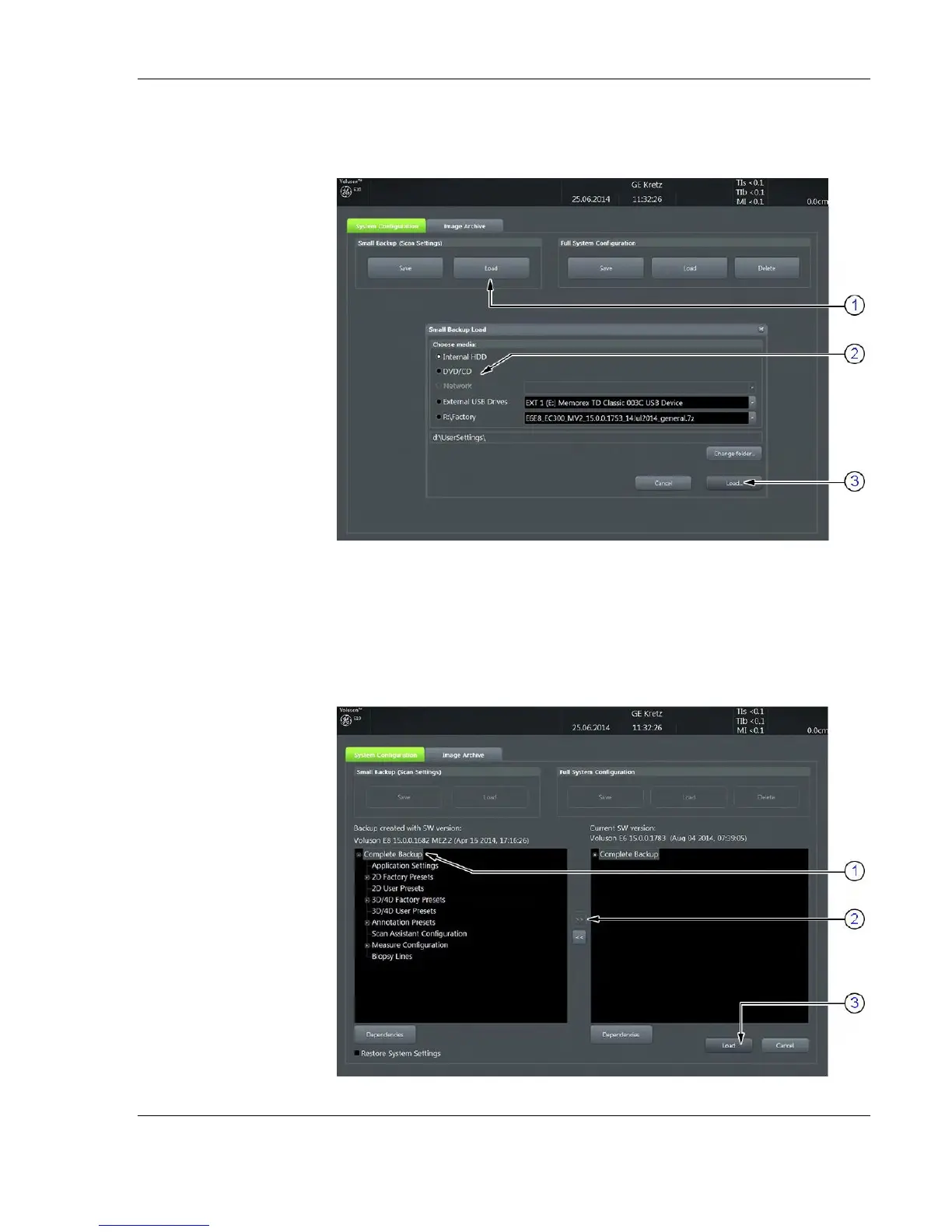
6. Choose the media (2) and click the Load button (3).
7. Select the appropriate file and click OK.
8. Select the desired loading procedure: Complete Backup or Click the
[+] sign next to “Complete Backup” (1) to open the content tree:
Note If it is desired to load
settings from media
Internal HDD, click on the
Change folder button,
browse for the folder on
“D:\usersettings” and
then click the Load button.



 To Next Page