238 • Crestron Zūm® Wired Solutions Product Manual — Doc. 9349B
Find a Room on the ZUM-HUB4
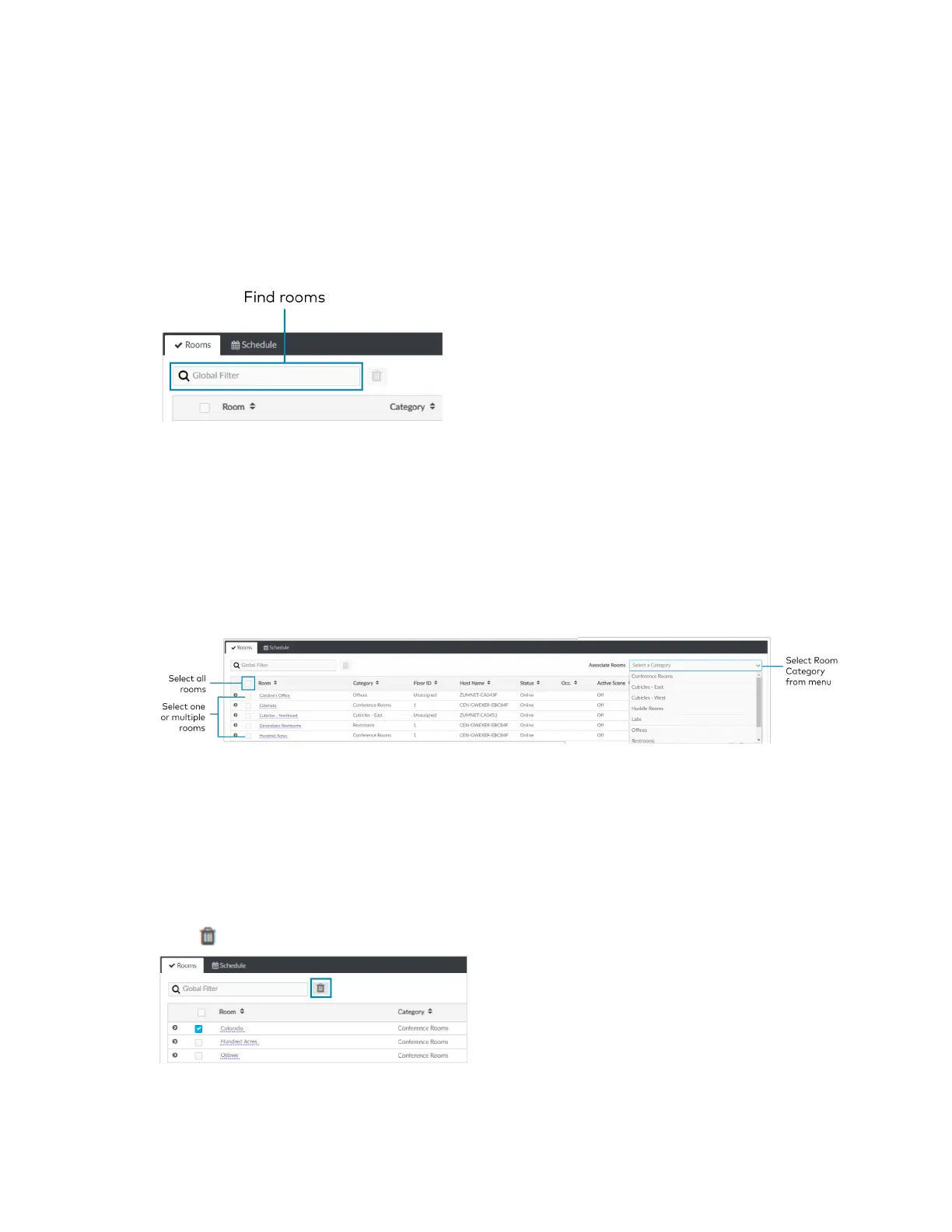
For a ZUM-HUB4 that has a large number of rooms, use the search feature to find a room name.
To search for a room:
1. Click on the ZUM-HUB4 or on a Room Category.
2. Type in the Global Filter search bar. The filter populates results matching content in any of
the table fields (Room, Category, Floor ID, Host Name, Status, Occ., Active Scene, or Next
Event).
3. Click the desired room name.
Add a Room to a Room Category
To move a room to a different Room Category:
1. Click on the ZUM-HUB4 or on a Room Category.
2. Select the desired room or rooms.
3. Click the Associate Rooms menu.
4. Select the desired Room Category.
5. A confirmation dialog opens. Click Yes to add the room(s) the Room Category or No to
cancel.
Delete a Room
To delete a room:
1. Click on the ZUM-HUB4 or on a Room Category.
2. Select the desired room or rooms.
3.
Click to delete the room.



 To Next Page