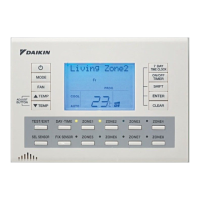
MYZONE 425
CMCTS V2.21
CM225 V3.0
CZCO V1.0
CML5B V1.3
14 Zones
Some components and settings must be
configured before they can be displayed
1 Constant
AC Control (Zones)
AC Temp displayed
Set Points unlocked
iSave disabled
Fan Auto enabled
Auto Off disabled
Filter Clean (6M)
Min Airflow locked
ID: 000000215
58
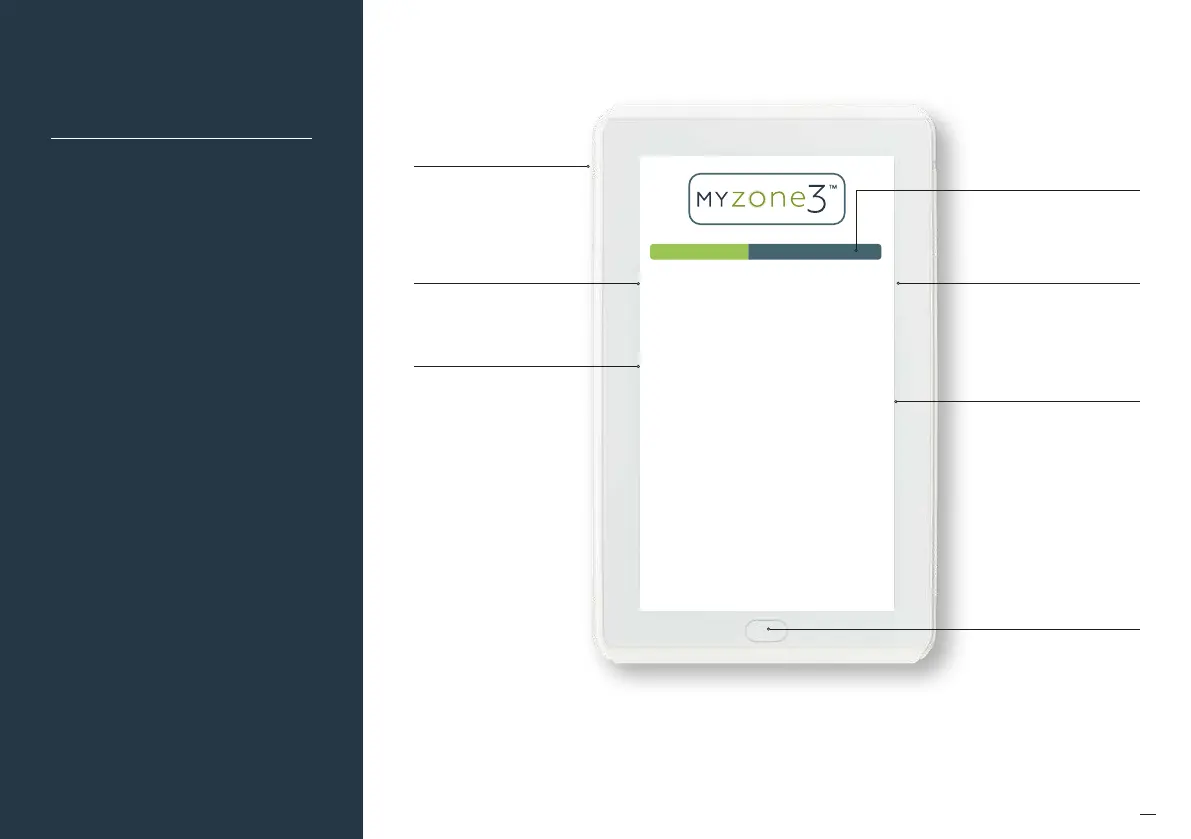
System
Initialisation
System ID number
Home button
This image is an example only. Your screen may display
dierently depending on the system type, what options
are selected and the configuration settings entered by
your installing contractor.
Progress bar will scroll while
system initialises and tests all
zone dampers
Current system
configuration settings
Details of all hardware and
their respective sotware
versions connected to
the system
System model number
Reset button
All new or modified systems must be
installed prior to system configuration.
There are two ways to initialise the
system as follows:
• Press the rest button on the side of
the Myzone touch screen (depending
on screen orientation).
• Switch the power to the system o
and back on.


 To Next Page