Myzone 3 12:00PM 01 Jan 2021
SYSTEM ZONES AC UNIT OPTIONS
Number of Zones
4
1
Number of Constants 1
Pair Wireless Device
iSave
WiFi Bridge Config
Change Password
*******
System Device List
Change Number of Constants
Cancel Save
System Configuratior
82
Number of
Constants
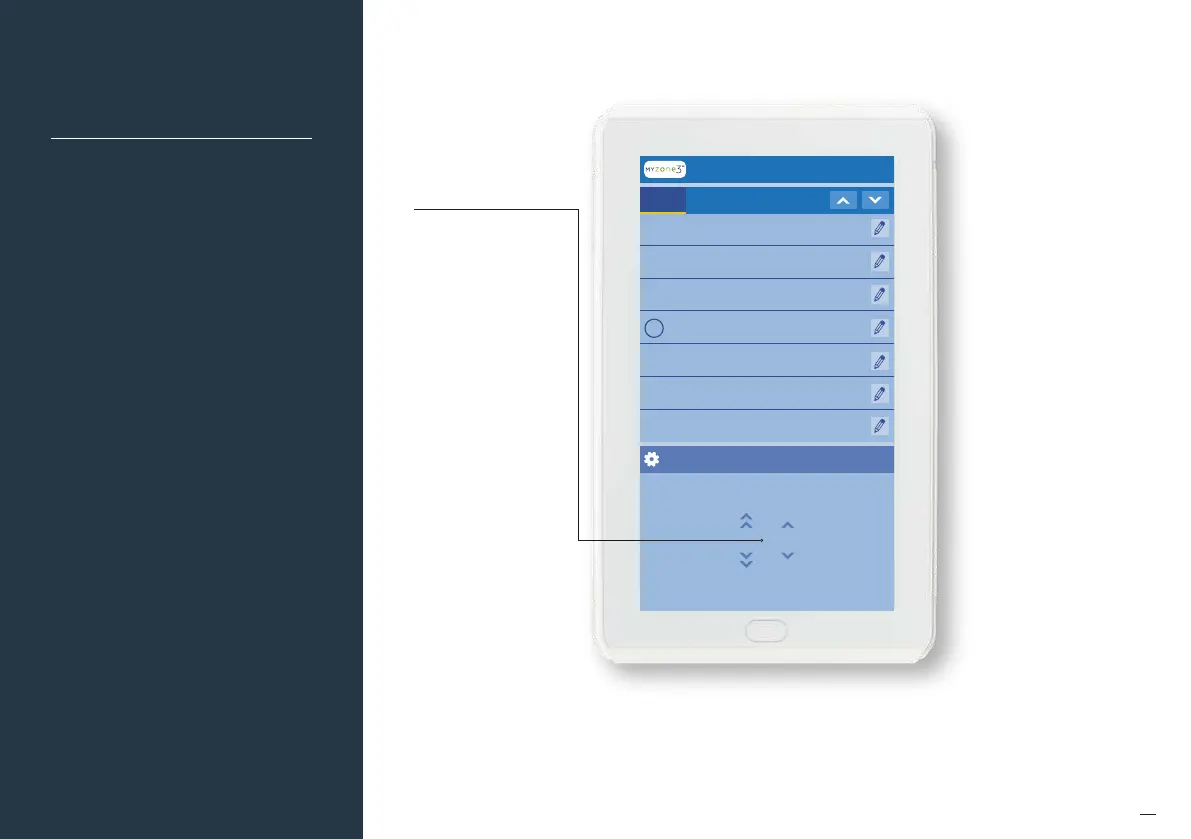
Number of Constants
Set the number of constants
that are being used in
the system.
To do this click on the
pencil next to “Number of
Constants”, adjust the factory
default setting of 1 and enter
in the correct number of
constants being used in
the application.
NOTE: Some form of constant
control must be designed,
installed and configured
when using a Myzone 3
system. Failure to do so can
result in damage to the air
conditioning unit and its
associated componentry.
For more information on
Constant Zones, please refer
to the design considerations
section within the
Installation Manual.


 To Next Page