Myzone 3 12:00PM 01 Jan 2021
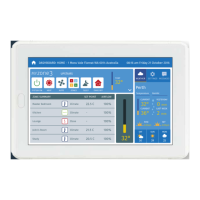
SYSTEM ZONES AC UNIT OPTIONS
Tablet 0.0 C 100%-0% Touch
Wireless 0.0 C 100%-0% Wireless
iSense 0.0 C 100%-0% iSense
Constant 0.0 C 100%-0% Const. 1
Tablet
Name Calib. Balance
Type
Constant
Open/Closed
Wireless sensor
Wired sensor
iSense controller
Other touch screen
This touch screen
83
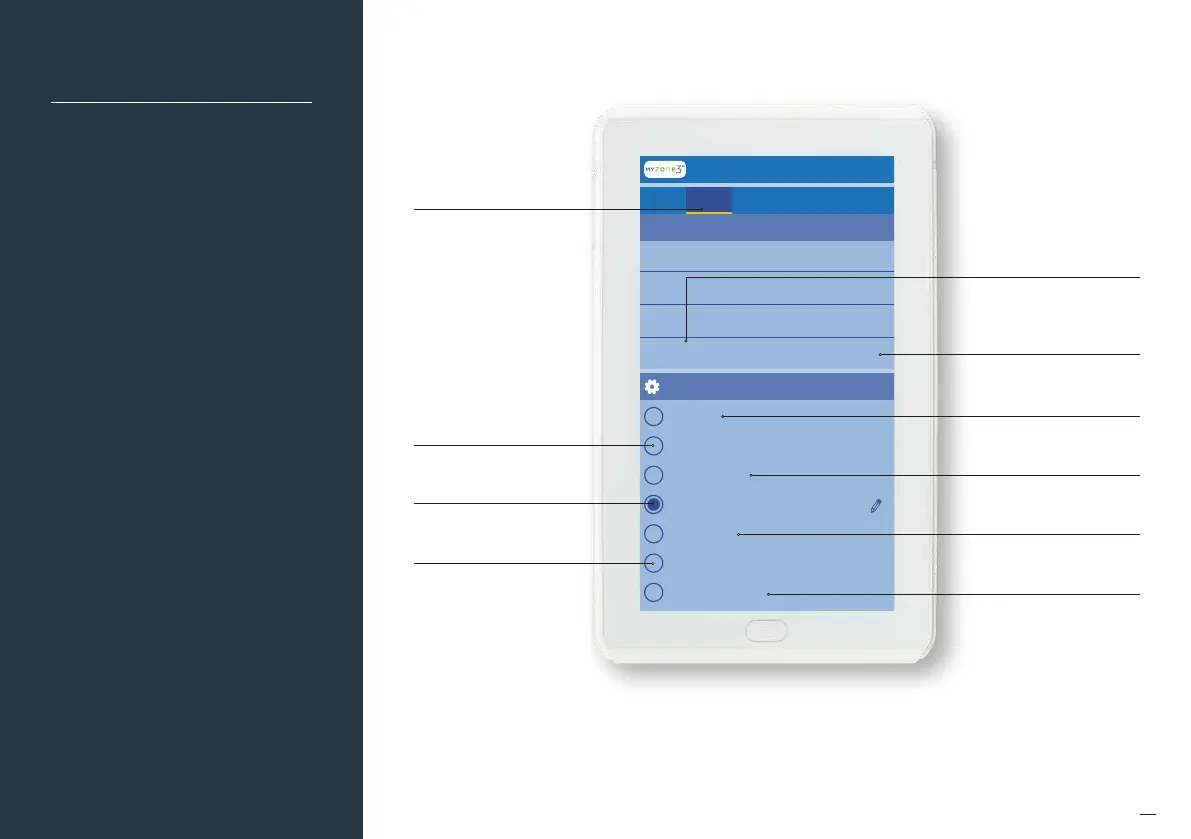
Zone Set Up
Indicates this zone is designated
to be the first electronic
constant zone
Touch here to view the
Zones Settings
Zone Set Up
Once the number of zones
and constants have been
configured, each zone needs
to be assigned a control
configuration. Two manual
control options and five
climate control options are
available.
Indicates this zone has
been set up for Open/Close
control only
Indicates this zone
temperature is controlled via
the sensor in a touch screen
Indicates this zone is set up
for temperature control via
an iSense controller
Indicates this zone temperature
is controlled by a wireless sensor
Indicates this zone is set up for
temperature control via a
wired sensor
Indicates this zone is controlled
by a secondary touch screen
If the zone has been named, it
will appear here, if no name has
been assigned, it will show the
zone number e.g. Zone 3
Click on each zone to configure
set up


 To Next Page