70
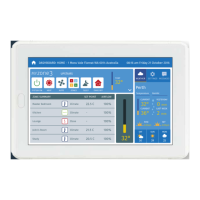
iSense Controller
Configuration
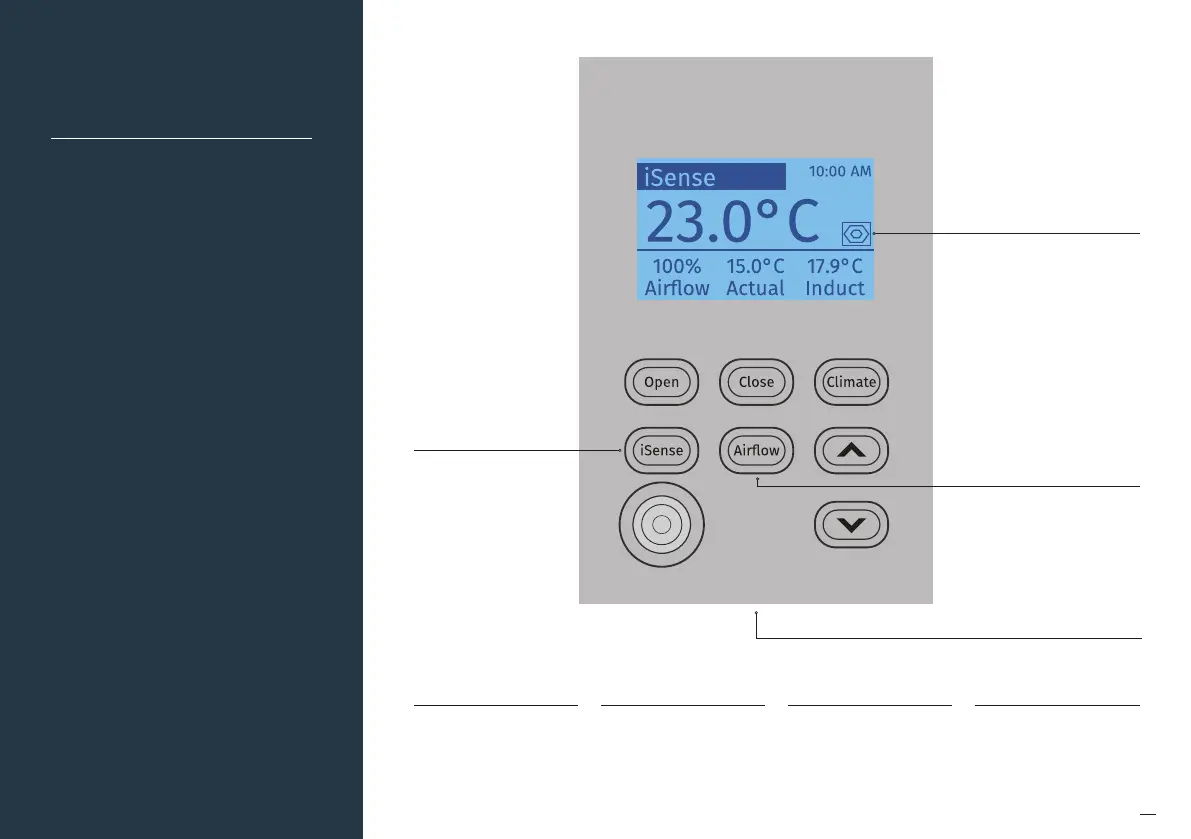
Press and hold the
“iSense” button to enter
the Occupancy Strategy
configuration menu.
Follow the prompts
to select the most
appropriate strategy for
your room or use the
Custom Setup op on to
design your own strategy
Indicates whether the iSense
feature is active or inactive
Eye closed = iSense feature
inactive
Eye open = iSense feature
active
The iSense feature uses
the occupancy strategy to
control the zone
Press and hold the “Airflow”
button to configure the
controller. Here you can
configure the correct
Zone to control, change
brightness and calibrate
the sensor if required.
System reset button located
at the bottom of controller
Note:
• When iSense has been activated
movement is required in the range
of the occupancy sensor to keep
the zone operating. The use of the
iSense feature in bedrooms, when
occupants are sleeping, is not
recommended.
• iSense controls require the use of
shielded RJ45 Cables (Part Number
3205096).
Default pre-set
15 min No Movement – actual
Temp moves 3 deg. closer to
set temp.
30 min No Movement –
Zone Closes
Pre-set 2
15 min No Movement – actual
Temp moves 3 deg. closer to
set temp.
30 min No Movement –
Zone Closes
Pre-set 3
15 min No Movement – actual
Temp moves 3 deg. closer to
set temp.
30 min No Movement –
Zone Closes
Pre-set 4
15 min No Movement – actual
Temp moves 2 deg. closer to
set temp.
15 min No Movement –
Zone Closes


 To Next Page