Back
Sensor Battery Status: Good
Signal Strength: 100%
Change RF Channel 1
Balance Air Max: 80%
Balance Air Min: 15%
Calibrate Sensor -0.2 C
Pair Wireless Device
Kitchen
67
Sensor
Configuration
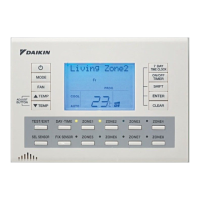
Hold down the "Pair Button" on
the Myzone Wireless Sensor Device
(see page 63). Then Press here to
pair the wireless sensor to your
Myzone system.
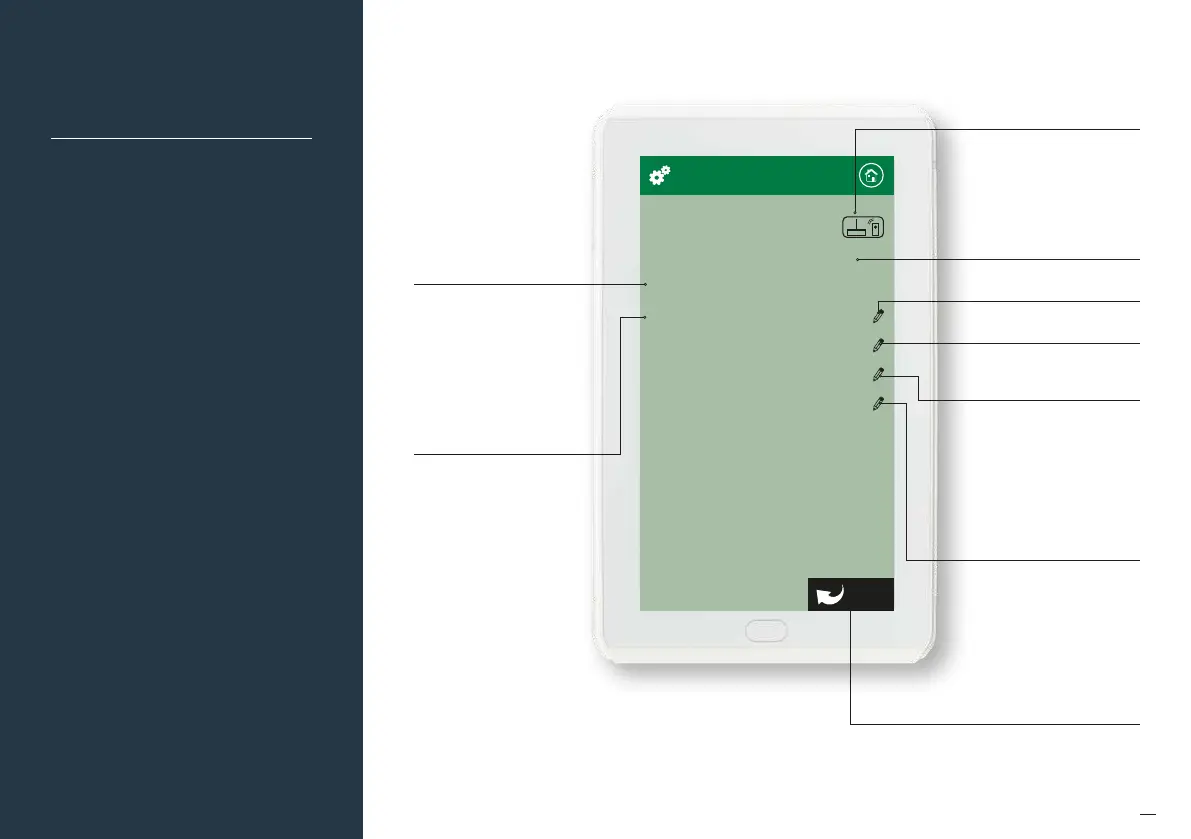
Indicates the status of the battery
in this sensor
Press here to change the
RF Channel
Press here to adjust the maximum
air balance for this zone. This
adjustment takes precedence over
the Zone Airflow MAX setting in
the main menu available to end
users. e.g. If the balance air MAX
has been set to 80%. The end user
can adjust the MAX airflow in the
designated zone to 100%, however
the zone will only open to 80%.
Indicates the status of the
wireless signal strength from
the sensor in this zone.
It can take up to 10 minutes
of normal operation to get
an accurate reading. To
speed up the process press
the O/Auto button on the
sensor 5 times.
Displays the Radio frequency
channel the system has been
configured to. This channel
can be changed if
RF interference is
being experienced.
If the channel is changed
all wireless devices need to
be paired.
Press here to adjust the
calibration of this sensor
(see page 64)
Press here to adjust the minimum
air balance for this zone. This
adjustment takes precedence over
the zone airflow MIN setting in
the main menu available to end
users. E.g. If the balance air MIN
has been set to 15%. The end user
can adjust the MIN airflow in the
designated zone to 0%, however
the zone will only close to 15%.
Touch here to go back
and save any changes


 To Next Page