Maintaining Your Printer 313
4
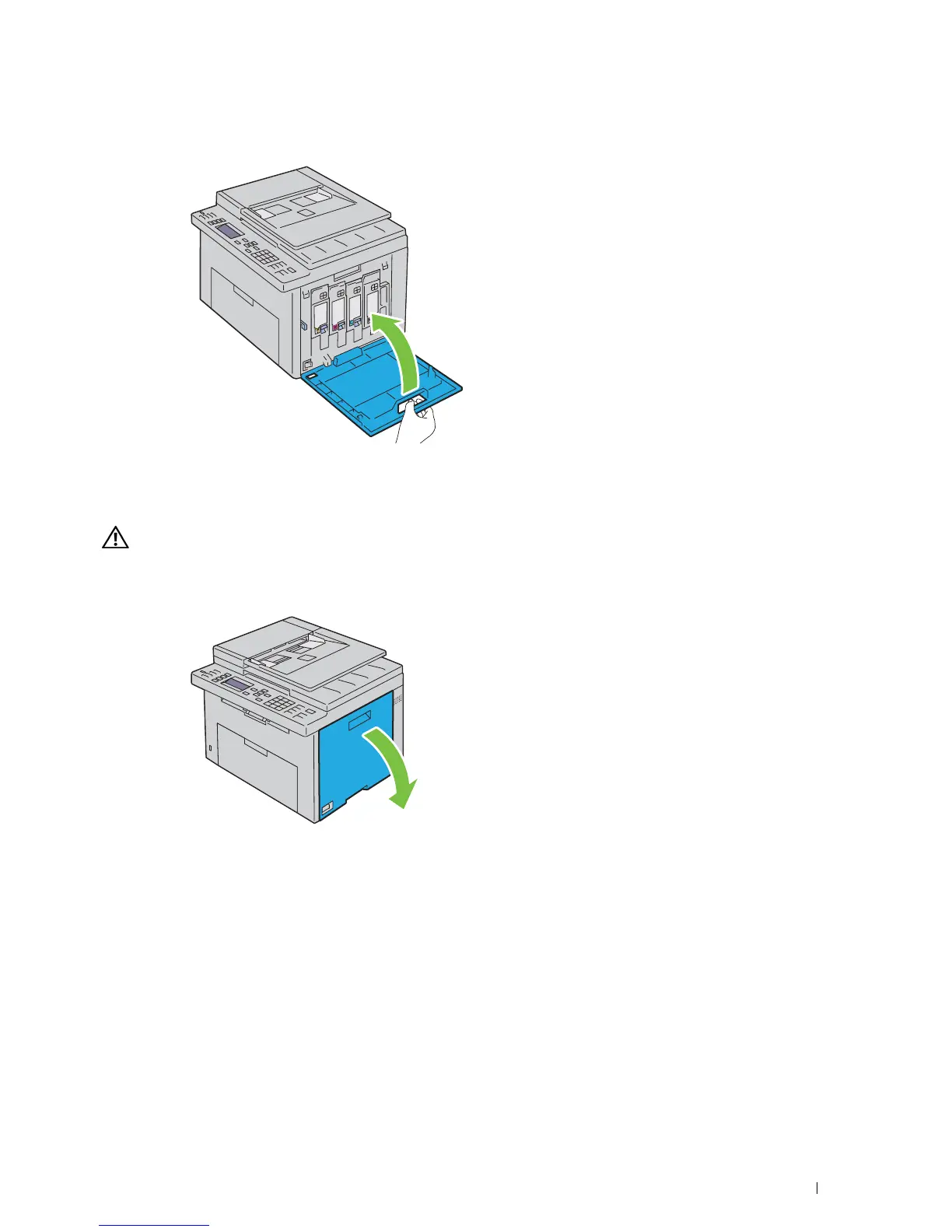
Close the toner access cover.
Cleaning Inside the Printer
WARNING: To prevent electric shock, always turn off the printer and disconnect the power cable from the grounded outlet
before performing maintenance.
1
Confirm that the printer is not in operation, and open the toner access cover.



 To Next Page
 Loading...










