Removing Packaging Material 33
5
Removing Packaging Material
This chapter provides an overview of your Dell™ C1765nf/C1765nfw Color Multifunction Printer.
NOTE: The images used in this manual are those of the Dell C1765nfw Color Multifunction Printer unless otherwise mentioned.
1
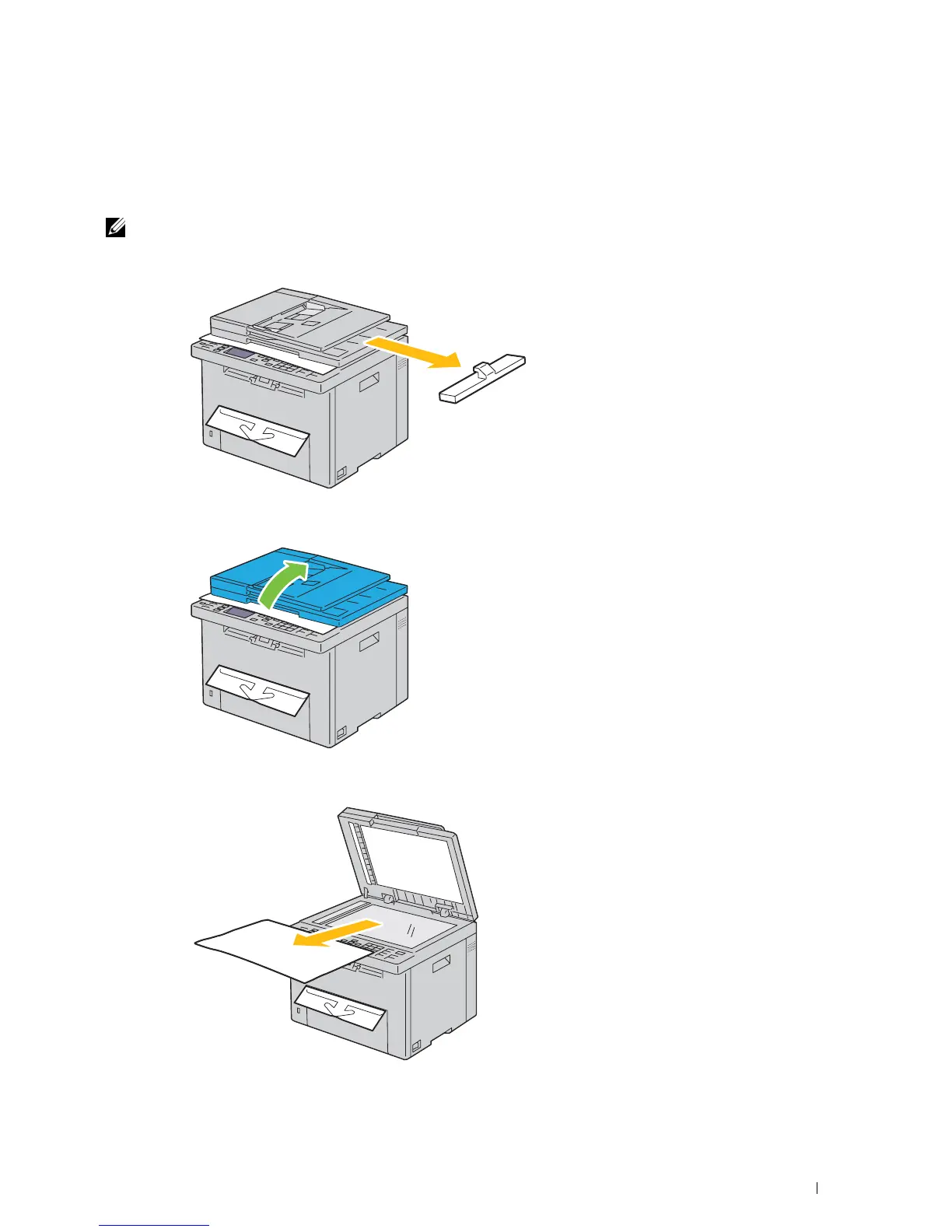
Remove the packaging material from the printer.
2
Lift and open the document cover.
3
Remove the protective sheet from the document glass.



 To Next Page
 Loading...










