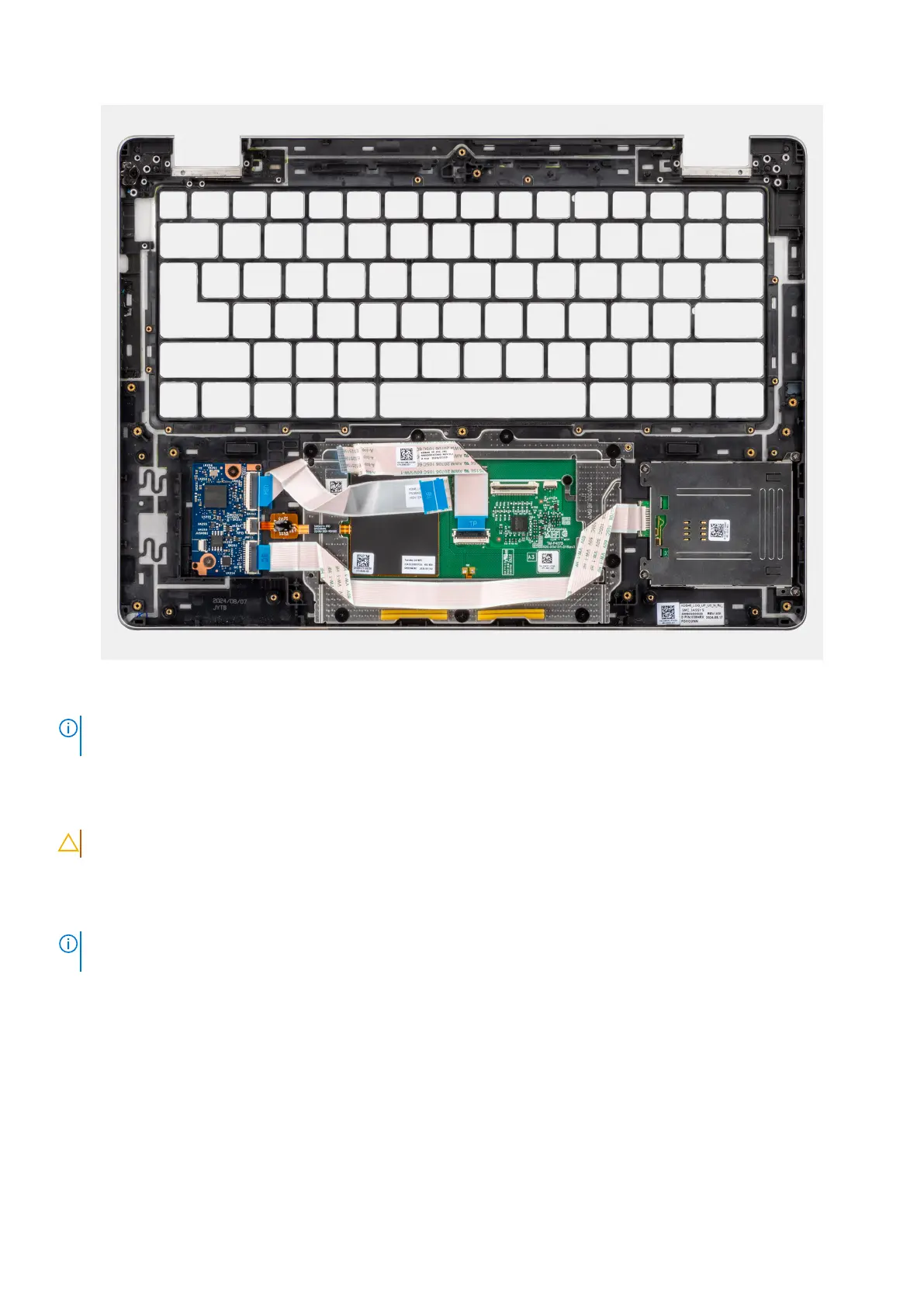
Figure 83. Palm-rest
NOTE:
When replacing the palm rest for models shipped with WLAN card, use a plastic scribe to pry off the SIM-card slot
filler from the palm rest and then transfer it over to the replacement palm rest.
Installing the palm-rest
CAUTION: The information in this installation section is intended for authorized service technicians only.
Prerequisites
If you are replacing a component, remove the existing component before performing the installation procedure.
NOTE:
When replacing the palm rest for models shipped with WLAN card, ensure to transfer the SIM-card slot filler over
the replacement palm rest.
Next steps
1. Install the keyboard.
2. Install the power button with fingerprint reader.
3. Install the I/O board.
4. Install the USB-C connector module.
5. Install the system board.
6. Install the heat sink.
7. Install the USH daughter board.
8. Install the smart card reader
9. Install the display assembly
Removing and installing Field Replaceable Units (FRUs)
117



 To Next Page