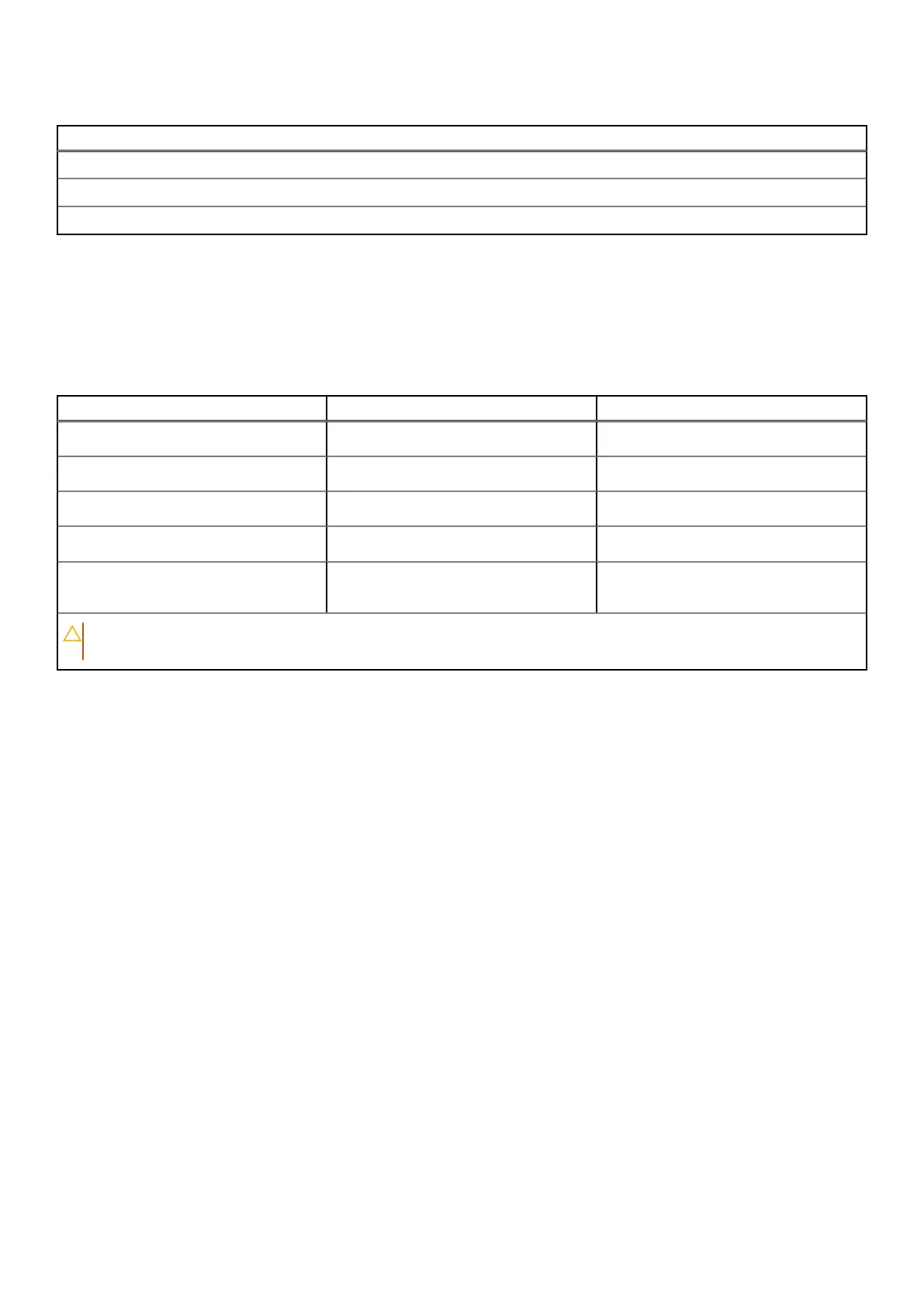
Table 25. Hardware security (continued)
Hardware security
SED SSD NVMe, SSD and HDD (Opal and non-Opal) per SDL
Chassis Intrusion Detection
BIOS - TPM clear and/or system boot lock after chassis intrusion detection
Operating and storage environment
This table lists the operating and storage specifications of your Dell Pro 14 Plus.
Airborne contaminant level: G1 as defined by ISA-S71.04-1985
Table 26. Computer environment
Description Operating Storage
Temperature range
0°C to 35°C (32°F to 95°F) -40°C to 65°C (-40°F to 149°F)
Relative humidity (maximum)
10% to 90% (non-condensing) 0% to 95% (non-condensing)
Vibration (maximum)
*
0.66 GRMS 1.30 GRMS
Shock (maximum)
110 G† 160 G†
Altitude range
-15.2 m to 3048 m (4.64 ft to 5518.4 ft) -15.2 m to 10668 m (4.64 ft to 19234.4
ft)
CAUTION: Operating and storage temperature ranges may differ among components, so operating or storing
the device outside these ranges may impact the performance of specific components.
* Measured using a random vibration spectrum that simulates the user environment.
† Measured using a 2 ms half-sine pulse.
Dell Optimizer
Dell Optimizer is an AI-based software application that allows you to customize your computer settings for power and battery,
and more.
For Dell Pro 14 Plus with Dell Optimizer, you can:
● Extend the battery life of your computer with Intelligent Battery Extender and Dynamic Charge.
● Tune the performance, power consumption, cooling, and fan noise with selectable thermal modes.
● Access and secure your computer depending on your physical presence.
● Download and redeem the apps that are purchased with your computer.
For more information about configuring and using these features, search for Dell Optimizer at the Dell Support Site.
Specifications of Dell Pro 14 Plus
29



 To Next Page