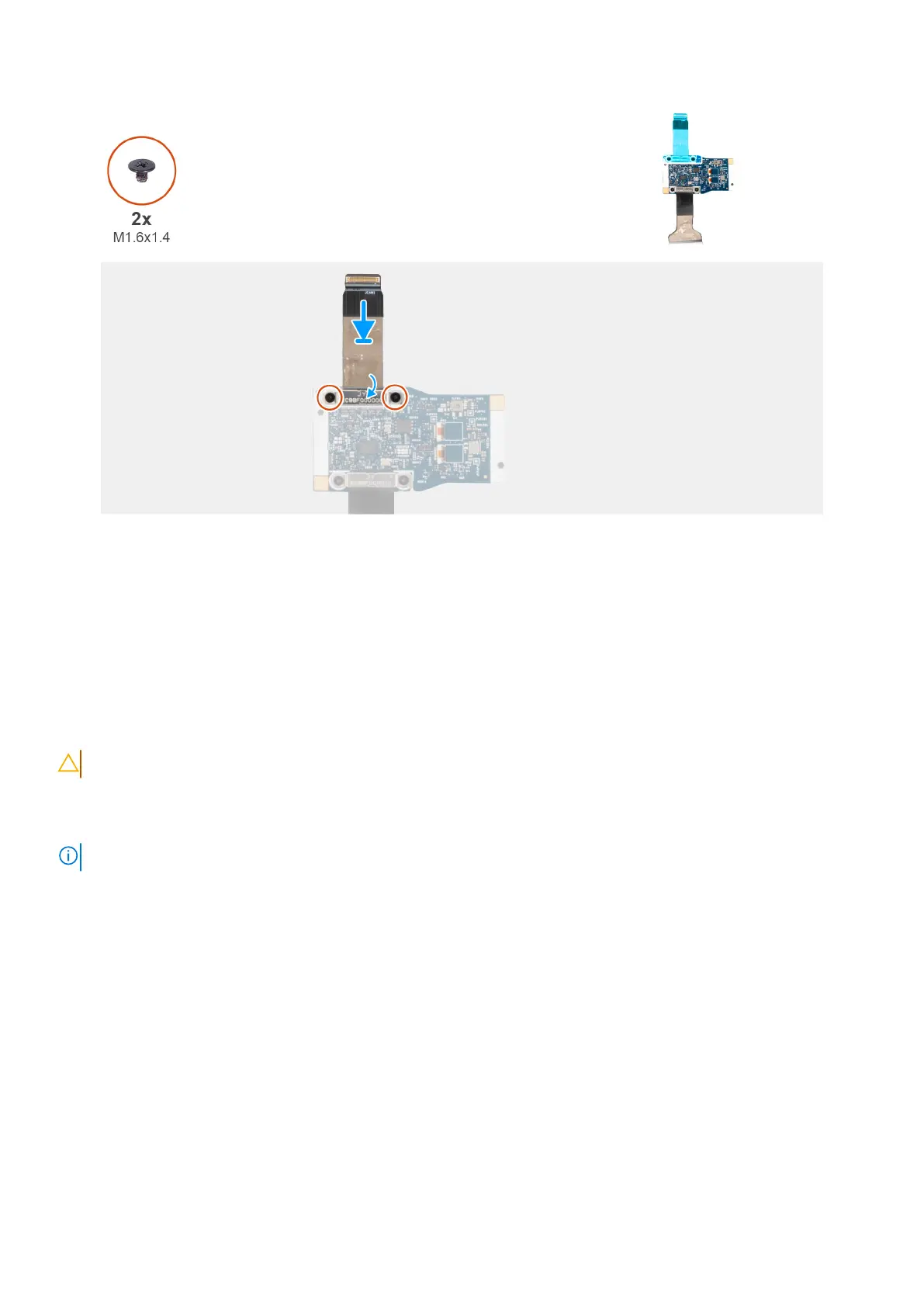
Figure 57. Removing the camera cable from middle I/O board
Steps
1. Pry the camera module off the display back cover from the prying point at the bottom edge of the camera module.
2. Remove the clip securing the MIPI camera to the daughter board cable.
3. Remove the two screws (M1.6x1.4) that secure the camera cable with the middle I/O board.
4. Lift the camera cable off the middle I/O board.
Installing the MIPI camera
CAUTION: The information in this installation section is intended for authorized service technicians only.
About this task
The following image indicates the location of the MIPI camera and provides a visual representation of the installation procedure.
NOTE: This procedure applies for only models that are shipped with MIPI camera.
86 Removing and installing Field Replaceable Units (FRUs)



 To Next Page