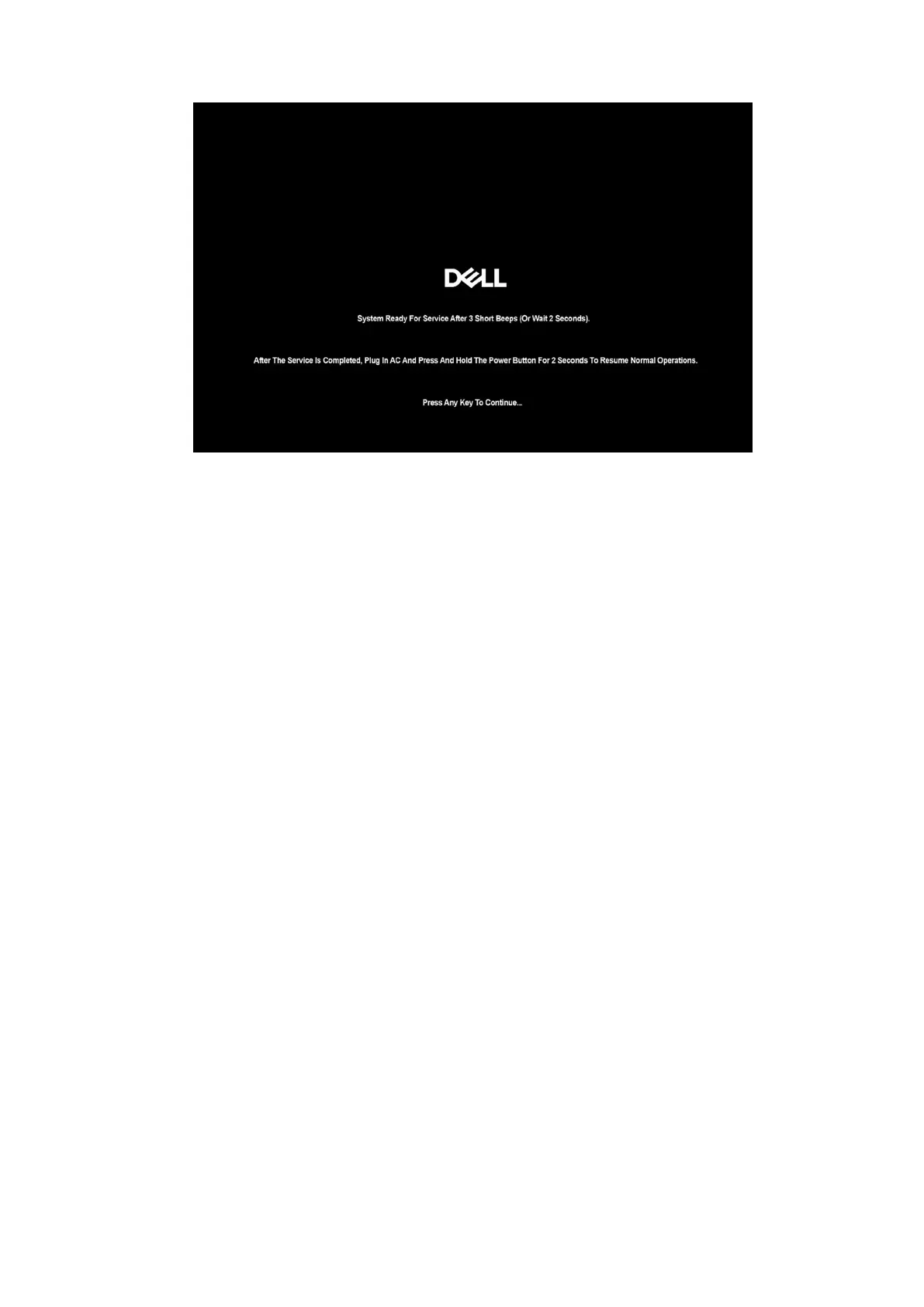
Figure 15. Booting screen
Once the computer shuts down, you can perform replacement procedures.
To exit Service Mode, connect the AC adapter and press the power button to power on the computer. The computer boots up
and returns to normal functioning mode.
Safety precautions
This section details the primary steps to be followed before performing any disassembly instructions.
Observe the following safety precautions before you perform any installation or break-fix procedures involving disassembly or
reassembly:
● Turn off the computer and all attached peripherals.
● Disconnect the computer from AC power.
● Disconnect all network cables and peripherals from the computer.
● Use an ESD field service kit when working inside any to avoid electrostatic discharge (ESD) damage.
● Place the removed component on an anti-static mat after removing it from the computer.
● Wear shoes with nonconductive rubber soles to reduce the chance of getting electrocuted.
● Unplugging, pressing, and holding the power button for 15 seconds should discharge residual power in the system board.
Standby power
Dell products with standby power must be unplugged before you open the back cover. Systems that are equipped with standby
power are powered while turned off. The internal power enables the computer to be remotely turned on (Wake-on-LAN) and
suspended into a sleep mode and has other advanced power management features.
Bonding
Bonding is a method for connecting two or more grounding conductors to the same electrical potential. This is done by using
a field service electrostatic discharge (ESD) kit. When connecting a bonding wire, ensure that it is connected to bare metal
and never to a painted or nonmetal surface. Ensure that the wrist strap is secure and in full contact with your skin. Remove all
jewelry, watches, bracelets, or rings before grounding yourself and the equipment.
Electrostatic discharge—ESD protection
ESD is a major concern when you handle electronic components, especially sensitive components such as expansion cards,
processors, memory modules, and system boards. A slight charge can damage circuits in ways that may not be obvious, such
Working inside your computer
33



 To Next Page