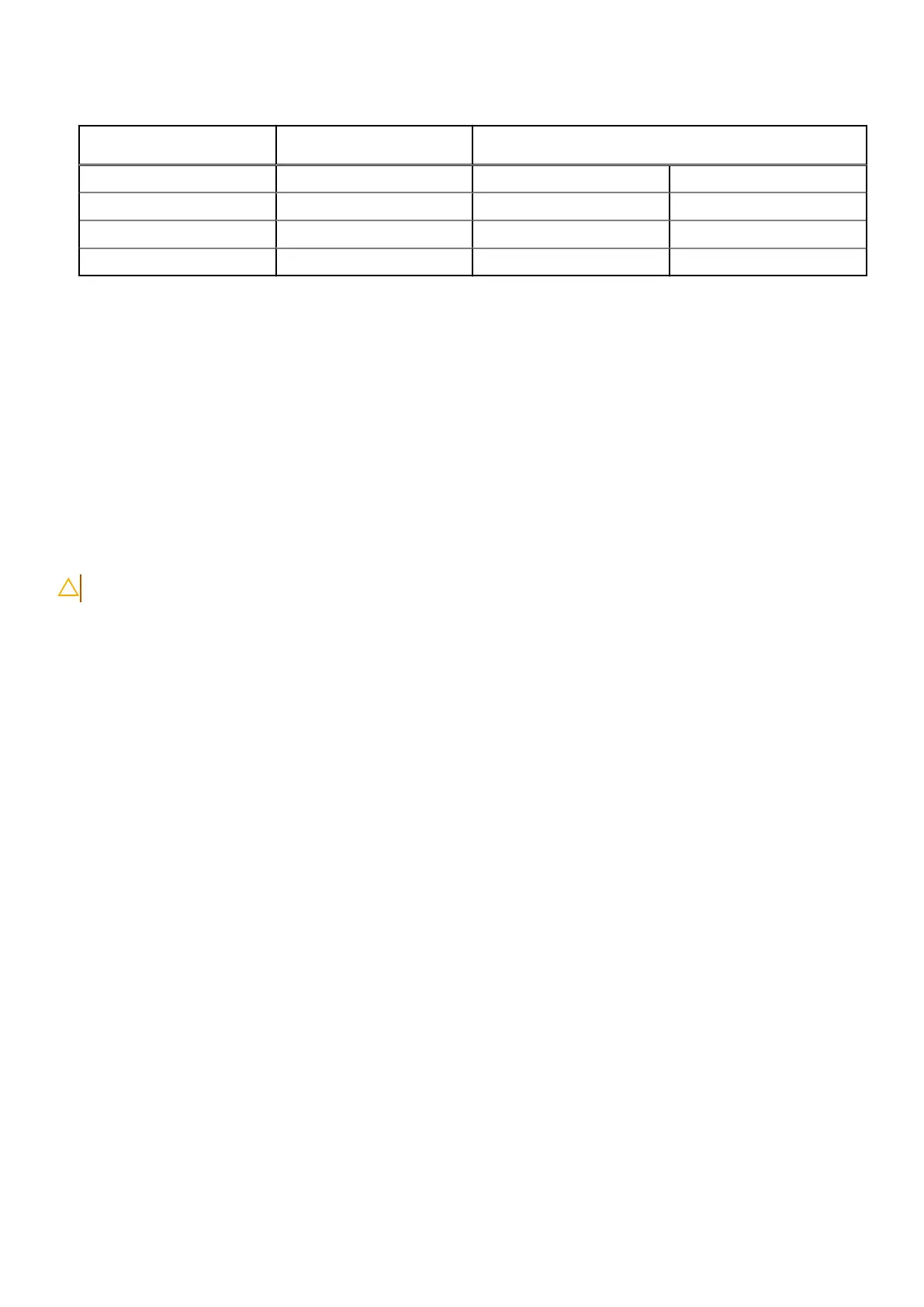
Table 28. Antenna-cable color scheme for 5G WWAN cards
Connectors on the WWAN
card
Antenna-cable color Silkscreen marking
D/G Black with a thin white stripe ANT3 D/G △ (white triangle)
M2 Blue ANT2 M2 △ (white triangle)
M1 Orange ANT1 M1 △ (white triangle)
M White with a thin gray stripe ANT0 M △ (white triangle)
3. Place the WWAN shielding cover over the WWAN card and align the screw holes.
4. Replace the three screws (M2x3) to secure the WWAN shielding cover in place.
Next steps
1. Install the base cover.
2. Install the SIM card tray, if required.
3. Follow the procedure in after working inside your computer.
Solid State Drive (SSD)
Removing the M.2 2230 solid state drive
CAUTION: The information in this removal section is intended for authorized service technicians only.
Prerequisites
1. Follow the procedure in Before working inside your computer.
2. Remove the sim-card tray, if required.
3. Remove the base cover.
About this task
The following images indicate the location of the solid state drive and provide a visual representation of the removal procedure.
54
Removing and installing Customer Replaceable Units (CRUs)



 To Next Page