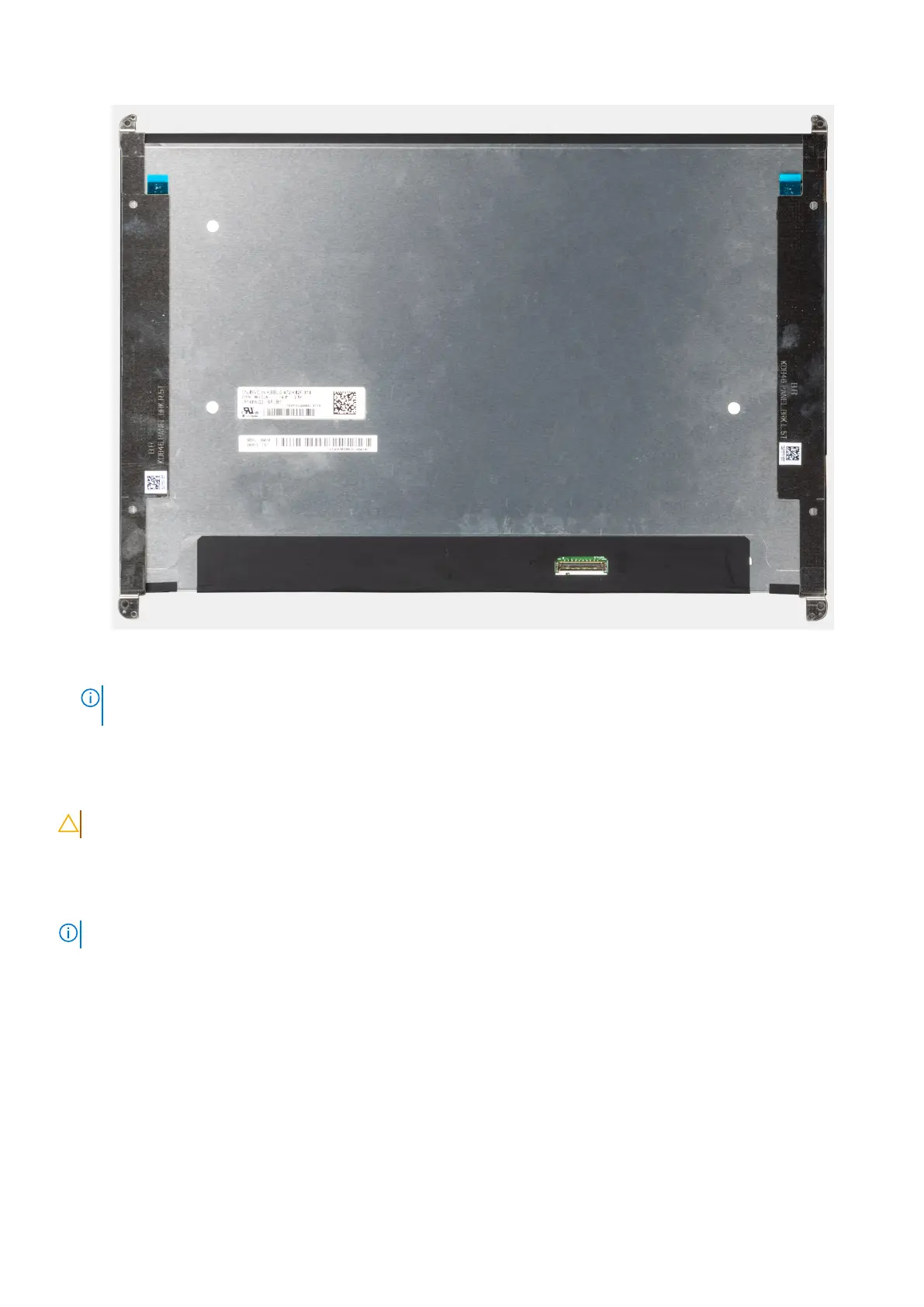
Figure 51. Display panel with brackets
NOTE:
On clamsehll models, the panel and its support brackets are defined as a single service part. Do not pull the two
pieces of elastic tape and separate the brackets from the panel.
Installing the display panel
CAUTION: The information in this installation section is intended for authorized service technicians only.
About this task
The following images indicate the location of the display panel and display cable and provide a visual representation of the
installation procedure.
NOTE: This procedure applies for only models that are shipped with an RGB or IR camera.
Removing and installing Field Replaceable Units (FRUs) 79



 To Next Page