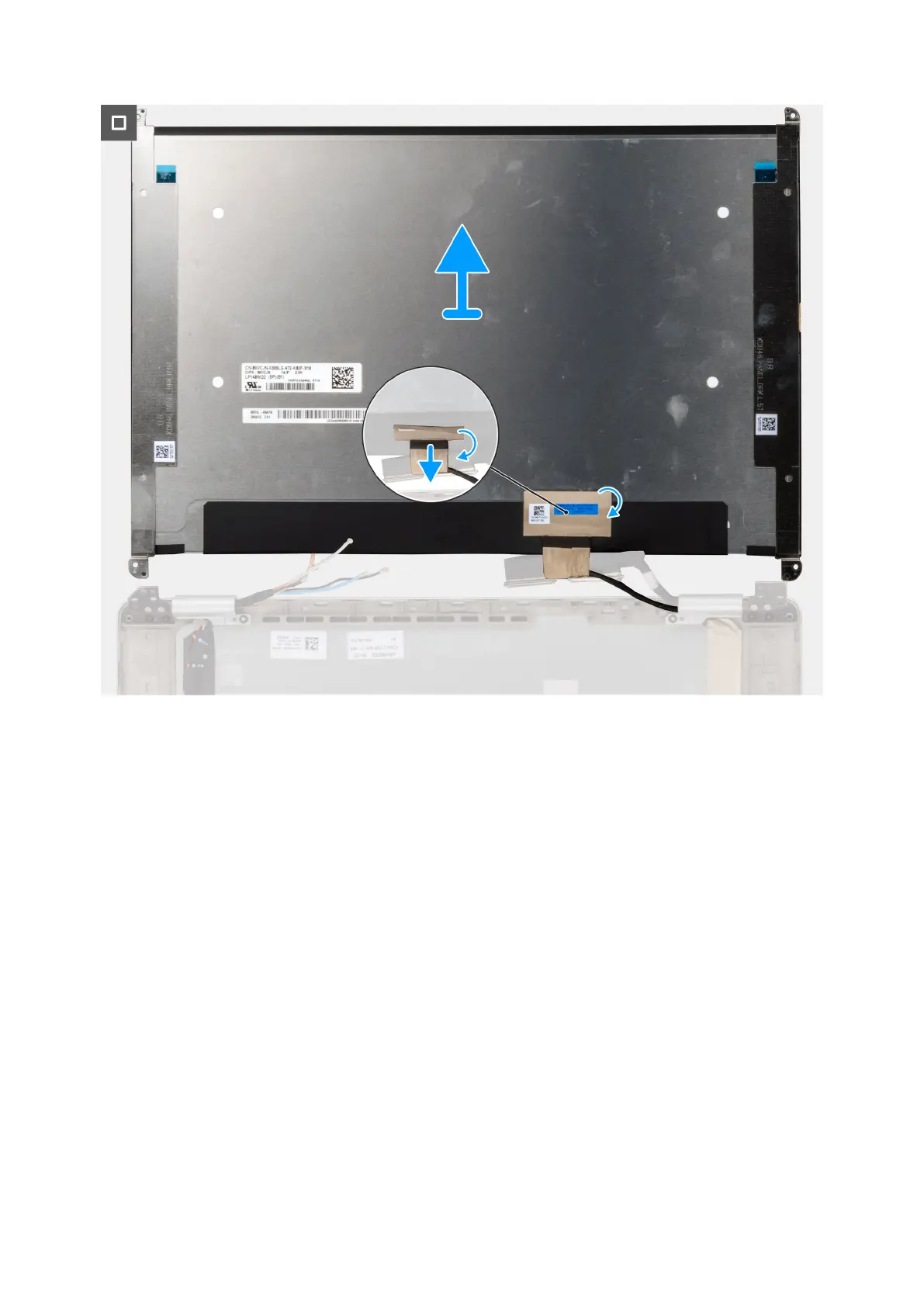
Figure 50. Removing the display cable from back cover
Steps
1. Remove the four screws (M1.6x1.4) that secure the left display hinge cap and hinge assembly in place.
2. Gently flip the display panel and peel the tape securing the display cable to the back cover of the display assembly.
3. Disconnect the display cable from the connector on the back cover.
78
Removing and installing Field Replaceable Units (FRUs)



 To Next Page