112
Setting the Keyboard
Use the following procedure to change the Keyboard setting.
1. Select “1:KEYBOARD” at the HID menu and then press the ENT
key.
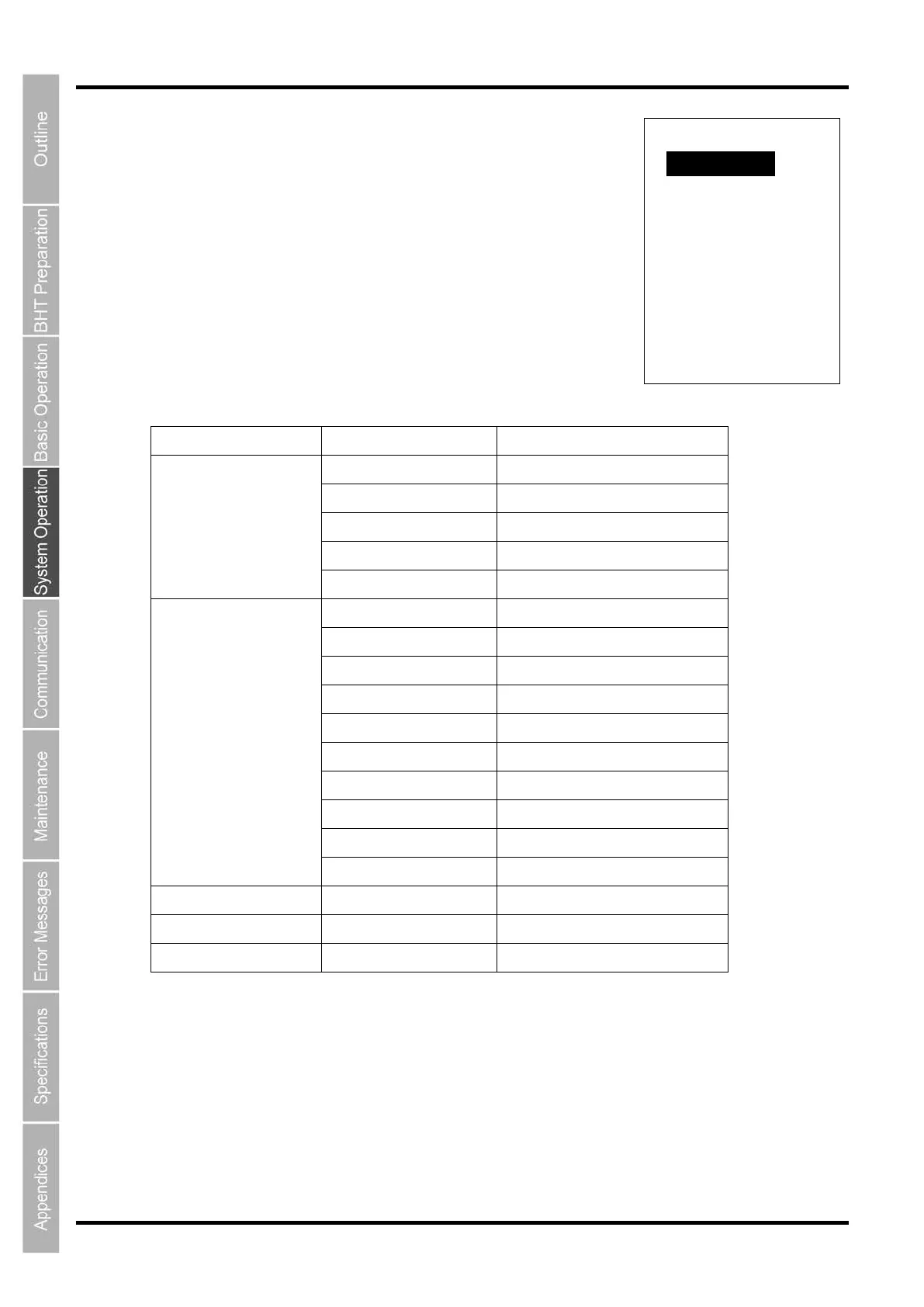
The HID KEYBOARD menu screen on the right is displayed.
2. Use the cursor keys ( [◀][▶] ) to select the item to be set, and then
press the ENT key.
KEYBOARD TYPE Detail Settings Selected Keytable
SYSTEM MESSAGE
Japanese Japanese(106 Key type)
English U.S.English(101 Key type)
Chainese U.S.English(101 Key type)
Taiwanese U.S.English(101 Key type)
Thai U.S.English(101 Key type)
COUNTRY$
A:America U.S.English(101 Key type)
D:Denmark U.S.English(101 Key type)
E:England U.K.English(102 Key type)
F:France French(102 Key type)
G:Germany Germany(102 Key type)
I:Italy Italian(102 Key type)
J:Japan Japanese(106 Key type)
N:Norway U.S.English(101 Key type)
S:Spain U.S.English(101 Key type)
M:Sweden Swedish(102 Key type)
JP - Japanese(106 Key type)
US - U.S.English(101 Key type)
UK - U.K.English(102 Key type)
HID KEYBOARD
1:KEYBOARD TYPE ◀▶
SYSTEM MESSAGE



 To Next Page