41
4.1.4 Performing System Initialization
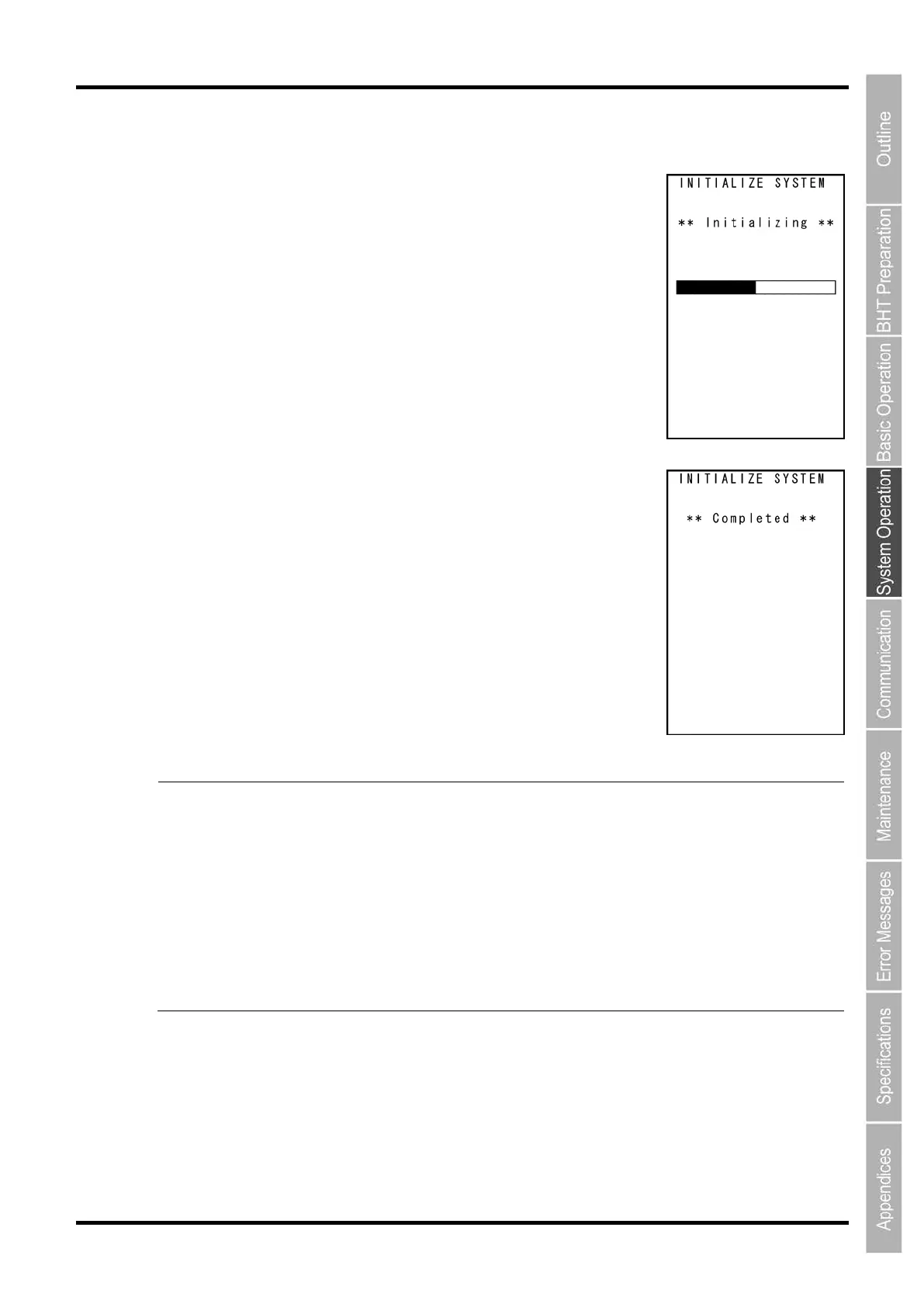
1. The screen on the right is displayed during system initialization.
2. Upon completion of system initialization, the screen on the right is
displayed for a second and then turns OFF automatically.
- Point -
Never turn OFF the BHT power during system initialization. Turning the power OFF too early
will interrupt the process, requiring initialization to be performed again.
If a “Contact your administrator. Note the error number. (XXXX)” message appears
although initialization has been completed, initialize the BHT again.
Following initialization, all programs and data files
stored in the target memory area will be lost.
Download them again if necessary. (Refer to Chapter “4.5.3
Downloading Files (DOWNLOAD
Menu)” for details of downloading.)
Always set the calendar clock following initialization. (Refer to “Chapter 2 BHT Preparation”
“2.4 Initial Setup”.)
Initialization will restore the display contrast level, communication
conditions and other settings
to their default values when shipped from the factory, and therefore they should be edited
necessary.



 To Next Page