66
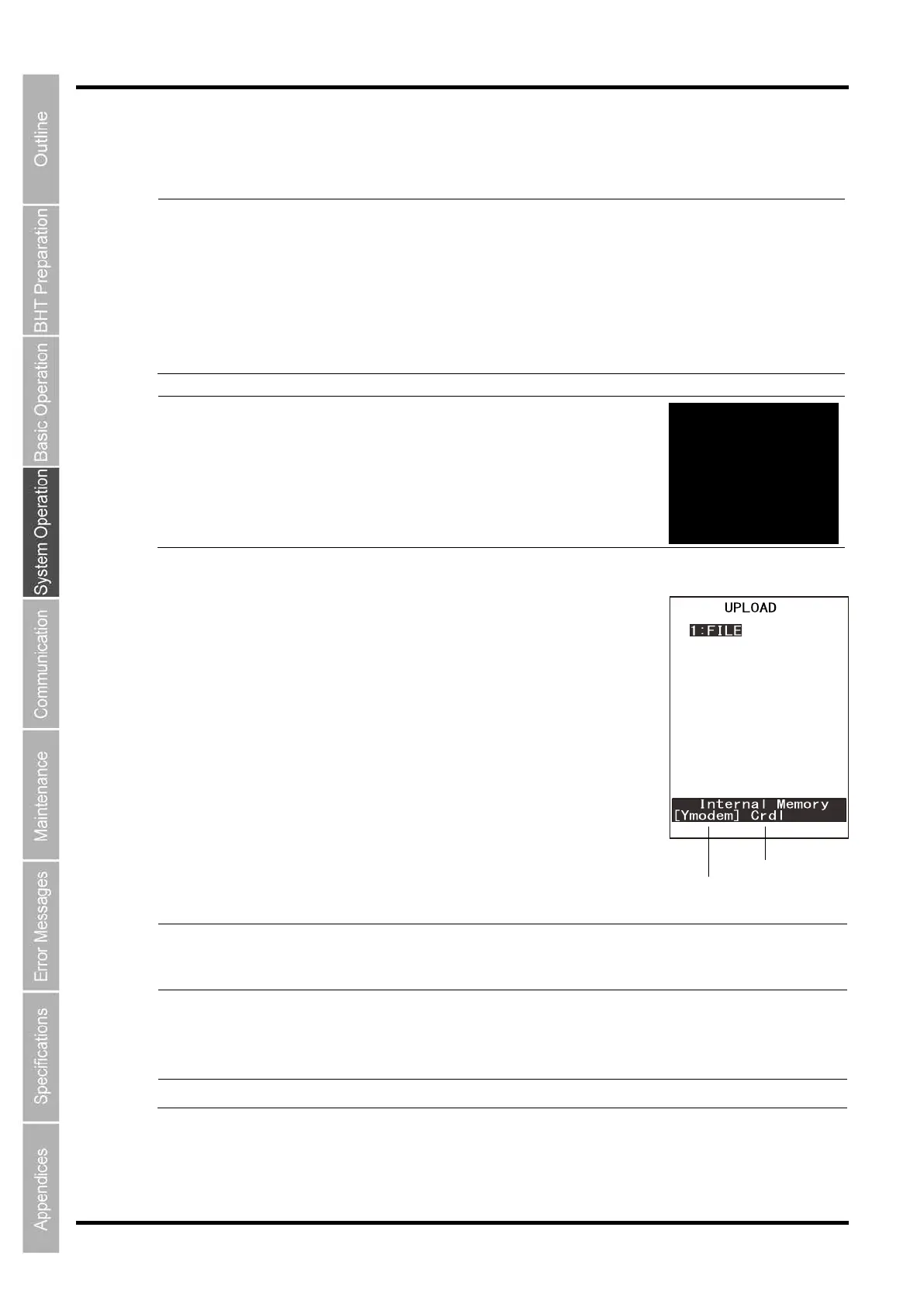
1:FILE
2:ALL FILES
3: <-->HT HT COPY
F4:DRIVE
Internal Memory
[Ymodem] Crdl
4.5.3 Downloading Files (DOWNLOAD Menu)
Download files to the BHT user area from other devices such as the host computer.
- Point -
If a file with the same name as one already used in the user area of
the BHT is downloaded, the newly downloaded file replaces the old one.
If an auto-start execution program has not been specified (See 4.5.6 [1]
auto-start Execution Program), the directory management progr
am will execute the first
managed program from among the programs (.PD4) downloaded to the BHT when the
BHT power is turned ON. (Program displayed at the top of the “EXECUTE PROGRAM
menu) Take this into account when determining the file download order.
Refer to “4.3 Executing User Programs” for details.
- Note -
A file can also be downloaded via the USB
communication port with the MTP. Refer to “5.4.2
Communication with MTP Connection” for details.
Use the following procedure to download files.
1. Select “2: DOWNLOAD” at the SYSTEM menu and then press the
ENT key.
The screen on the right is displayed.
“1: FILE”:
Select to download a specific file.
“2: HT<-->HT COPY”:
Select to download a file from another BHT.
Refer to “4.5.5 Copying Files between 2 BHT Units” for details.
“4: DRIVE”:
Select to download data to the microSD card.
Press the BS/C key to return to the SYSTEM menu.
The current communication settings display at the bottom of the screen.
Communication protocol type
Ymodem
BHT-Ir
BHTp
dem protocol
-Ir protocol
Crdl
IrDA
he interface(USB or IrDA or RS-232C) is
automatically determined.
interface
only (for compatibility with existing
models)
9600 to 460800
sponding to each protocol
Refer to “4.5.6 [5] Setting the communication environment” for details of communication environment
settings.
- MTP -
Termination Key:
[BS/C] or [C]
Communication protocol type



 To Next Page