67
2. Select either “1: FILE” or “2: HT<-->HT COPY” and press the ENT
key.
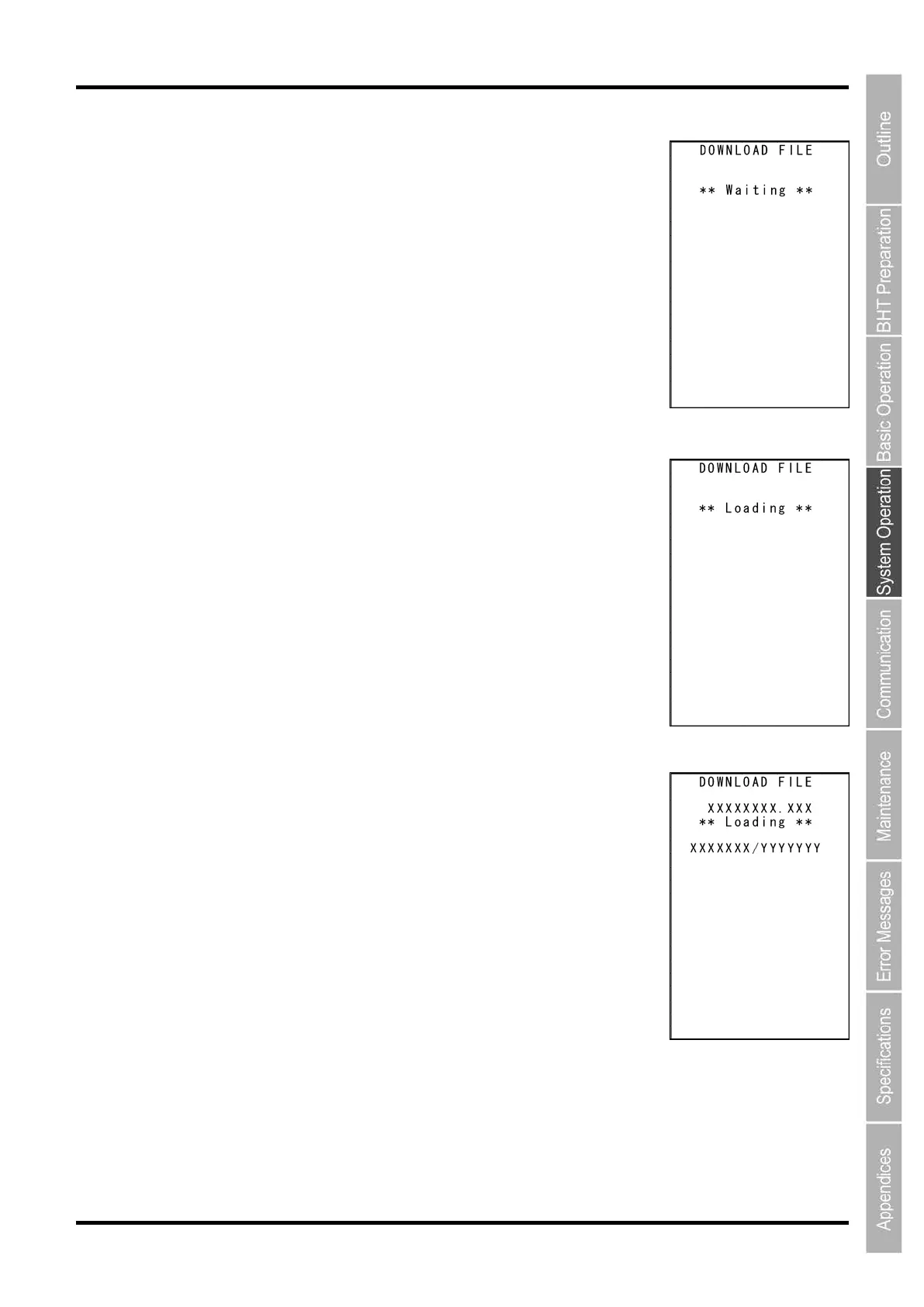
The screen on the right is displayed indicating that the BHT is waiting for
the file to be downloaded.
The screen on the right is displayed only when “1: FILE” is selected.
If “2: HT<-->HT COPY” is selected, “HT<-->HT” is displayed in the center of
the second row of the screen.
3. By executing the BHT-BASIC 4.0 Transfer Utility or similar program,
the screen on the right is displayed and file downloading is
commenced.
(Refer to the “BHT-BASIC 4.0 Transfer Utility User’s Guide.”)
4. The screen on the right is displayed during downloading.
The screen on the right is displayed indicating the file name and the
number of received records/the total number of records is displayed.
(When using the Ymodem protocol, the received file size/the total file size
(units: KB) is displayed.)
Press the BS/C key to abort the download process and return to the
DOWNLOAD menu.



 To Next Page