85
2. Use the cursor keys ([▲] [▼]) or numerical keys ([1] [2] [3] [4]) to select the item to be set and
press the ENT key.
3. Press the ENT key or BS/C key to make the settings value valid and then return to the OPEN
BAR SETTING screen.
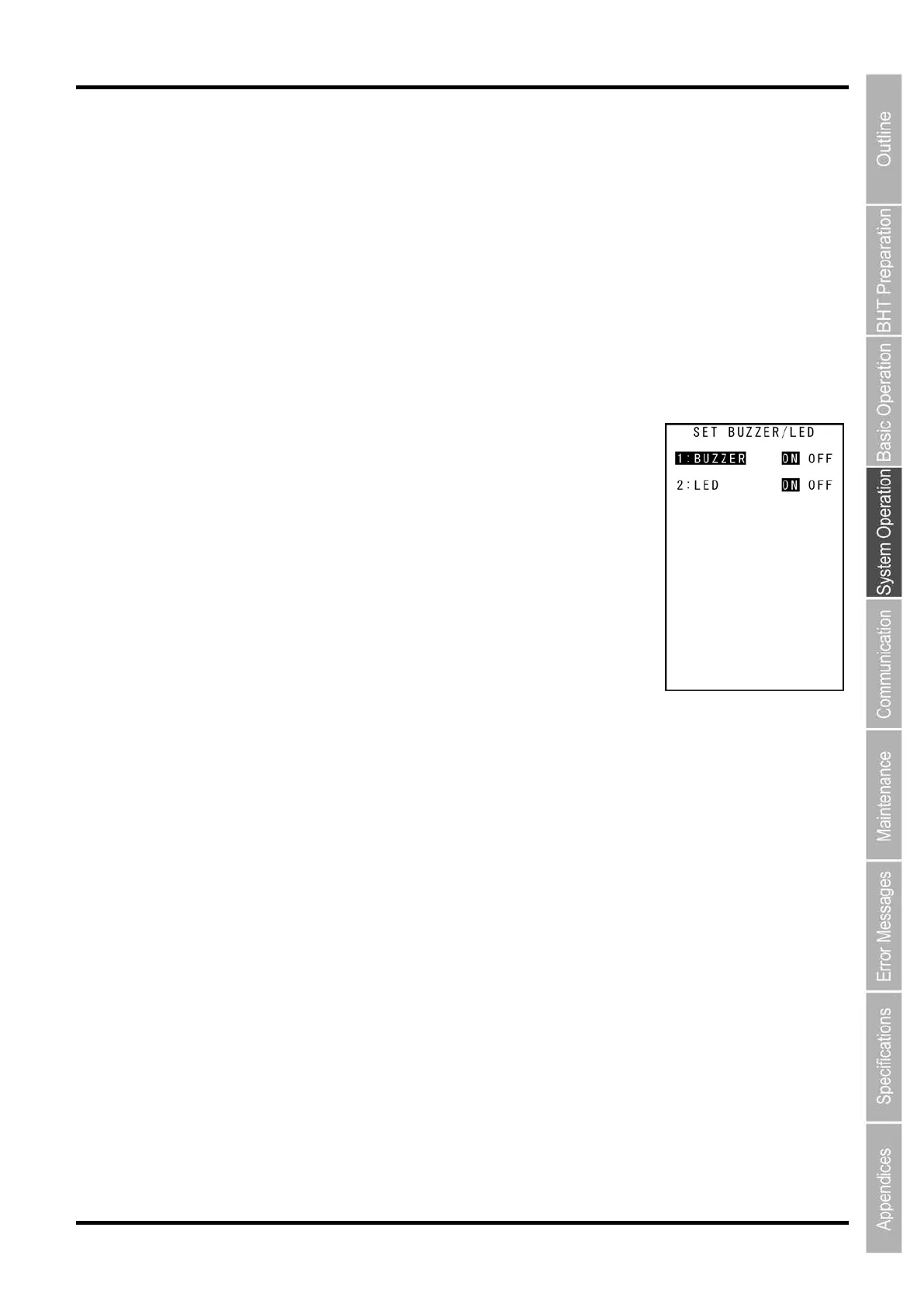
1. Select “2: BUZZER/LED” at OPEN BAR SETTINGS and then press
the ENT key.
The Buzzer/LED control settings screen is displayed.
The highlighted settings are the current settings.
“1: BUZZER”:
Enable to set Buzzer/Vibrator beeping when a read of a code is
successful.
“ON”: Buzzer/Vibrator beeps when a read of a code is
successful.
“OFF”: Buzzer/Vibrator does not beep when a read of a code is successful.
“2: LED”:
Enable to set LED illuminations when a read of a code is successful.
“ON”: LED lights in blue when a read of a code is successful.
“OFF”: LED does not light when a read of a code is successful.
2. Use the cursor keys ([▲] [▼]) or numerical keys ([1] [2]) to select the item to be set and press
the ENT key.
3. Use the cursor keys ([◄] [►]) to select settings value.
4. Press the ENT key or the BS/C key for the settings value to be valid and then return to the
OPEN BAR SETTING screen.



 To Next Page