166
[5] Setting up the MTP File Filer Parameters
1. Select “3: MTP DISP FILTER” at the MTP PARAMETER MENU and
then press the ENT key.
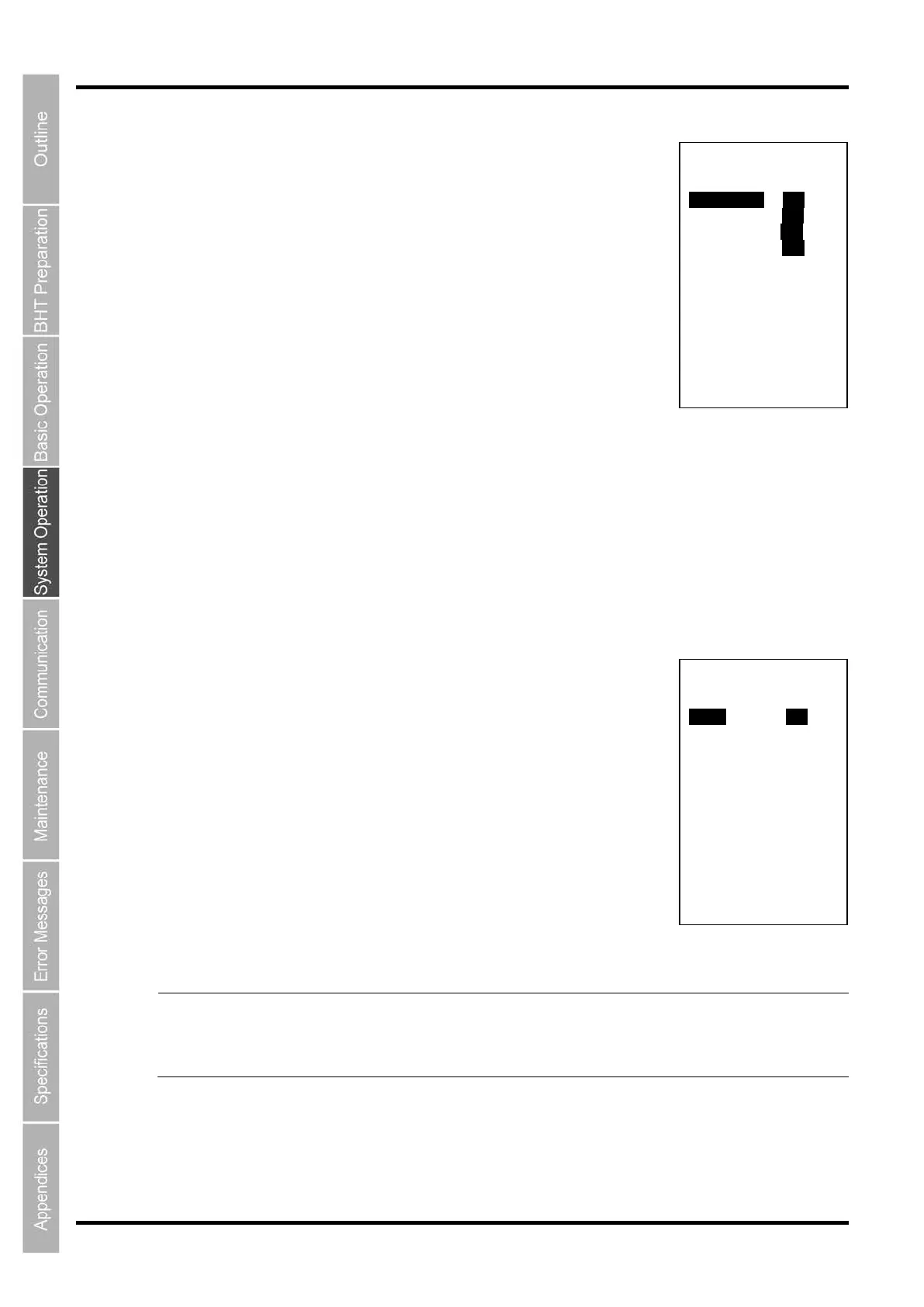
The MTP DISP FILTER 1/2 screen (FILE ATTRIBUTE) on the right is
displayed.
2. Use the cursor keys ([▲] [▼]) or numeric keys ([1][2][3][4]) to select
the menu and then press the ENT key.
“1: ATTR DAT”:
Selects whether or not (YES or NO) to put data files on the file list.
“2: ATTR APL”:
Selects whether or not (YES or NO) to put application files on the file list.
“3: ATTR FNT”:
Selects whether or not (YES or NO) to put font files on the file list.
“4: ATTR ANO”:
Selects whether or not (YES or NO) to put other files on the file list.
Use the cursor keys ([◄] [►]) to select the menu and then press the ENT key.
Press and hold the BS/C key to return to the MTP PARAMETER menu.
3. Press the ENT key.
The MTP DISP FILTER 2/2 screen (FILE EXTENSION) on the right is
displayed.
4. Use the cursor keys ([▲] [▼]) or numeric keys ([1][2]) to select the
menu and then press the ENT key.
“1: DISP”: Selects whether or not (YES or NO) to put the specified file
extension on the file list.
“2: SET”: Sets up file extensions of the filter. When using multiple file
extensions, separate eah of them with a comma (,). Use a
period (.) for the file that has no file extension.
Use the cursor keys ([◄] [►]) to select the menu and then press the ENT key.
Press and hold the BS/C key to return to the MTP PARAMETER menu.
Point
Operation of the specified files is disabled
by not displaying them on the Explorer (file list) of
the computer connected via MTP.
I
f a filtered file is received or dropped to the file list, that file is included in the list. Higher
priority is given to the setting of file extension over the file attribute.
MTP DISP FILTER 1/2
FILE ATTRIBUTE
1:ATTR DAT YES NO
2:ATTR APL YES NO
3:ATTR FNT YES NO
3:ATTR AN0 YES NO
MTP DISP FILTER 2/2
FILE EXTESION
1:DISP YES NO
2:SET (DELIMITER:,)



 To Next Page