63
4: DELETE BACKUP: Deleting the backed up data
1. Select “4: DELETE BACKUP” at the BACKUP menu and press the
ENT key.
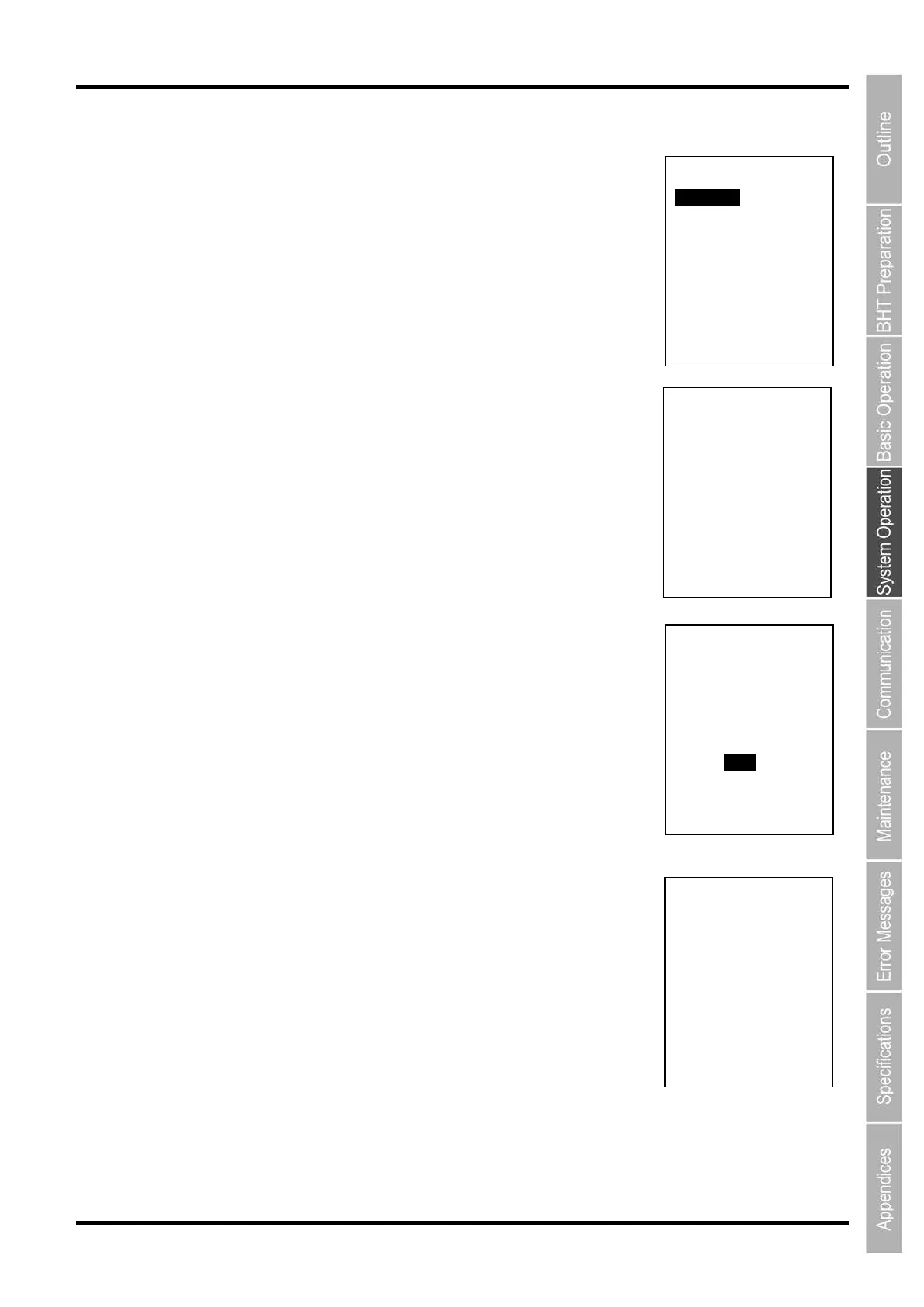
The following DELETE BACKUP menu is displayed.
“1: EXECUTE”:
Deletes the information specified by “2: BACKUP FOLDER”.
“2: BACKUP FOLDER”:
Deletes the backed up information.
2. Select “2: BACKUP FOLDER” at the DELETE BACKUP menu and
press the ENT key.
The menu for the selection of delete information is displayed. Use the
cursor keys ([▲] [▼]) to select the backup information to be deleted and
press the ENT key.
3. Select “1: EXECUTE” at the DELETE BACKUP menu and press
the ENT key.
The screen on the right is displayed.
How to delete the backup information
Use the cursor keys ([▲] [▼]) or numerical key ([1]) to highlight [1: Yes] and
press the ENT key. The backed up information selected is deleted and the
screen on the right is displayed.
Press and hold the BS/C key to return to the BACKUP menu.
How to cancel
Use the cursor keys ([▲] [▼]) or numerical key ([2]) to highlight [2: No] and
press the ENT key.
The screen returns to the BACKUP menu.
DELETE BACKUP
1:EXECUTE
2:BACKUP FOLDER
XXXXXXXXXXXXXXXX
DELETE BACKUP
BACKUP PATH:
D:
HT_BKUP
SELECT FOLDER:
1/X
XXXXXXXXXXXXXXXX
DELETE BACKUP
XXXXXXXXXXXXXXXX
DELETE?
1:Yes 2:No
DELETE BACKUP
** Completed **



 To Next Page