204
7.1 System Errors
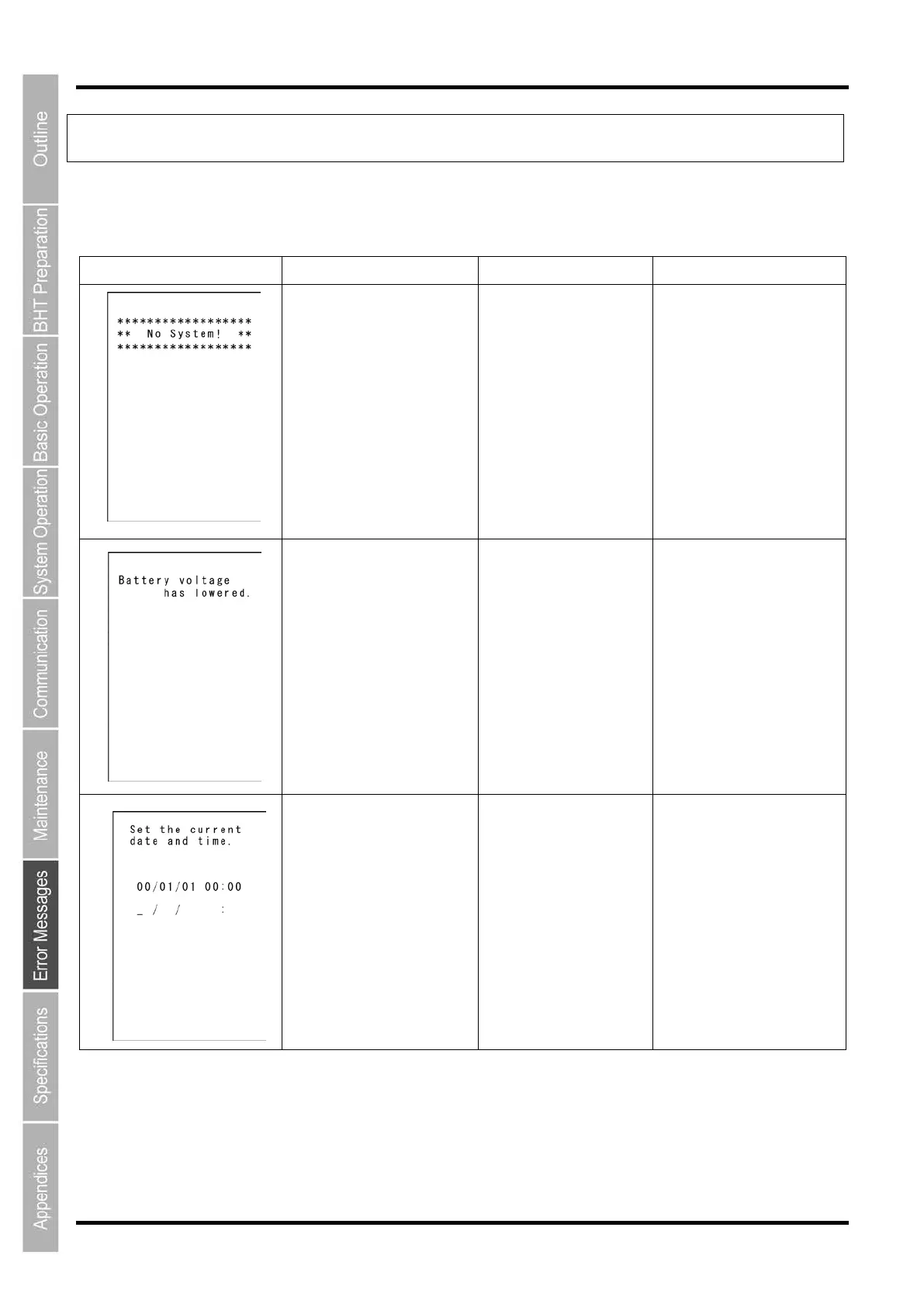
The error messages that display on the screen and the causes and countermeasures to be taken if an error occurs
when the power is turned ON or while running a program are shown below.
Message BHT Response Cause Countermeasure
If this error occurs, the
warning tone
beeps five
times and then turns itself
off.
has occurred.
administrator.
If low battery is detected, the
warning tone
beeps three
times. After that, it will
resume previous regular
operation.
The battery output level
has dropped below a
specified lower limit.
battery cartridge.
The date and time settings
screen displays, awaiting
entry.
integrated in the BHT has
stopped because:
- the battery cartridge had
long time,
- the battery cartridge had
not been recharged for
a long time.
time. (Refer to
“BHT Preparation” – 2.4
“Initial Setup”)



 To Next Page