59
[2] BHT Setting
For details, refer to the BHT Setting User’s Manual.
[3] BACKUP
1. Select “3: BACKUP” at the SETUP menu and press the ENT key.
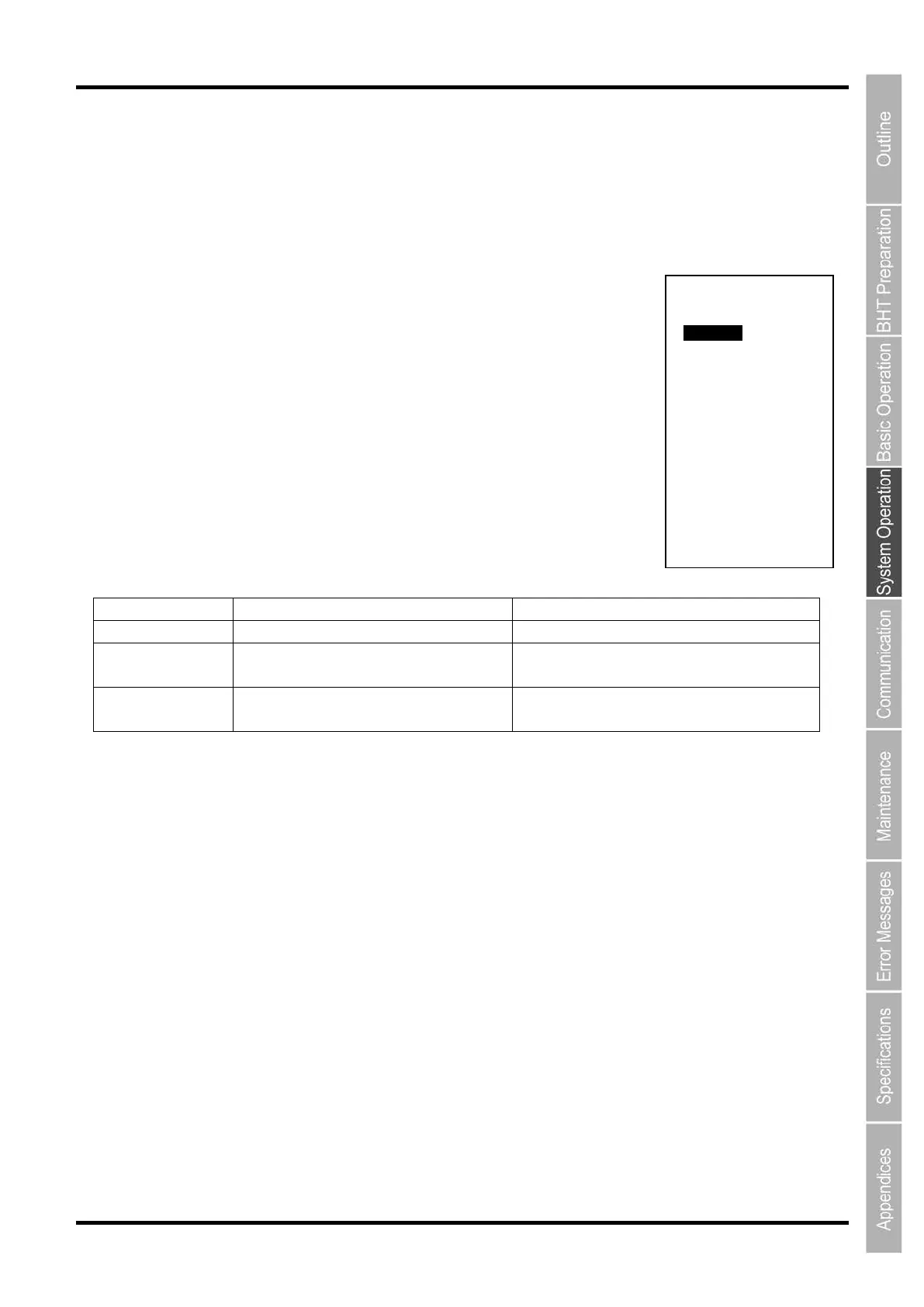
The following BACKUP menu is displayed.
“1: BACKUP”:
Backs up the BHT information to the microSD card.
“2: RESTORE” :
Restores the BHT information backed up in the microSD card.
“3: CLONE”:
Selects and restores the BHT information backed up in the microSD card.
“4: DELETE BACKUP”:
Deletes the BHT information backed up in the microSD card.
Use “2: RESTORE” to restore the BHT to the state when the data was backed
up, while use “3: CLONE” to set up multiple BHTs.
The table shows functional difference between “2: RESTORE” and “3: CLONE”.
OS settings Supported
Supported/Unsupported
(Set value of non-IP address is 1*)
Files Supported
Supported/Unsupported
(Wheter to delete exsisting files selectable)
* The IP address that has its own unique value can also be copied (“0.0.0.0” if the DHCP function is valid).
BACKUP MENU
(SD Memory)
1:BACKUP
2:RESTORE
3:CLONE
4:DELETE BACKUP
[RESTORE HISTORY]
Status :
Source :
Start:
End :
OBJECT STATUS
OS :
OS Setting:
File :



 To Next Page