21
2.6.2 Turning the Power OFF after Data Back-up
1. Hold down the Power key ( ) for at least 3 seconds.
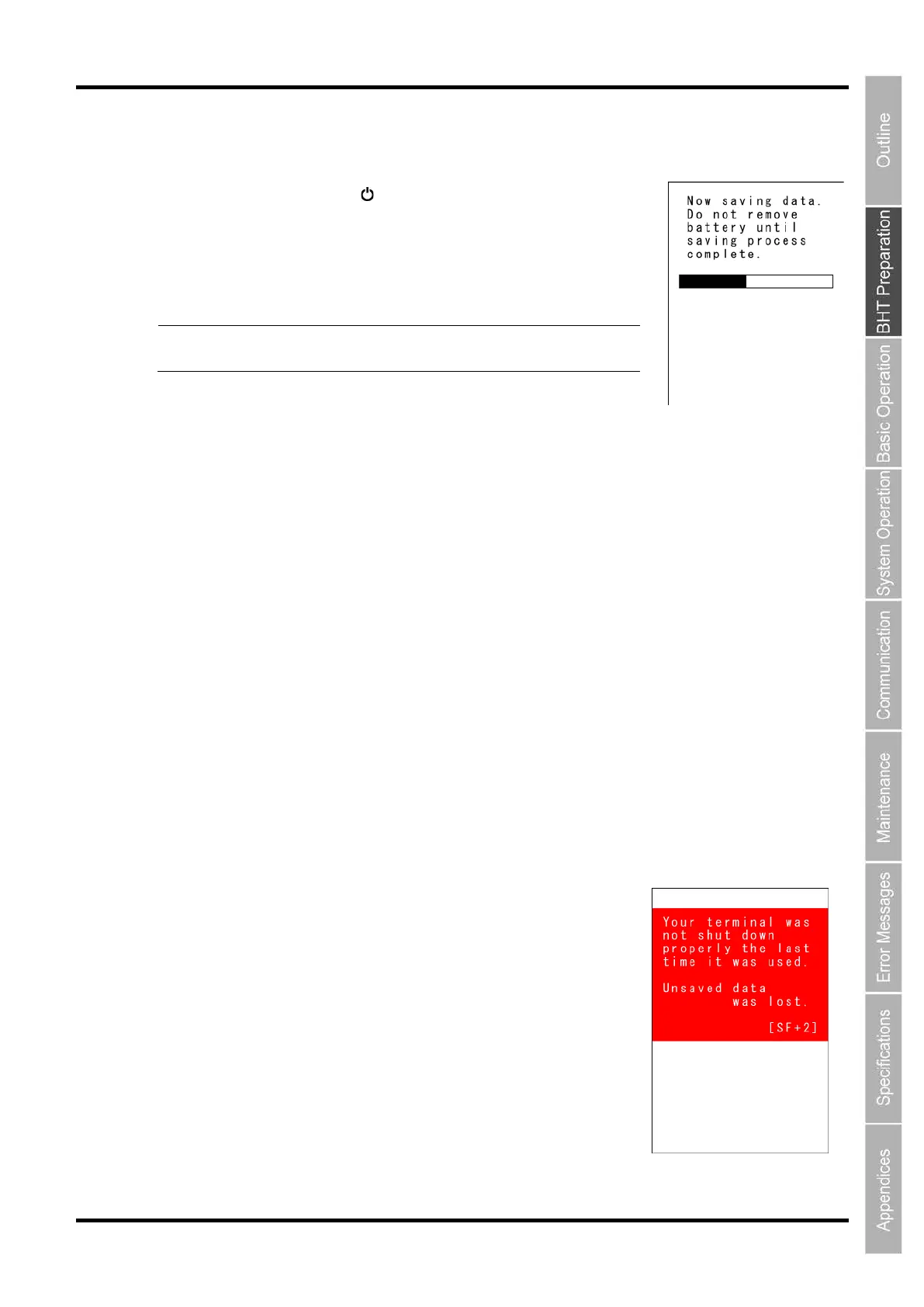
The message right displays and data
back-up is commenced.
The power turns OFF itself when the
back-up is complete.
Point
-
up process may take several tens of seconds
depending on the amount of data.
2.6.3 Auto Power OFF
The power turns OFF itself when the BHT is not used for the specified period of time set at the user
program.
This is se
t to 3 minutes at default when the BHT is shipped from the factory.
* Refer to
“BHT-1500 Programmer’s Manual” for details of auto power OFF.
2.6.4 If the BHT Is Shut Down Abnormally
If the BHT is shut down abnormally* and is left without a batteries or with discharged batteries inserted,
then unsaved data may be lost.
(* “Normally shut down” refers to “2.6 Turning OFF the Power.”)
1. The right screen will appear when you load the charged batteries and turn the BHT on.



 To Next Page