146
4.5.10 Bluetooth Communication Settings (DEVICE MENU)
Use the following procedure to set up Bluetooth communication.
1. Select “BLUETOOTH” at the DEVICE MENU and then press the
ENT key.
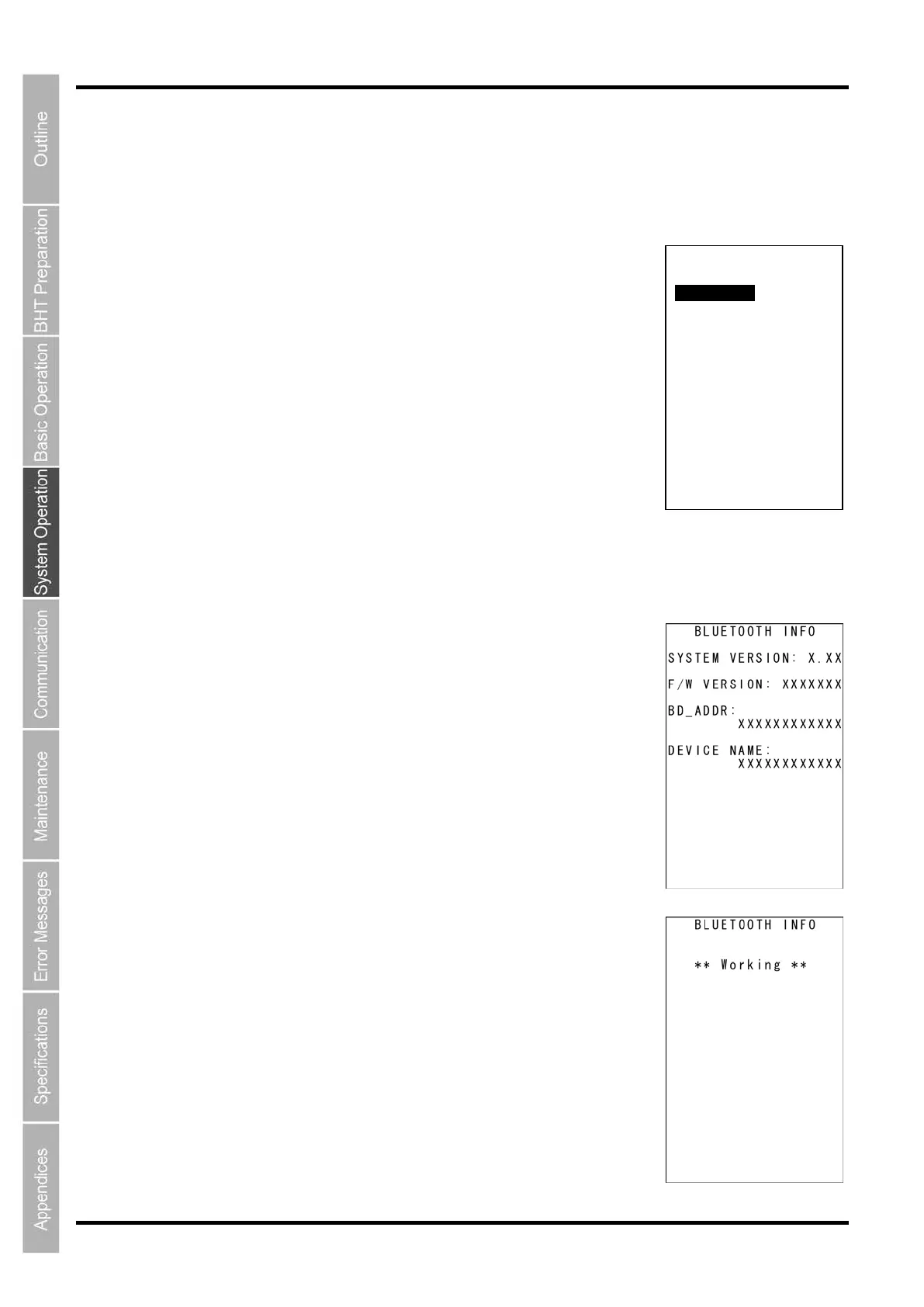
The BLUETOOTH MENU screen on the right is displayed.
[1: INFORMATION]: Displays Bluetooth interface information.
[2: SET BLUETOOTH]: Sets up the Bluetooth parameters.
[3: BROWSE DEVICE]: Displays accessible Bluetooth devices available
in the vicinity.
[4: SERIAL PORT]: Transfers files via the serial profile.
[5: HID PORT]: Communication via the HID profile.
Refer to the following sections for details of the above menus.
Press and hold the BS/C key to return to the DEVICE MENU.
[1] Viewing Bluetooth Information
1. Select “1: INFORMATION” at the BLUETOOTH MENU and then
press the ENT key.
Bluetooth
®
system version, firmware version, address, and Bluetooth
®
device name are displayed on the BLUETOOTH INFO screen.
Press and hold the BS/C key to return to the BLUETOOTH MENU screen.
The screen on the right is displayed while the Bluetooth information is being
read from the device.
BLUETOOTH MENU
1:INFORMTION
2:SET BLUETOOTH
3:BROWSE DEVICE
4:SERIAL PORT
5:HID PORT



 To Next Page