25
4. Install the batteries.
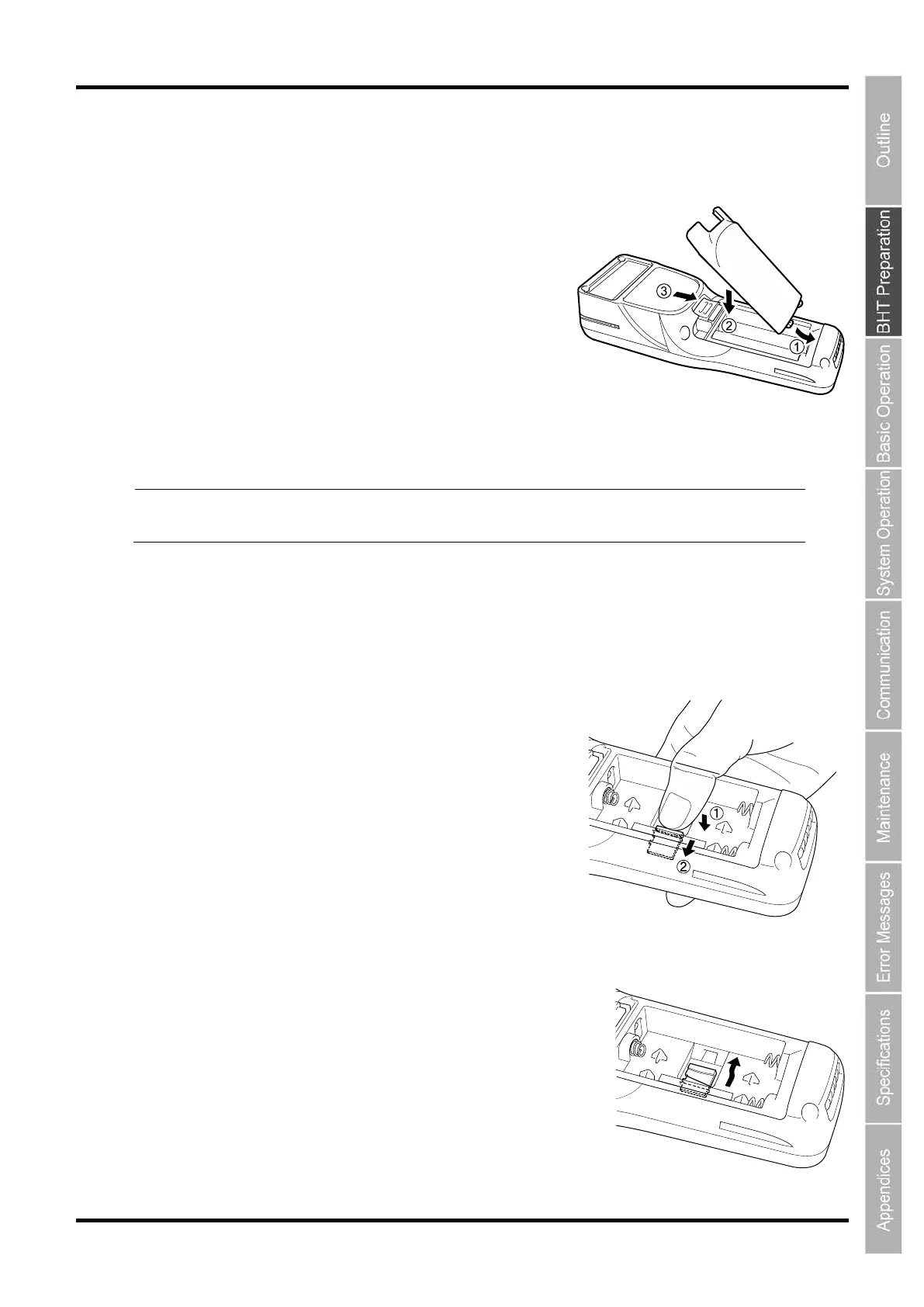
How to remove the microSD card
Remove the microSD (option) card in the following procedure.
Point
Make sure that the BHT is tur
ned OFF before inserting the microSD card.
Otherwise, the data saved in the card may be broken or lost.
1. Remove the batteries.
2. Push the SD card until it clicks (2)
while pressingdown the stopper (1).
3. The card pops out from the slot when release the pressure.



 To Next Page