20
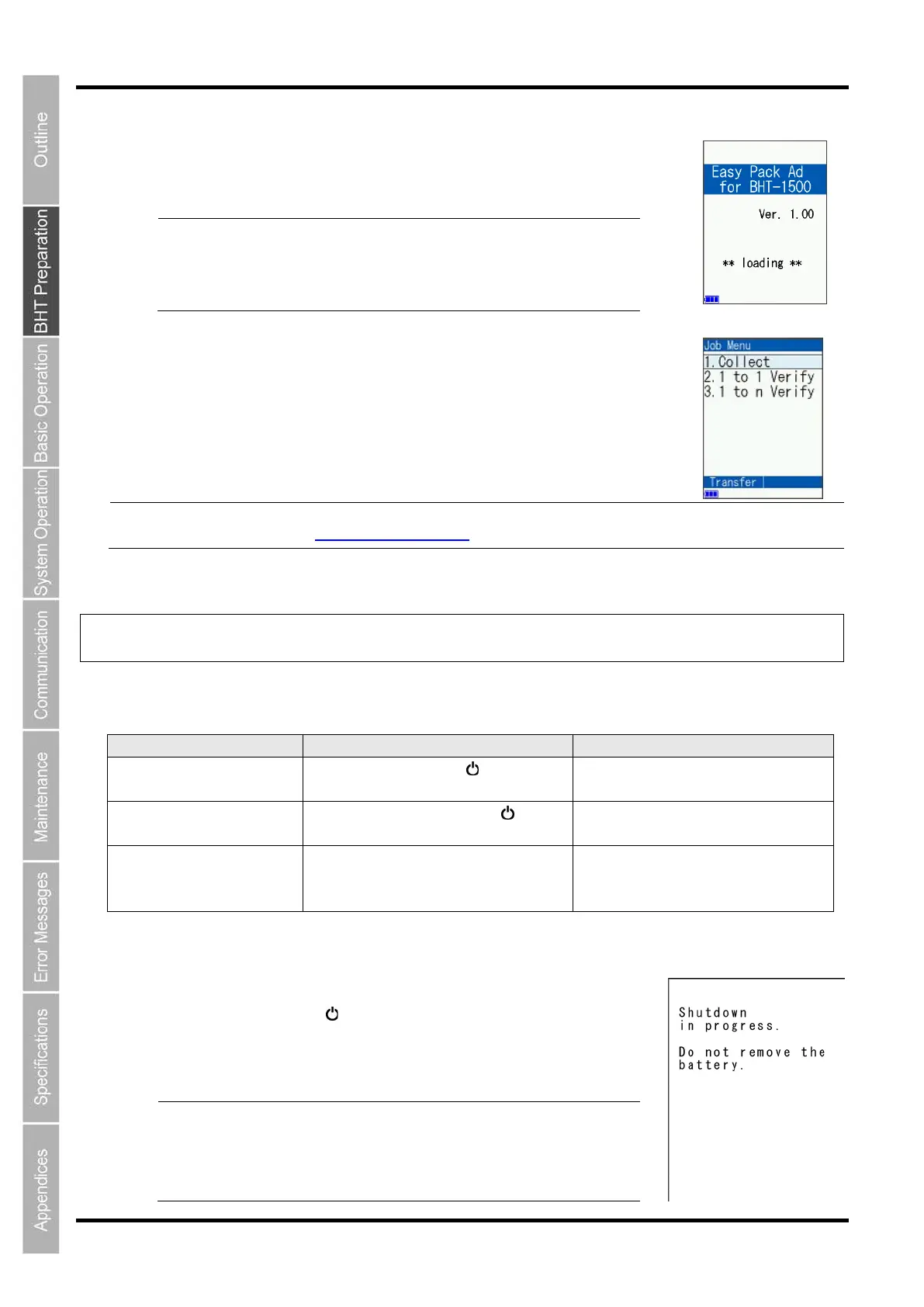
2. Press the SCAN key to activate the Easy Pack Ad for BHT-1500.
The screen on the right appears.
Point
M1 key is pressed, the Easy Pack Ad fo
-1500 is activated in the same manner as for the SCAN
key. Note, however, that the screen in step 1 is no longer
displayed after this point.
To turn the power OFF, press the
M2
key.
3. When information loading is complete, the screen on the right appears.
Note
For information on how to use the “Easy Pack Ad for BHT
-15
00”, first obtain the product from the
QBdirect service (
http://www.qbdirect.net/) and then check how to use the software.
2.6 Turning OFF the Power
You can turn OFF the BHT in one of the following three methods.
Normal power OFF Press the Power key ( ). 20 minutes after the power is turned
Turning the power OFF
after data back-up
Hold down the Power key ( ) for at
At the power OFF
Auto power OFF The power turns OFF itself
BHT is not used for specified period of
time set at the user program.
20 minutes after the power is turned
off
2.6.1 Normal Power OFF
1. Press the Power key ( ).
The BHT turns OFF after the message on the screen given to
the right displays.
Point
Do not remove the batteries while the message on the right
is displayed.
When the power is next turned ON, there are times when a
message “Contact your administrator. (XXXX)” displays
asking the user to contact the administrator.



 To Next Page