18
2.4 Initial Setup (Setting the date, time, and
message language)
Turn ON the power after inserting the batteries into the BHT.
Note that the clock and message language are not set at the time of purchase. Therefore, it is necessary to make
those settings when turning ON the power for the first time.
When resetting the date and time, operate the BHT according to the following procedures.
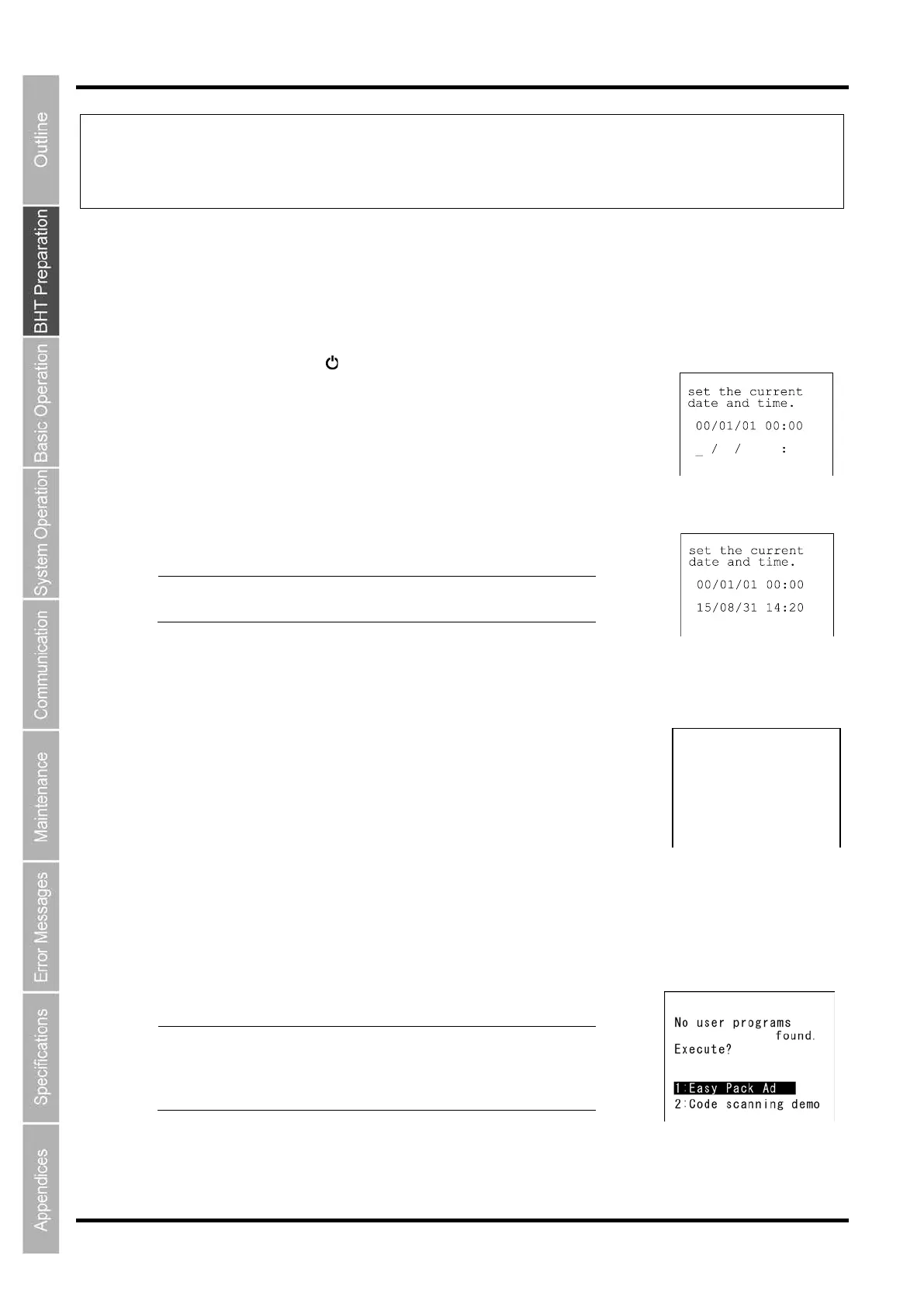
1. Press the Power key ( ) to turn ON the BHT.
The screen shown on the right is displayed.
2. Enter the date and time using the numeric keys.
[Ex.] : August 31, 2015, 14:20
Point
Enter the last two digits for the year, and enter the
time in 24
-hour clock format.
3. Press the ENT key to set the date and time.
The screen on the right is displayed.
Press the numeric key corresponding to the desired message language.
“1: English”: Messages are displayed in English.
“2: Japanese”: Messages are displayed in Japanese.
“3: Chinese”: Messages are displayed in Simplified Chinese.
“4: Taiwanese”: Messages are displayed in Traditional Chinese.
“5: Thai”: Messages are displayed in Thai.
4. Press the ENT key to set the message language.
When the message language is decided, the screen on the right appears.
Point
All font files except a selected language font will be
deleted.
Font files can be downloaded from the Q
B
direct
service (register for free
membership).
1:English
2:Japanese
3:Chinese
4:Taiwanese
5:Thai



 To Next Page