122
[5] LCD and indicator LED tests
Use the following procedure to perform an LCD and indicator LED test.
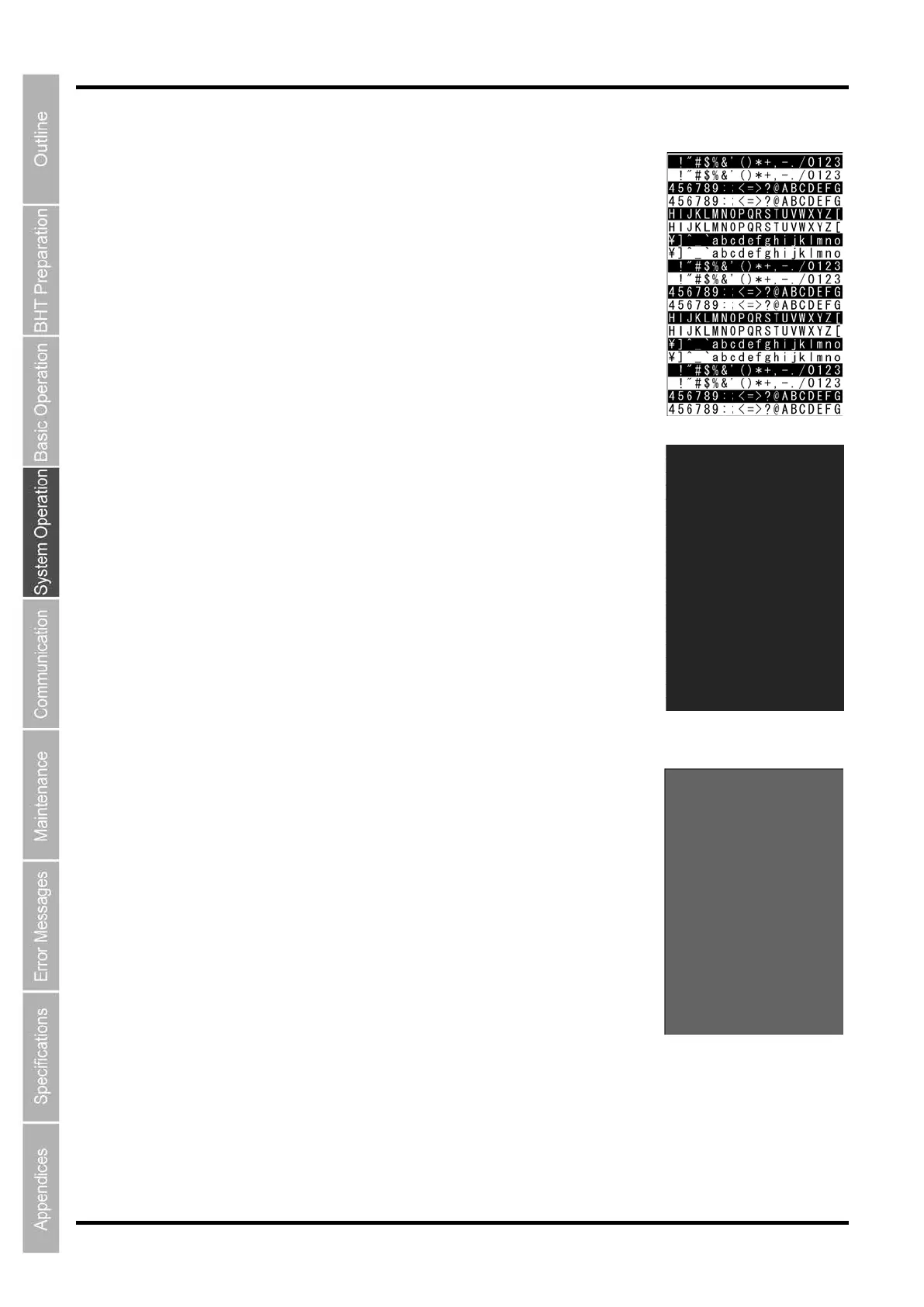
1. Select “5: LCD” at the TEST menu and then press the ENT key.
The TEST BEEPER screen on the right is displayed.
The indicator LED is OFF at this time.
Press and hold the BS/C key to return to the TEST menu.
2. Press the ENT key.
The entire screen turns black and the indicator LED illuminates in green.
Press and hold the BS/C key to return to the previous screen.
Press and hold the BS/C key, or press the SF key and BS/C key
simultaneously to return to the TEST menu.
3. Press the ENT key.
The entire screen turns gray.
Press and hold the BS/C key to return to the previous screen.
Press and hold the BS/C key, or press the SF key and BS/C key
simultaneously to return to the TEST menu.



 To Next Page