116
[1] Code scanning test
Use the following procedure to perform a barcode scanning test.
1. Select “1: BARCODE” at the TEST menu and then press the ENT
key.
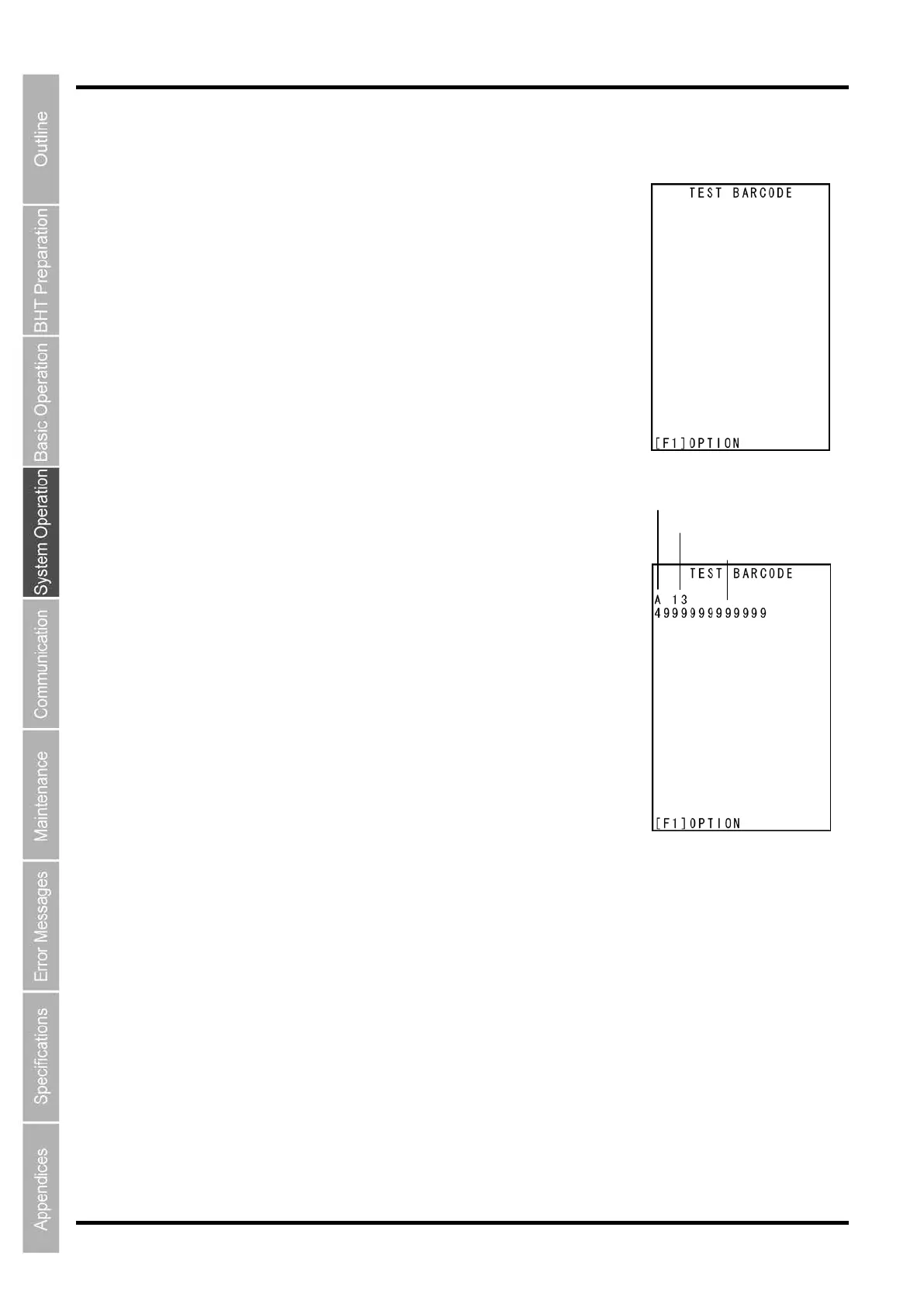
The screen on the right is displayed.
2. Scan a barcode with the BHT
Upon completion of barcode, the speaker beeps once, and the indicator
LED turns blue.
3. The scanned barcode type, lead digits, total number of
digits, and code data display on the screen. Verify that the code
data and screen display match.
Press and hold the BS/C key to return to the TEST menu.
ode type



 To Next Page