139
[1] Functions for which licenses have been registered (
)
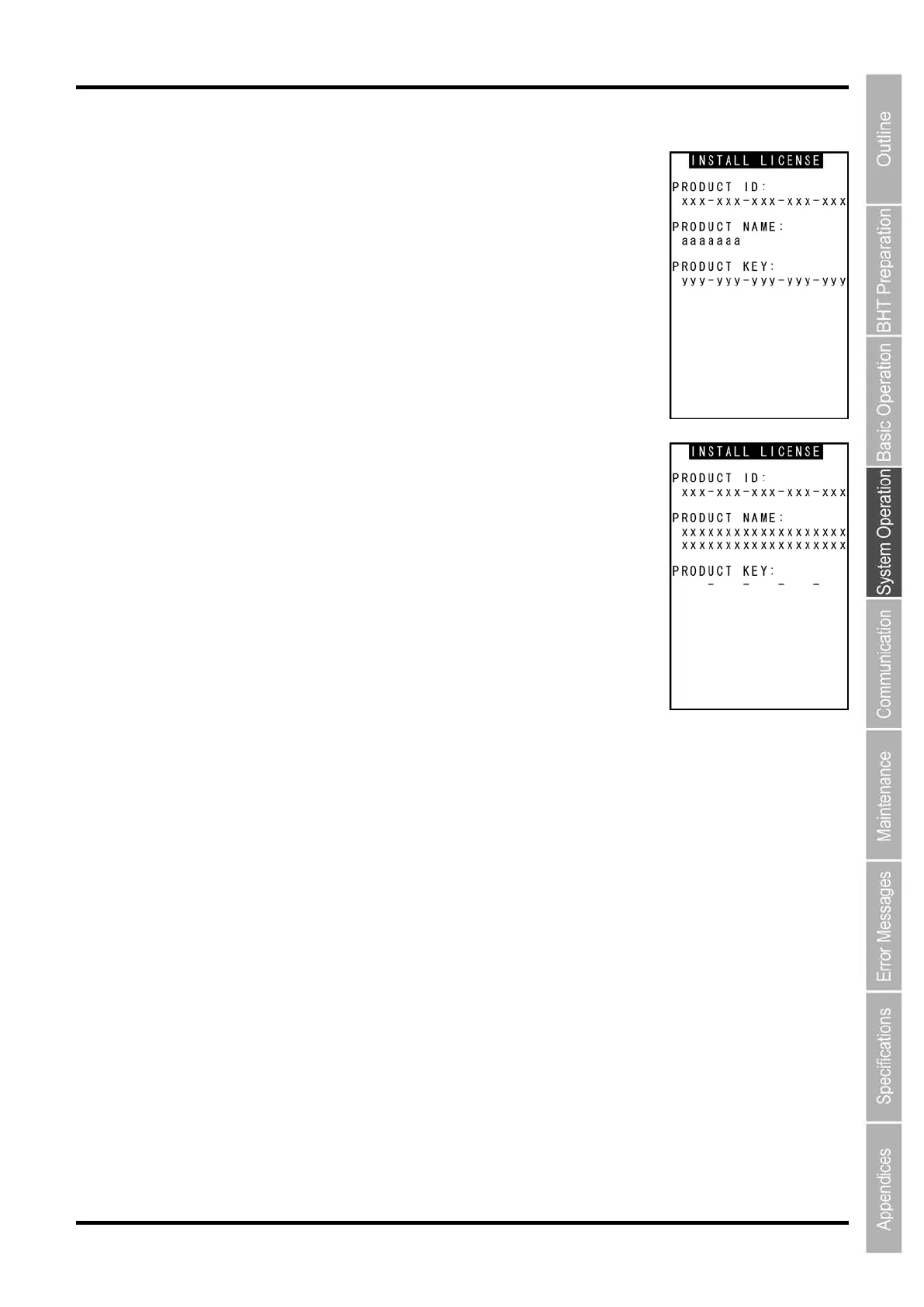
1. Use the cursor keys ([▲] [▼]) to highlight the name of a function that
has been registered, and then press the ENT key to display a screen
similar to that shown on the right containing the license registration
details.
[PRODUCT ID]: Product ID
[PRODUCT NAME]: Product name
[PRODUCT KEY]: Product key
2. Press and hold the BS/C key to return to the LICENSE
INFORMATION screen.
[2] Functions for which licenses have not been registered (
)
1. Use the cursor keys ([▲] [▼]) to highlight the name of a function that
has not been registered, and then press the ENT key to display the
license registration screen shown on the right.
[PRODUCT ID]: Product ID
[PRODUCT NAME]: Product name
[PRODUCT KEY]: Product key
2. Press the ENT key to display the cursor, allowing the product key to
be entered.
Enter the product key for the product ID, and then press the ENT key.
If “** Authorized **” displays, license registration is complete.
If “*** Key NG ***” displays, the entered product key is incorrect.
Reenter the correct product key.
∗ The product key can be acquired when purchasing the product.
3. Press and hold the BS/C key to return to the LICENSE INFORMATION screen.



 To Next Page