156
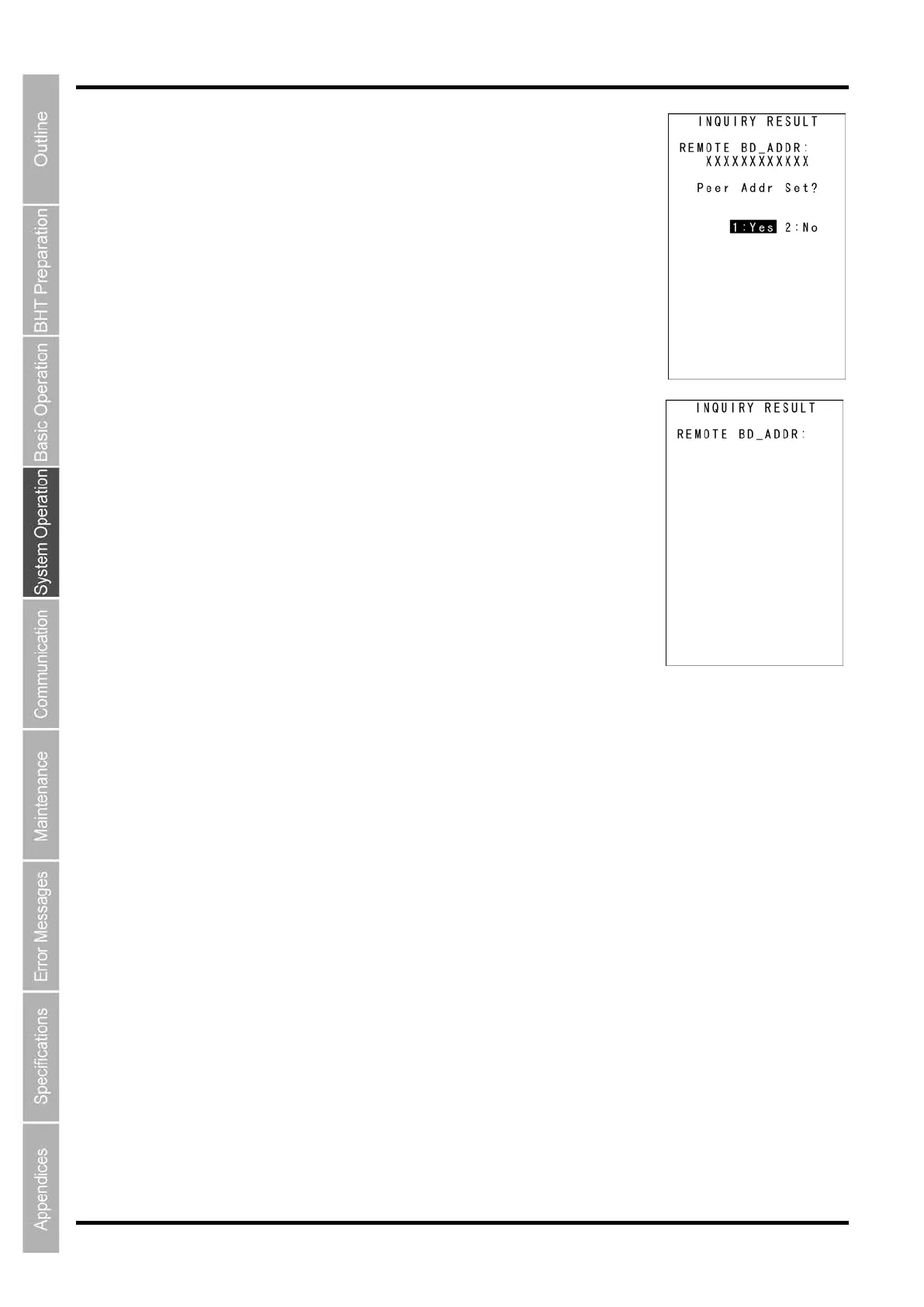
The confirmation screen on the right is displayed.
To set the selected address as a remote device address, select “1: Yes” and
press the ENT key.
To cancel the new setting, select the “2: No” and press the ENT key.
The screen returns to the BROWSE DEVICE menu.
If the detected device does not exist, the screen on the right is displayed.
Press and hold the BS/C key to return to the BROWSE DEVICE menu.



 To Next Page