56
1. Perform the settings for the master-side clone using “2: CLONE” and “3:OPTION” from the
SETUP menu.
Use the “OPTION” menu to perform settings such as the clone number, and authentication key.
“OPTION” menu content is as per the table below.
1: CLONE NO.
1 to 6-digit numeric values “0”
Differentiates whether or not the beginning
of the number is padded with a “0” so that
the not only sequential numbers, but date
settings can be performed as well.
Ex.: The function differentiates between
CLONE
OS YES
There are also OS settings and additional
files, but the af
orementioned items are
always cloned.
3: AUTH KEY
Used 0 to16 one-byte
alphanumeric characters
(Entry possible in ALP
Not used
4: SLAVE ACTION
Clone menu
BHT reboot: Restarts the BHT, then starts
the applications.
BHT reboot
5: FILE COPY MODE
Clone mode
Makes the slave-side file
structure identical to the
Clone mode
HT-HT copy mode
Leaves a copy of the
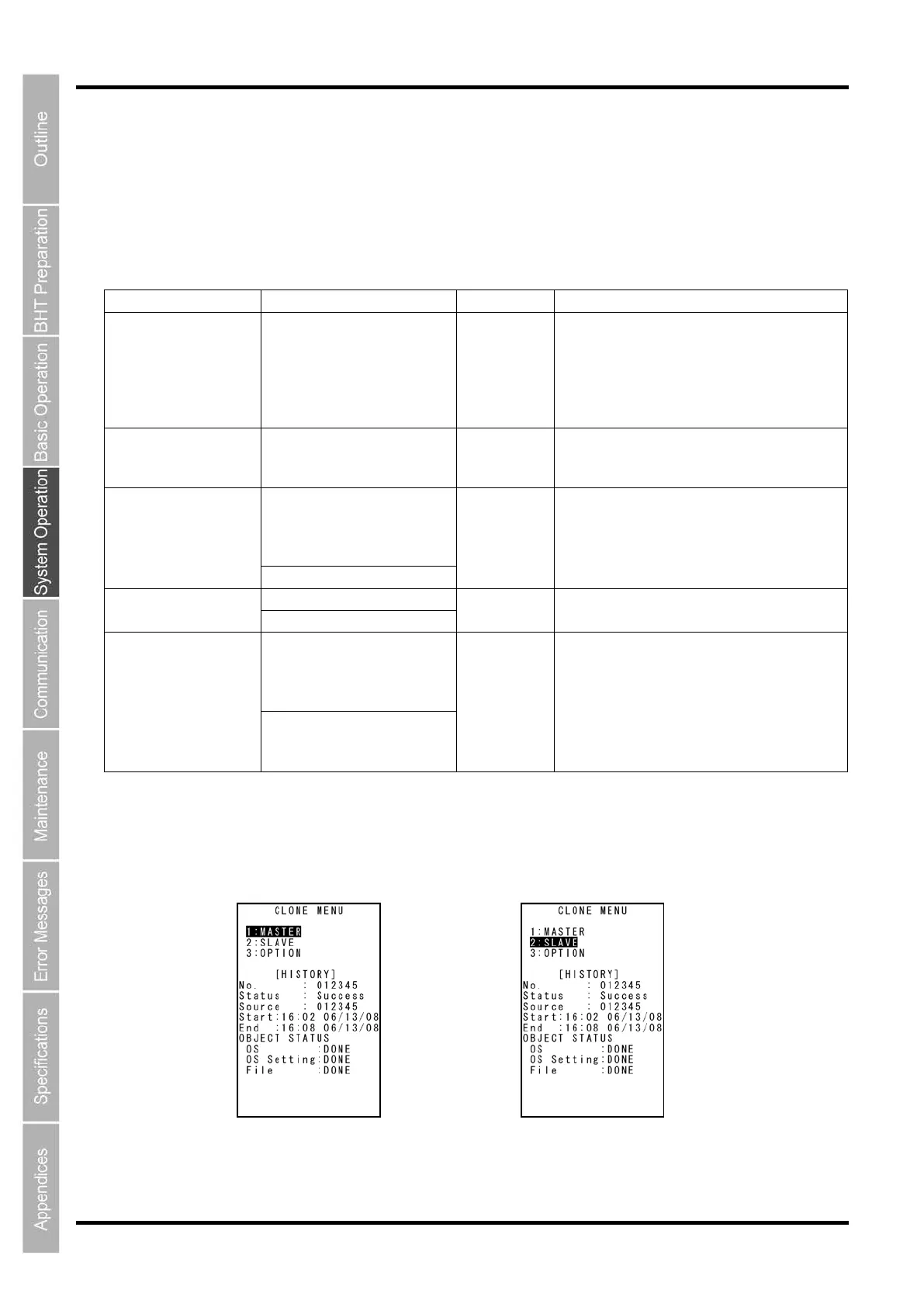
2. Select “1: MASTER” from the CLONE MENU on the msaster side.
3. Select “2: SLAVE” from the CLONE MENU on the slave side.
Master Side Slave Side



 To Next Page