Chapter 7 Online Functions
113
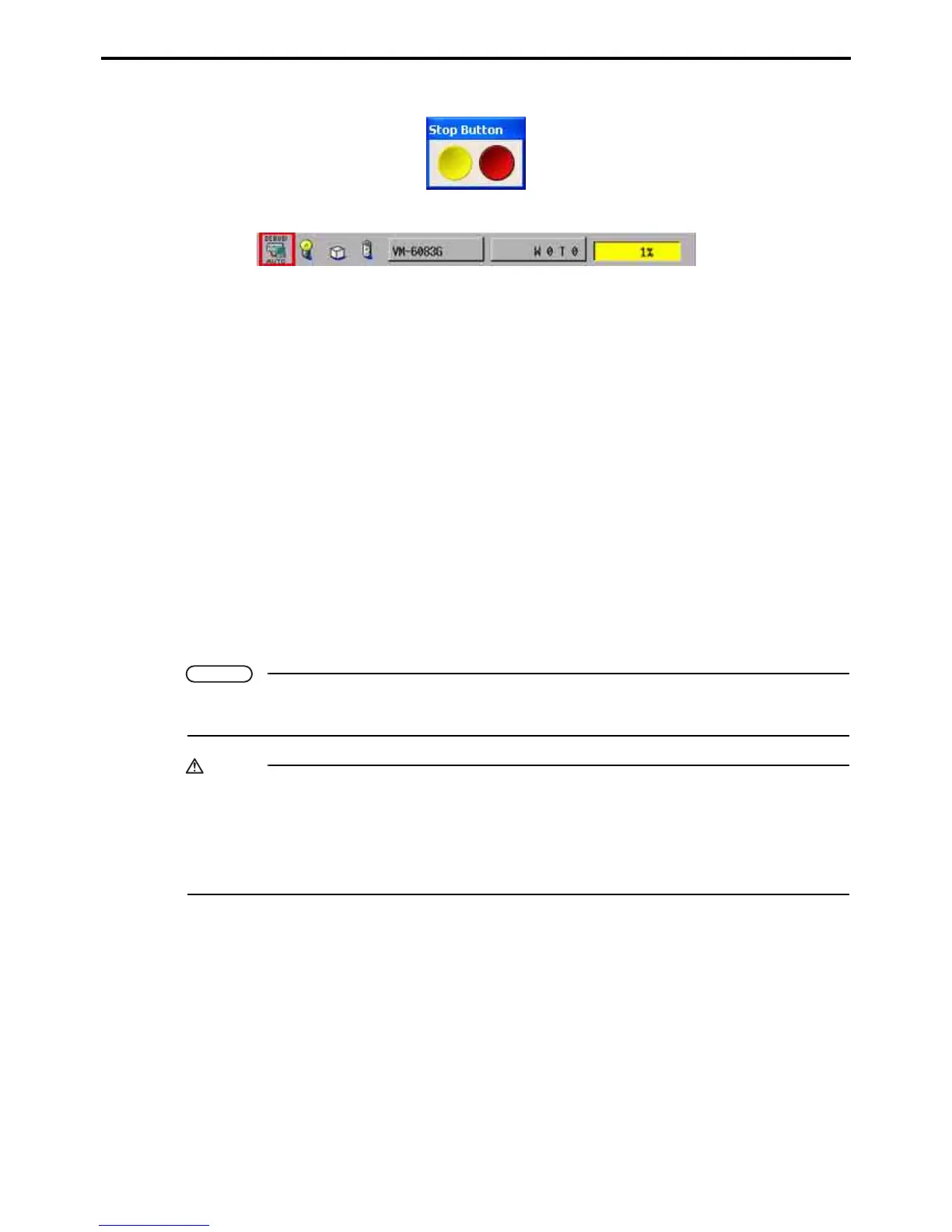
Stop button
The teach pendant or mini-pendant also display a Debugging status screen.
Automatic aborting of debugging
WINCAPS III and the robot controller automatically switch to offline operation if any of the following
situations arises.
• Someone switches the pendant's mode selector switch away from its AUTO position.
• They detect severance of the link between them.
• They detect severance of the robot controller's link with the teach pendant or mini-pendant.
• The robot controller loses power.
• A password-protected screen saver kicks in.
Side effects
Switching to offline operation triggers the following cleanup operations.
• Stopping PAC programs
• Turning off motors
• Stopping supervisory tasks
• Closing teach pendant (TP) panels
• Clearing all breakpoints
• Clearing all dummy I/O settings
Note
When connection for online operation is complete, WINCAPS III windows automatically display robot
controller internal data.
Caution
Debugging imposes the following restrictions.
• Only the computer doing the debugging can run PAC programs (or supervisory tasks) or turn on
motors, not a teach pendant, a mini-pendant, I/O devices, or other computers running the ORiN
SDK.
• The teach pendant cannot load programs.



 To Next Page