Chapter 7 Online Functions
119
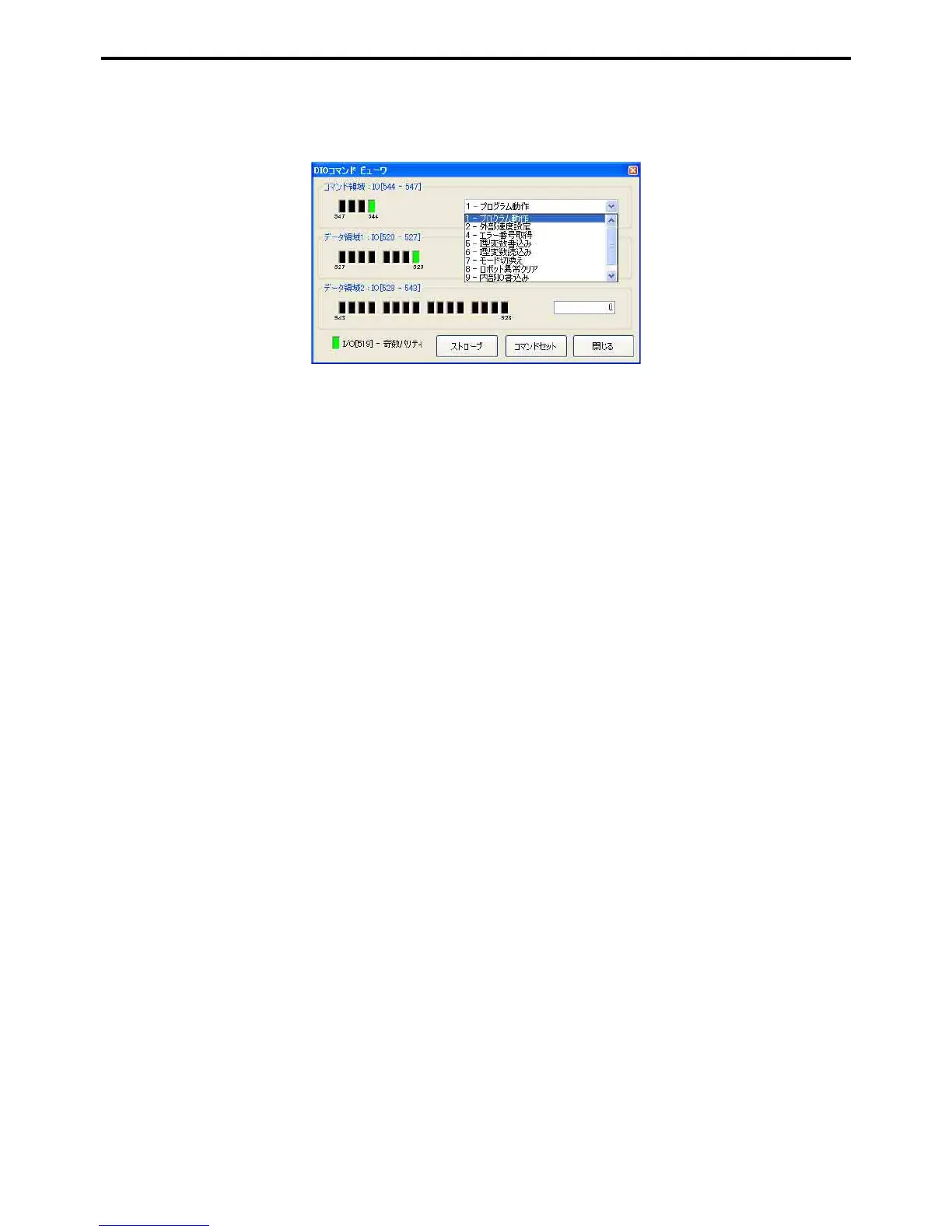
2. Select desired items from the pull down lists for Command field and Data field 1, and input
appropriate values in Data field 2.
Odd parity is automatically set.
3. Press the Command set button
The on/off status of the Command field, Data field 1, Data field 2 and Odd parity are reflected in the robot
controller.
4. Press the Strobe button.
The robot controller strobe signal will turn off then on again, and the command will be executed.



 To Next Page