118
Chapter 7 Online Functions
7.3.4.2 Input signal on/off operation
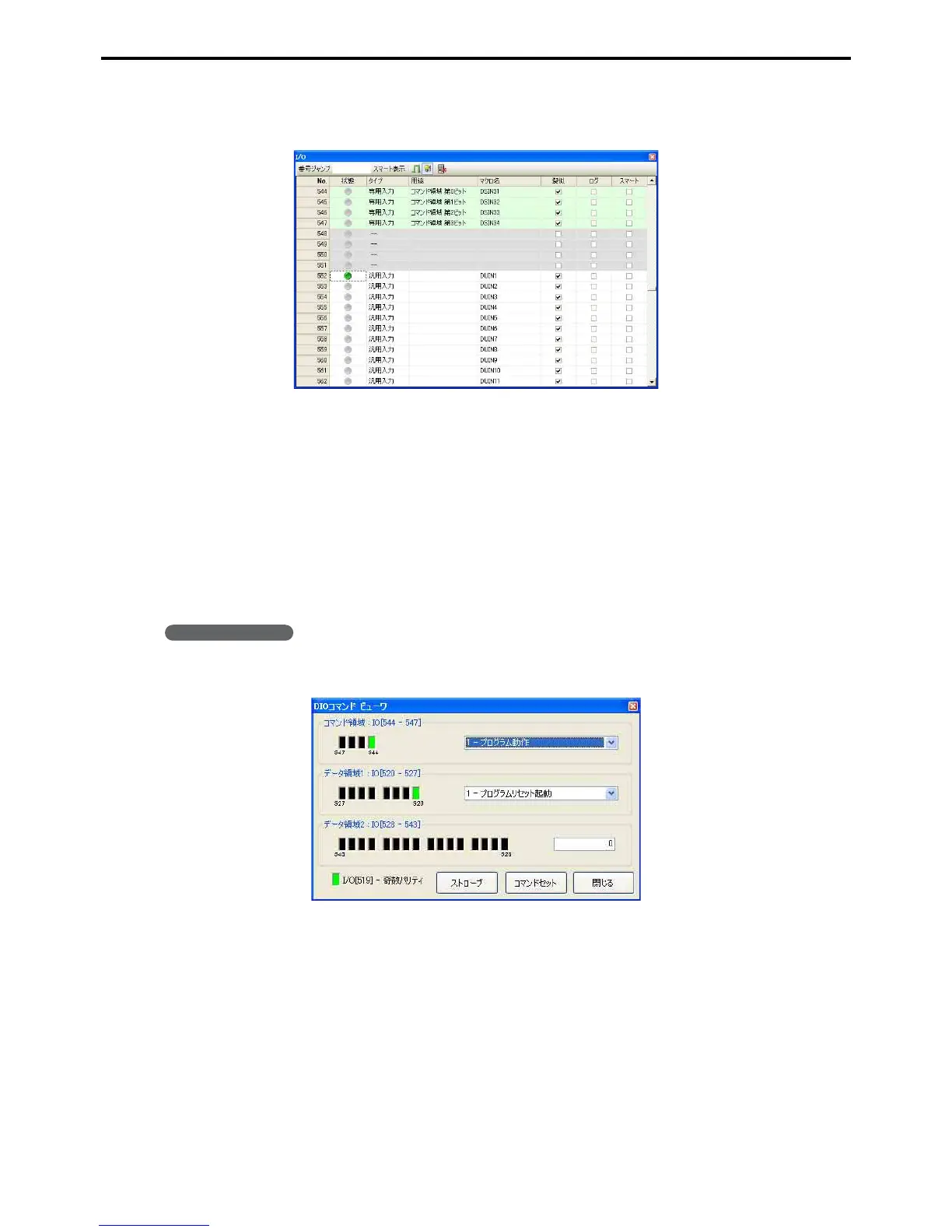
Press the Status lamp of the input signal to be turned on/off. When lit green it is on, when gray it is off.
7.3.4.3 Exclusive input signal on/off operation (DIO command viewer)
In debugging exclusive input signals can also be dummy operated. (With monitoring non-exclusive input signals
can be dummy operated.)
Dummy I/O configuration is the same as for other input signals, but on/off can be operated through the DIO com-
mand viewer as well as the standard method.
The DIO command viewer can be used when the I/O assignment mode is Mini I/O exclusive or Standard. Com-
mand and data fields are automatically turned on/off in response to the I/O command functions. For I/O commands,
refer to the Command Execution Input/Output Signals of the RC7M Controller Manual or the Command Execution
Input/Output Signals (standard mode exclusive) of the RC7M Controller Option Equipment Manual.
Operating procedure
1. Choose Tool|DIO command viewer.
(This screen shows standard I/O assignment mode.)



 To Next Page