Chapter 4 Creating a Project
61
Vision
Parameters concerning visual functions.
• Vision tab
Vision
All visual tools data.
Select Screen data settings on the Transfer data screen.
Configuration
All configuration data (calset values, etc.)
Note
Some items will not appear in the list of transferable data due to WINCAPS III settings or robot con-
troller specifications.
Operating procedure
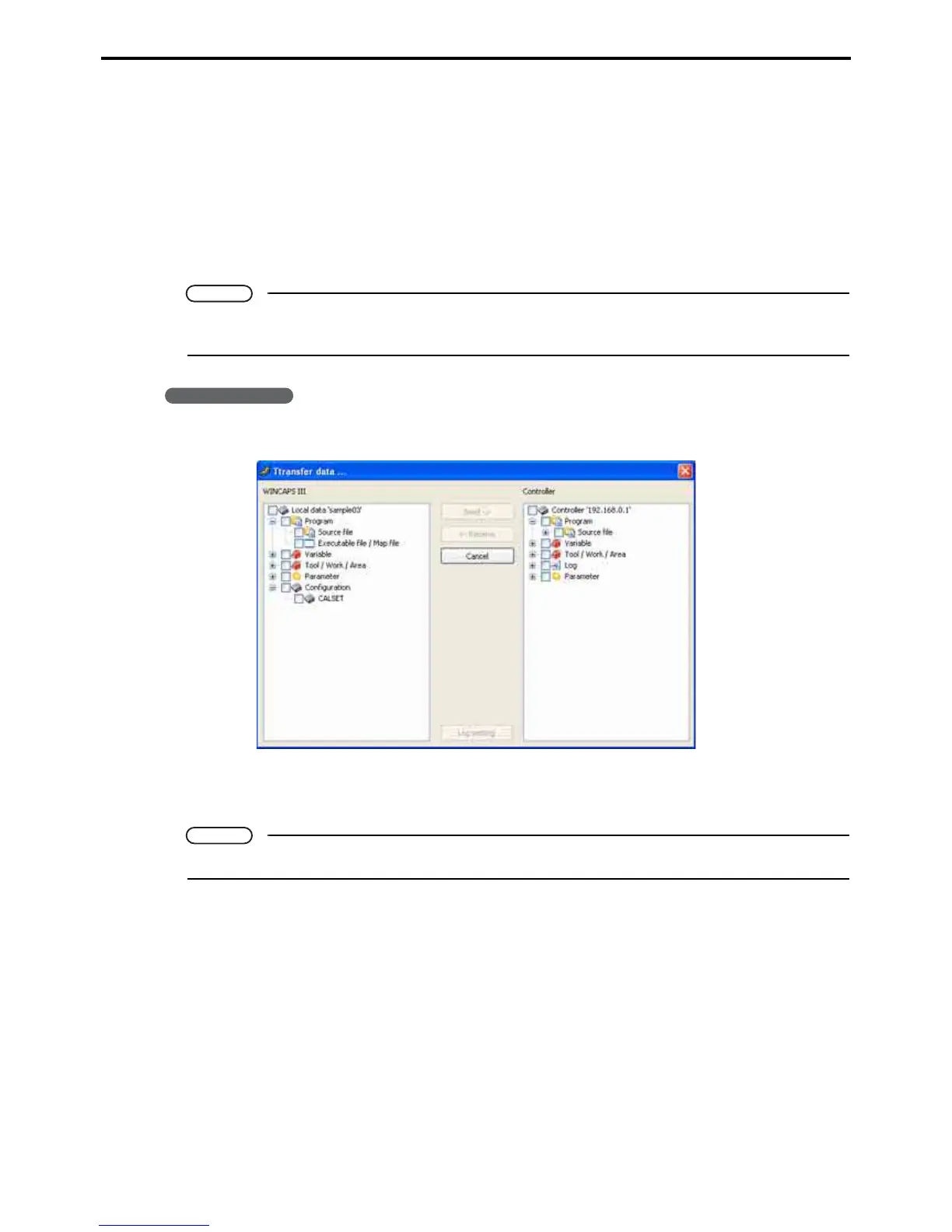
1. Choose Connect|Transfer data... to display the bidirectional transfer dialog box.
2. Select the data source(s).
Selecting the WINCAPS III check box sends data to the Controller; selecting the Controller one receives.
Note
Selecting multiple sources is perfectly acceptable.



 To Next Page