62
Chapter 4 Creating a Project
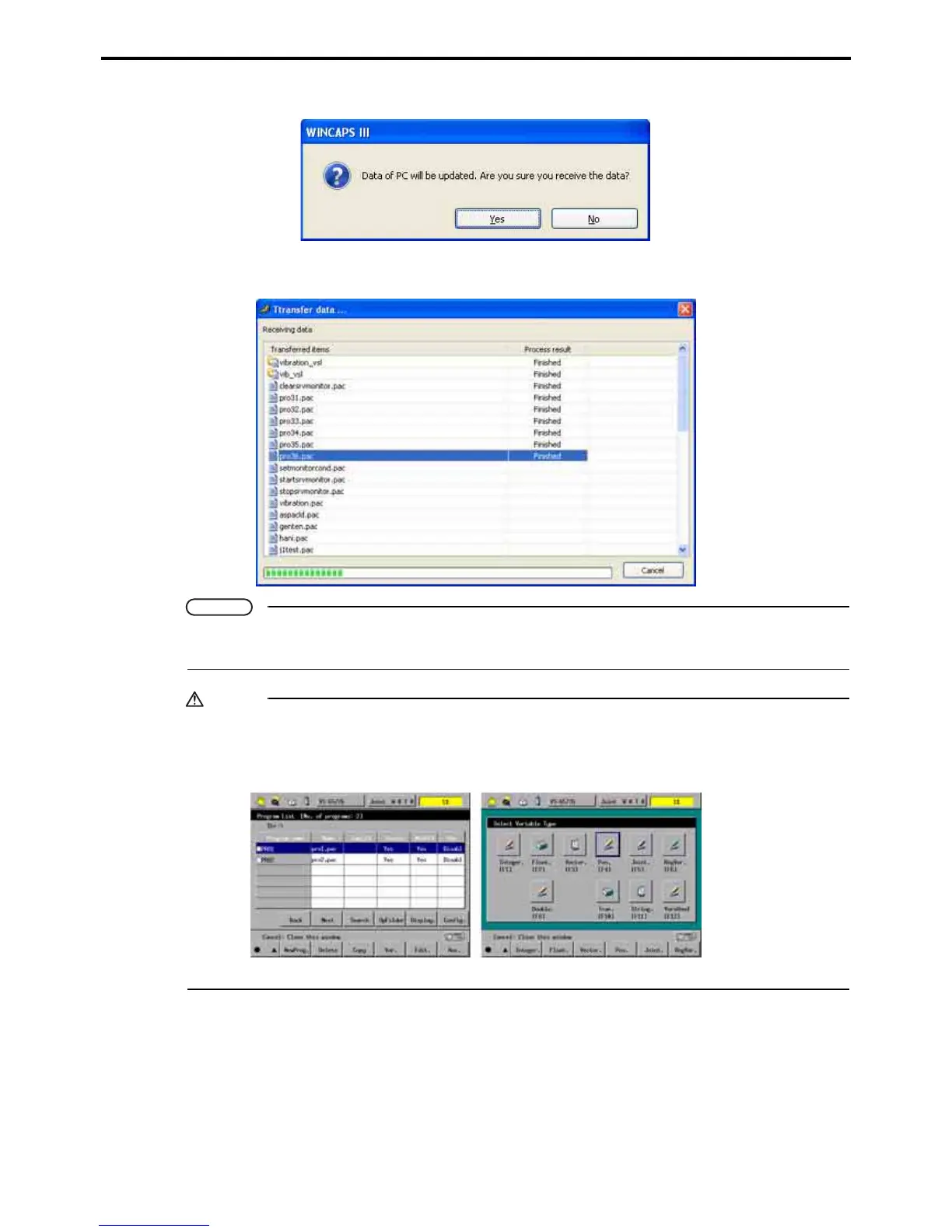
3. Press the Send or Receive button to display a confirmation dialog box.
4. Press the Yes button to start transferring data and display a progress screen.
Note
Receiving data from the robot controller updates the WINCAPS III project data, nullifying any program
updates in the interim.
Caution
When transferring data to the robot controller, close the Program List window or the Select Variable
Type window (if opened) on the teach pendant beforehand; otherwise, the controller cannot load map
files or executable files transferred from WINCAPS III.



 To Next Page