Monitoring Configure NetFlow Probe
IX30 User Guide
901
Web
1. Log into Digi Remote Manager, or log into the local Web UI as a user with full Admin access
rights.
2. Access the device configuration:
Remote Manager:
a. Locate your device as described in Use Digi Remote Manager to view and manage your
device.
b. Click the Device ID.
c. Click Settings.
d. Click to expand Config.
Local Web UI:
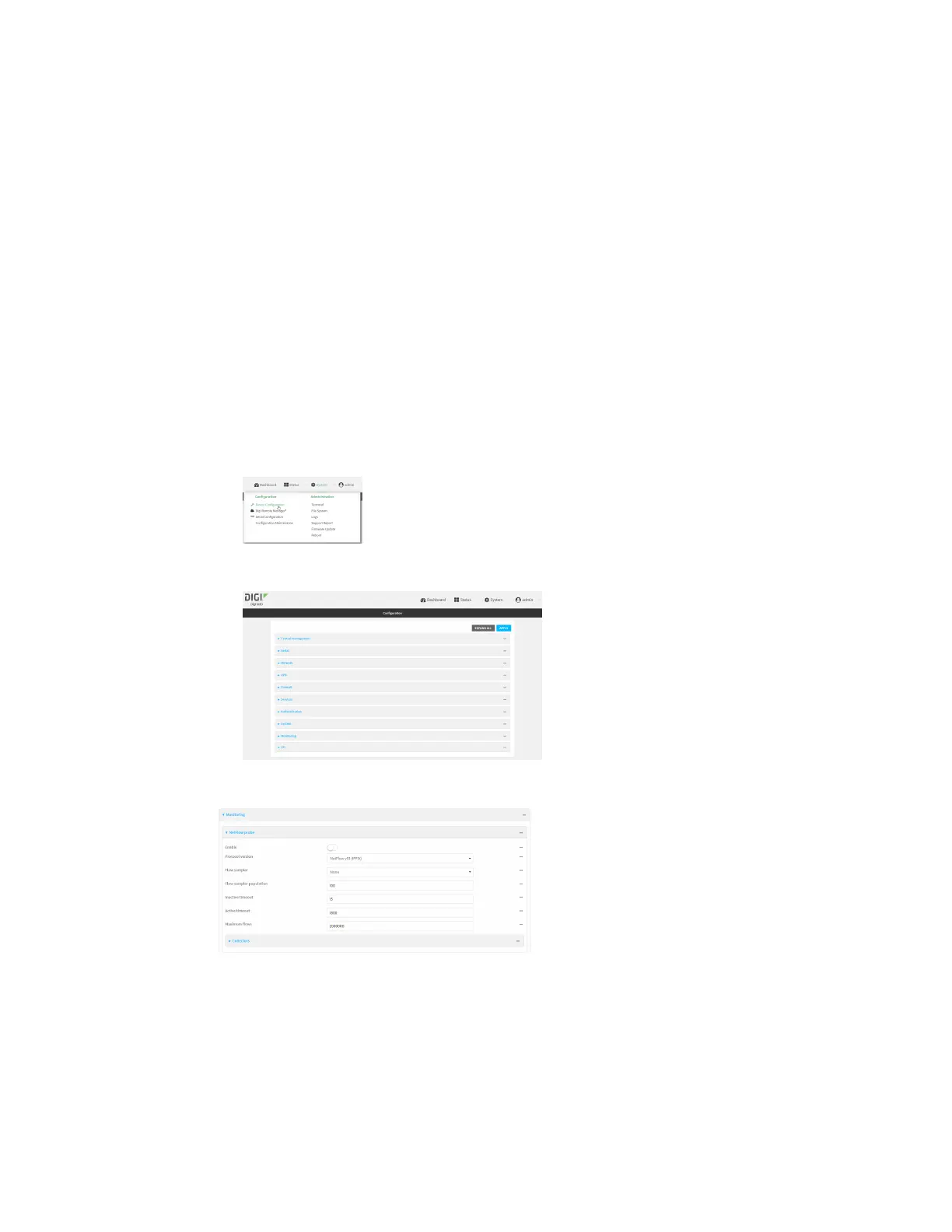
a. On the menu, click System. Under Configuration, click Device Configuration.
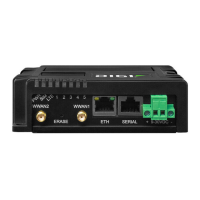
The Configuration window is displayed.
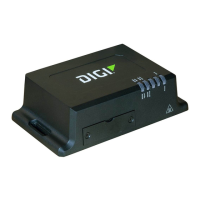
3. Click Monitoring > NetFlow probe.
4. Enable NetFlow probe.
5. Protocol version: Select the Protocol version. Available options are:
n
NetFlow v5—Supports IPv4 only.
n
NetFlow v9—Supports IPv4 and IPv6.


 To Next Page