HYBRID Coater Service Manual ver1.1 Chapter 9
83
Check by moving the Z shaft by hand if the single radio button changes into a red vane when
this limit is reached.
9.9.4 Adjusting the Limits for the Z Axis with the HC-200
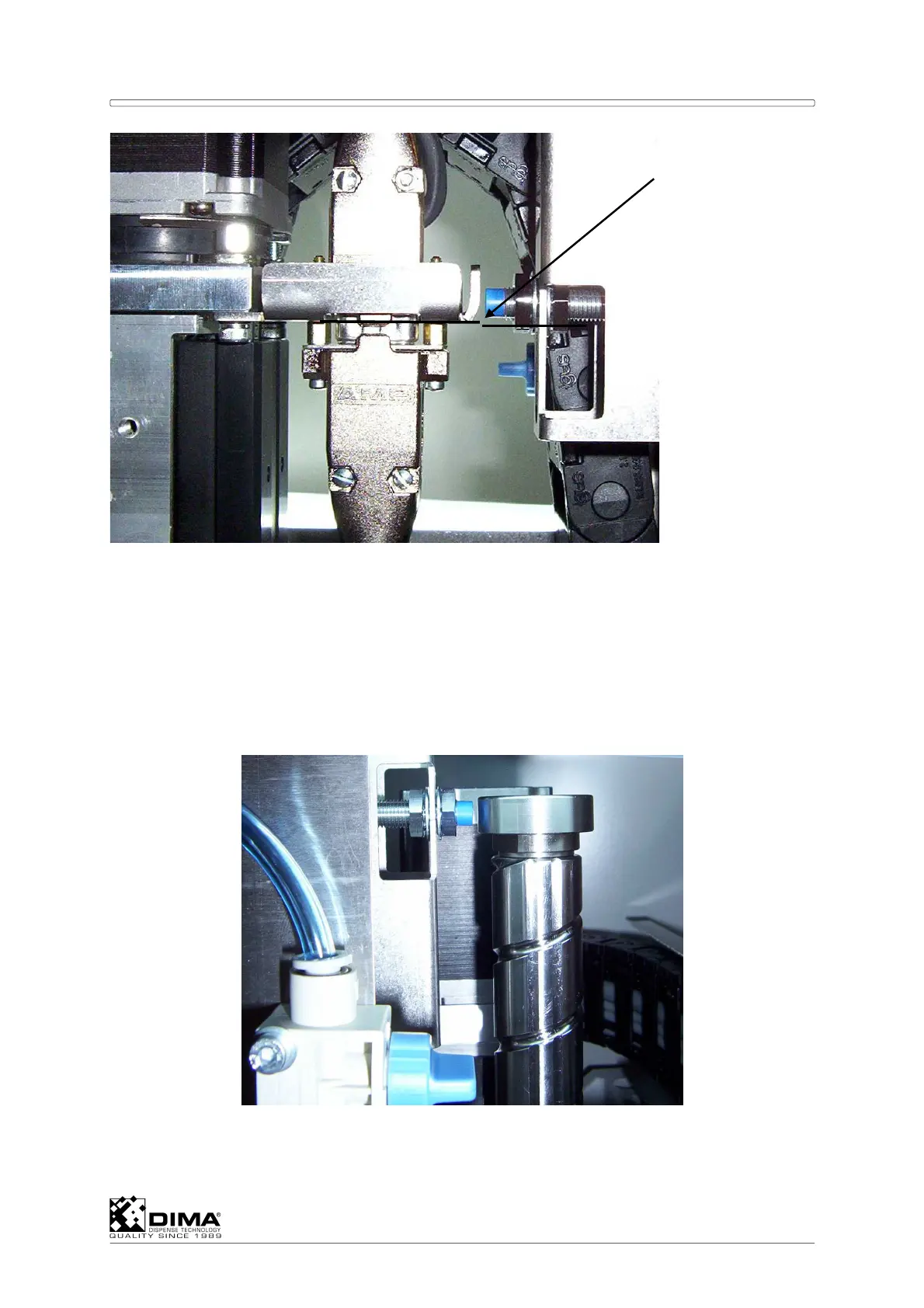
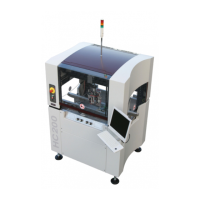
Remove the cover and place back the sensor nut. Move the Coating Head all the way up by
hand against the mechanical stop. Adjust the limit sensor of the Z axis. The distance
between the blue tip of the sensor and the sensor nut should be between 1 and 2mm. The
center of the blue tip should be level with the middle of the sensor nut.
Check by moving the Z shaft by hand if the single radio button changes into a red vane when
the limit is reached.
LEVEL



 To Next Page