DOBOT CR5 User Guide 5 Function Description of Software
Issue V3.5.3.1 (2020-05-09) User Guide Copyright © Yuejiang Technology Co., Ltd
42
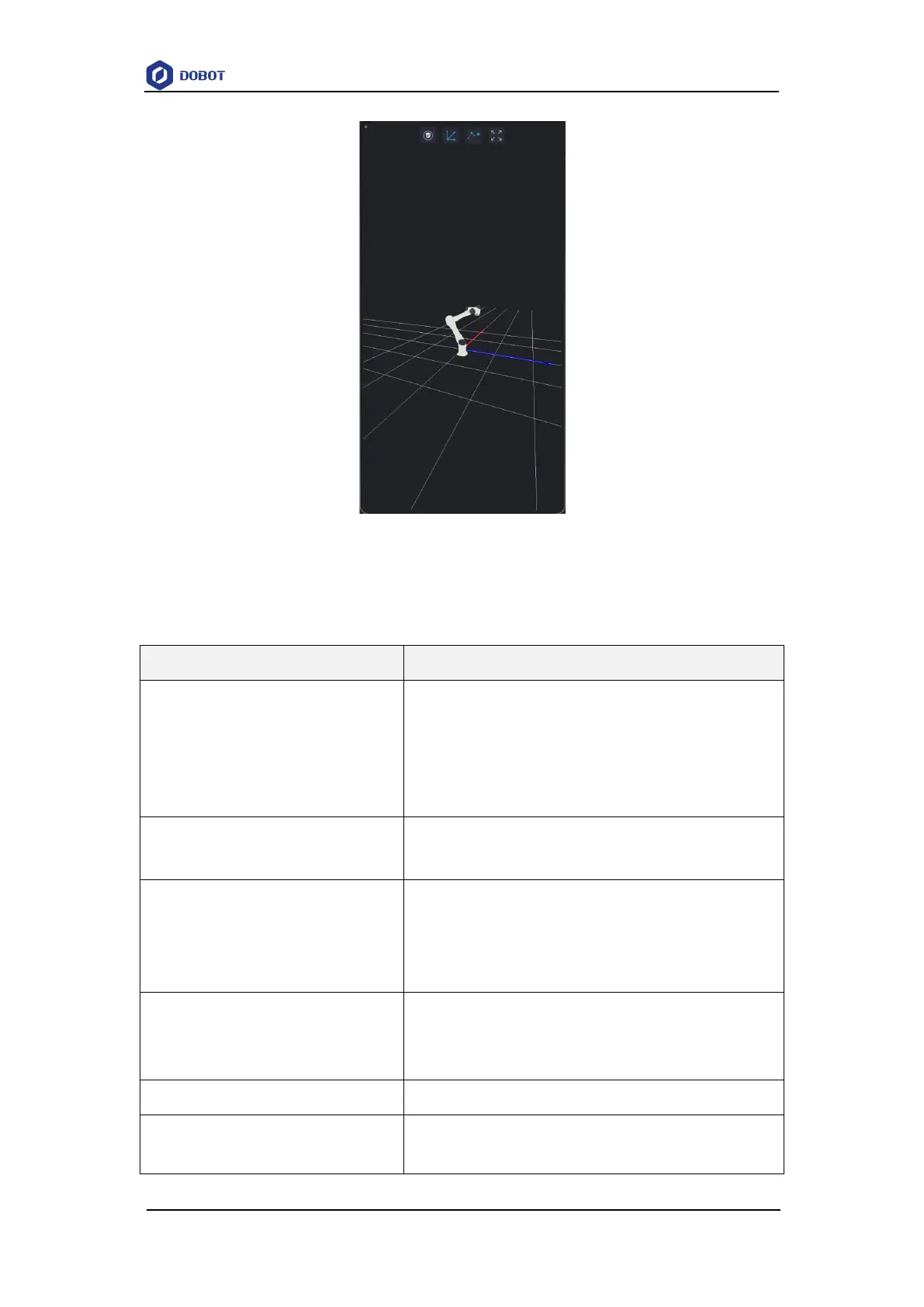
Figure 5.3 3D illustration of a robotic arm
Table 5.1 Cable color description
Manager
APP login personnel are divided into observer, operator,
programer and manager, different personnel can operate different
functions, including the most authority of the management, can
operate all functions
alarm log
You can click it to check alarm log
Manual mode: You can jog robot arm, program or set
parameters, etc
Auto mode: You can monitor motion tracks, I/O ports,
debug program, etc
Connection button
When device and robot arm are connected to network, click the
button to connect the device to robot arm
Click this button to go back to the previous page
Programming module
Programming modules are mainly used for editing and running



 To Next Page